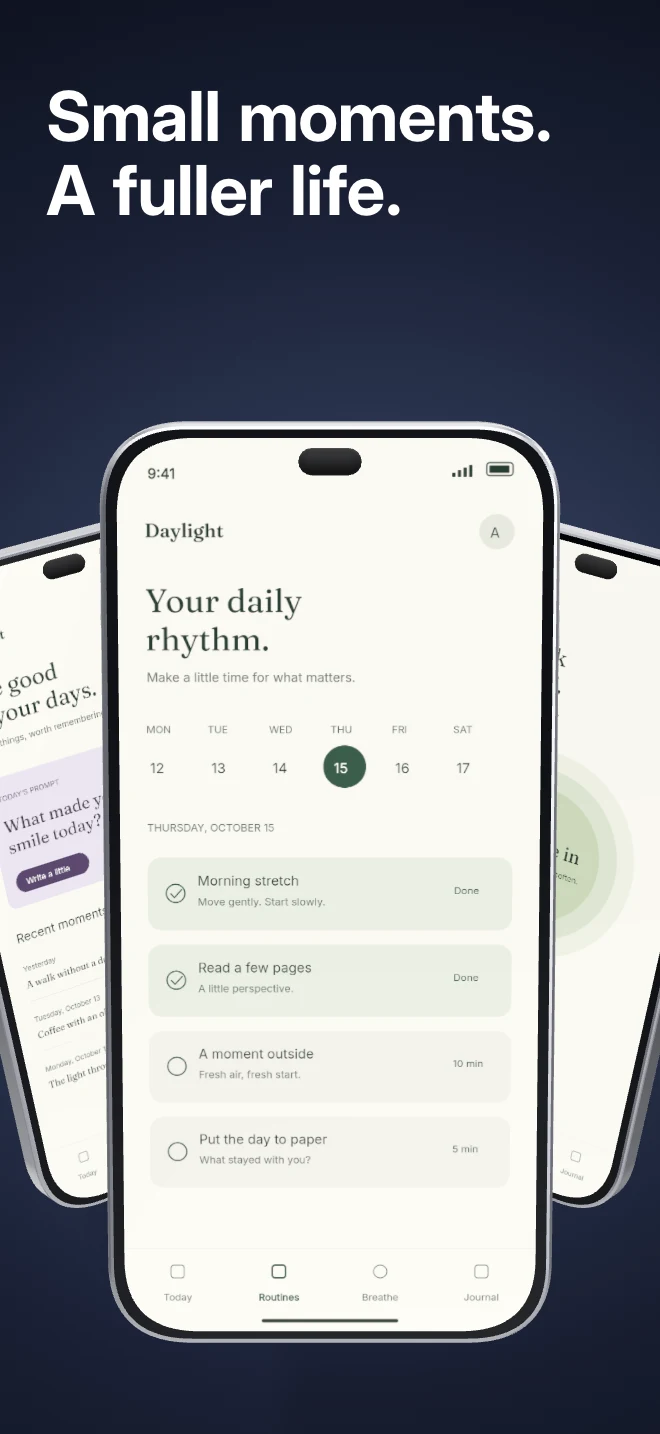
Three independent app screens sit in a shallow arc under shared lighting. Show a small product story inside a single composition.
Explore templateTemplate direction
Connected panoramic screenshots stop thumbs in App Store search and product carousels. Edit cross-panel 3D devices in one unified studio and export exact store-sized PNGs automatically.
Free plan ($0 forever) · Pro $69/yr · No credit card required
Matching editable compositions
Three independent app screens sit in a shallow arc under shared lighting. Show a small product story inside a single composition.
Explore template
Warm gold and cream panels linked into a continuous 5-screen story. Ideal for rewards, cashback, loyalty and consumer wallet apps.
Explore template
Editorial terracotta and warm paper panels with connected cross-border framing for conversational AI, writing and research assistants.
Explore template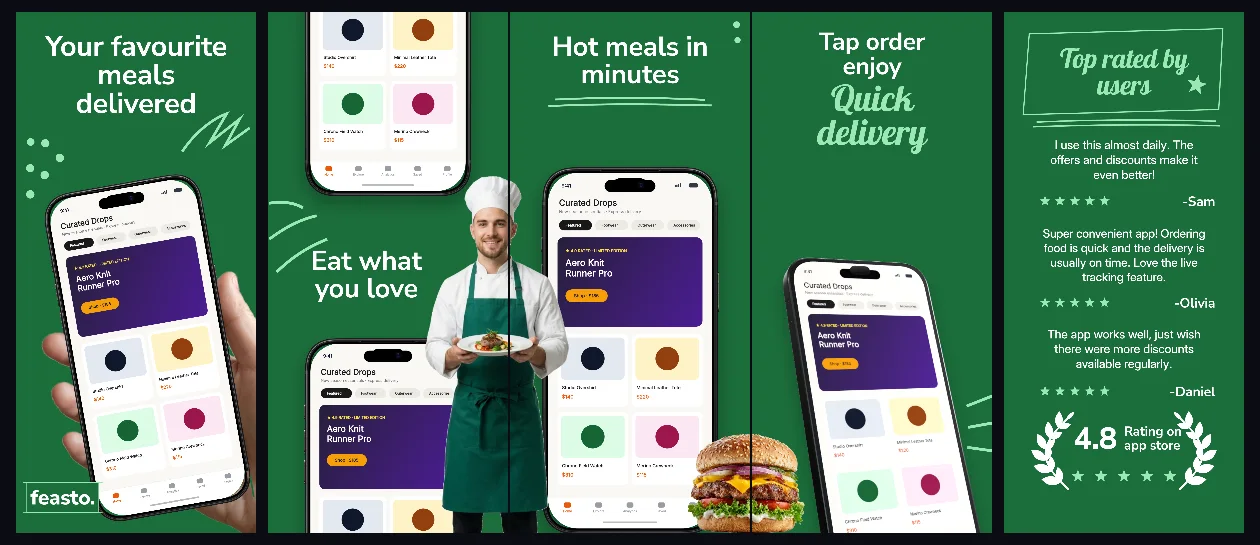
Fresh forest-green storytelling with a handheld opening frame and connected 3D menu, cart and live delivery tracking panels.
Explore template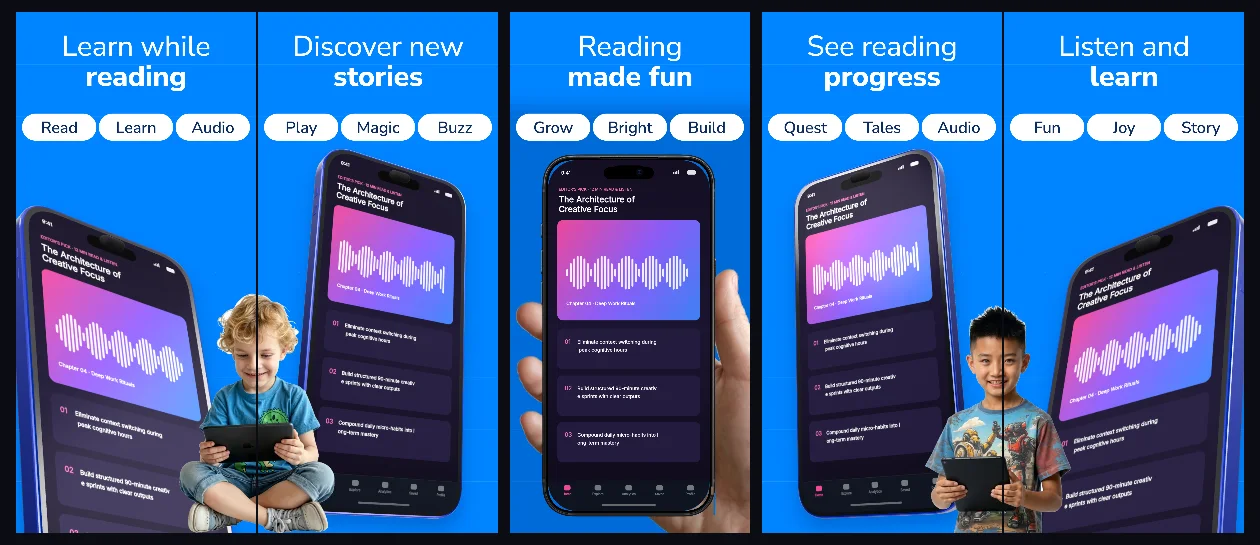
Bright sky-blue connected panels with friendly bold headlines and angled 3D screens built for reading, audiobooks and learning apps.
Explore template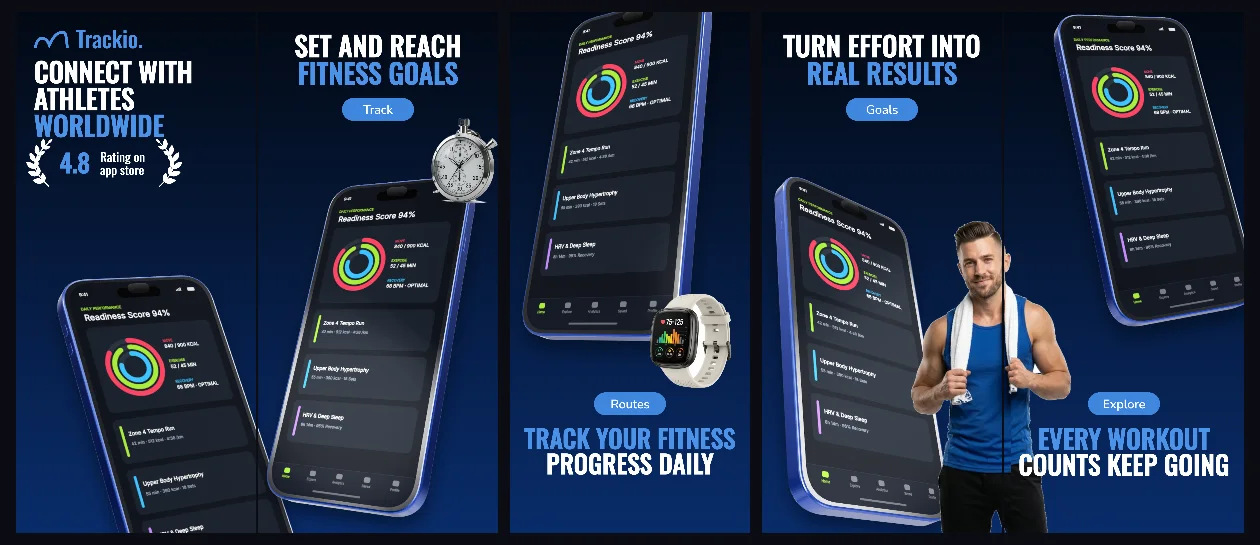
Midnight-cobalt athletic gradients with connected 3D iPhones designed to make workout timers, heart-rate zones and training splits pop.
Explore template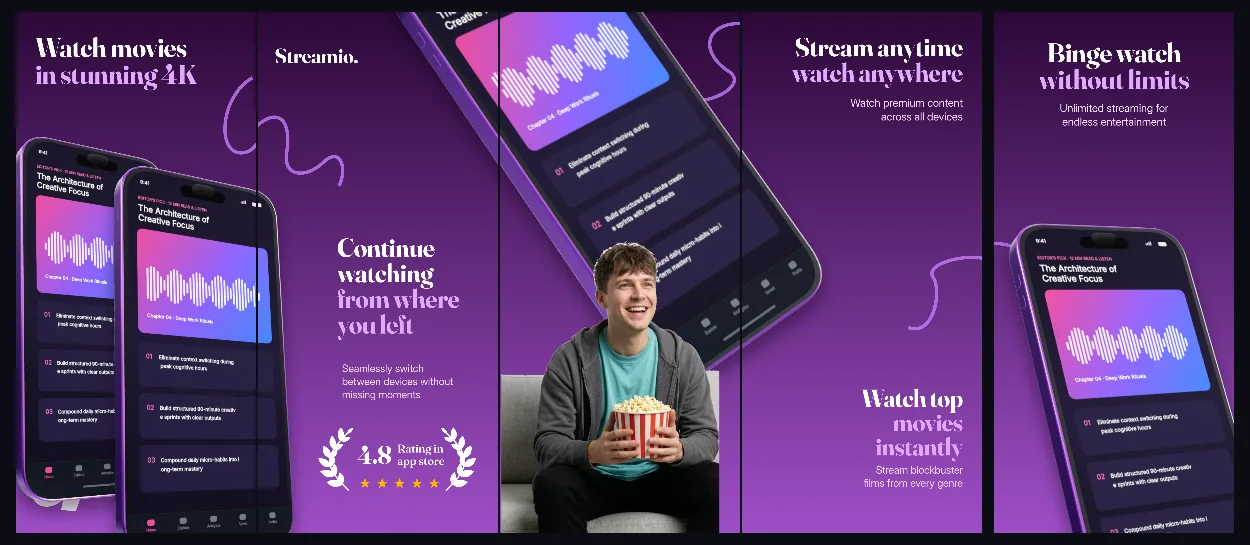
Ultraviolet-to-plum 3D panoramic panels that bridge discovery feeds, watchlists and offline playback into one cohesive store set.
Explore template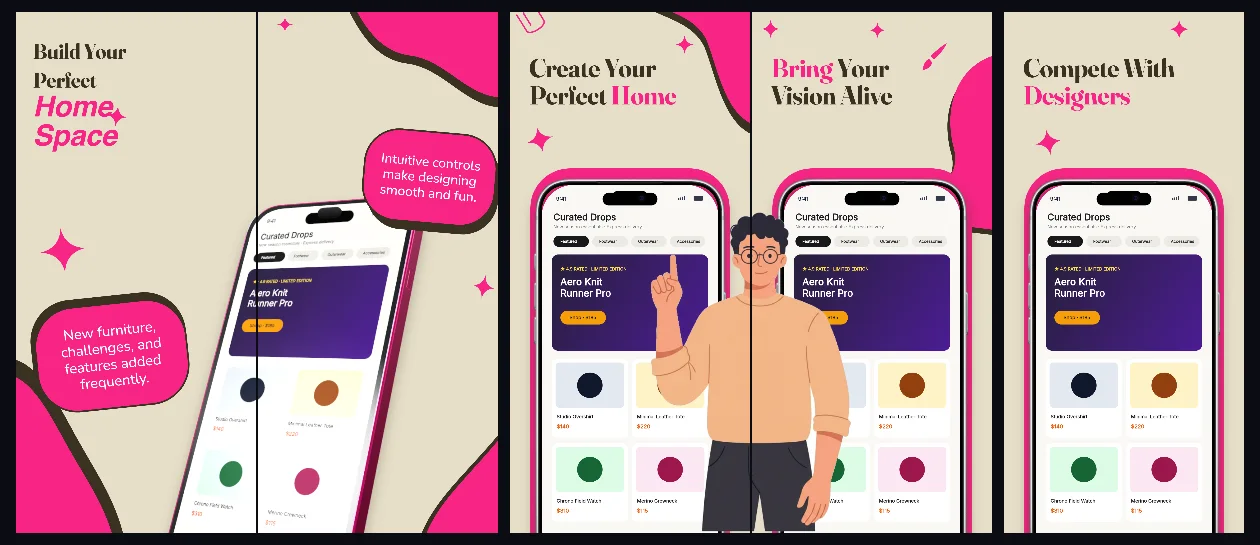
Warm limestone backgrounds and quiet editorial serif-inspired hierarchy that let photography, room renders and spatial tools shine.
Explore template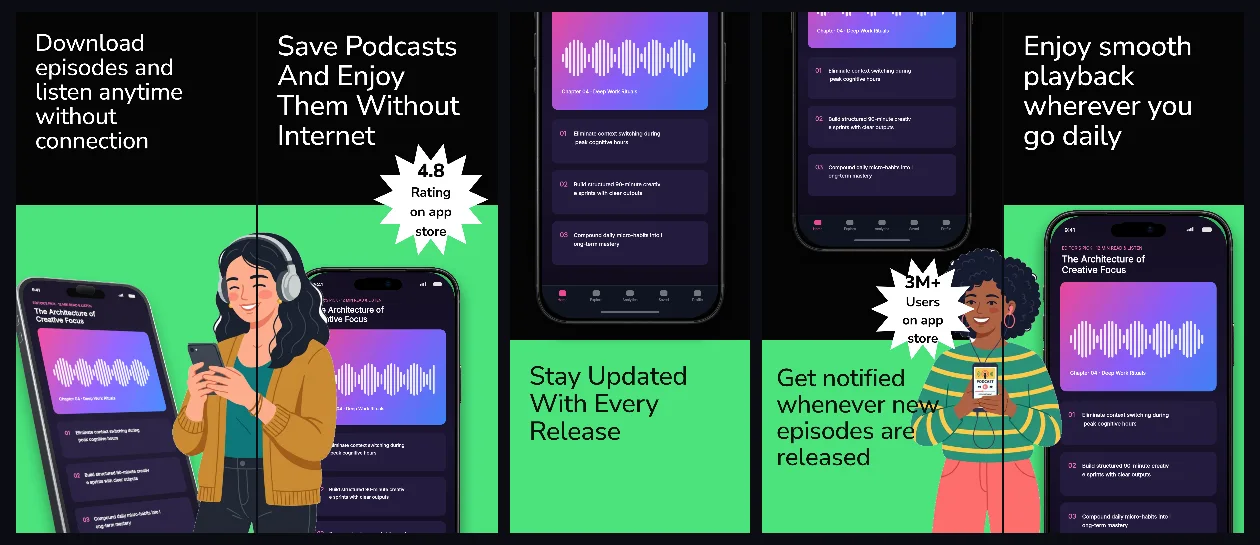
Pure obsidian studio lighting with titanium 3D bezels and high-contrast white headlines built for audio, podcast and music apps.
Explore template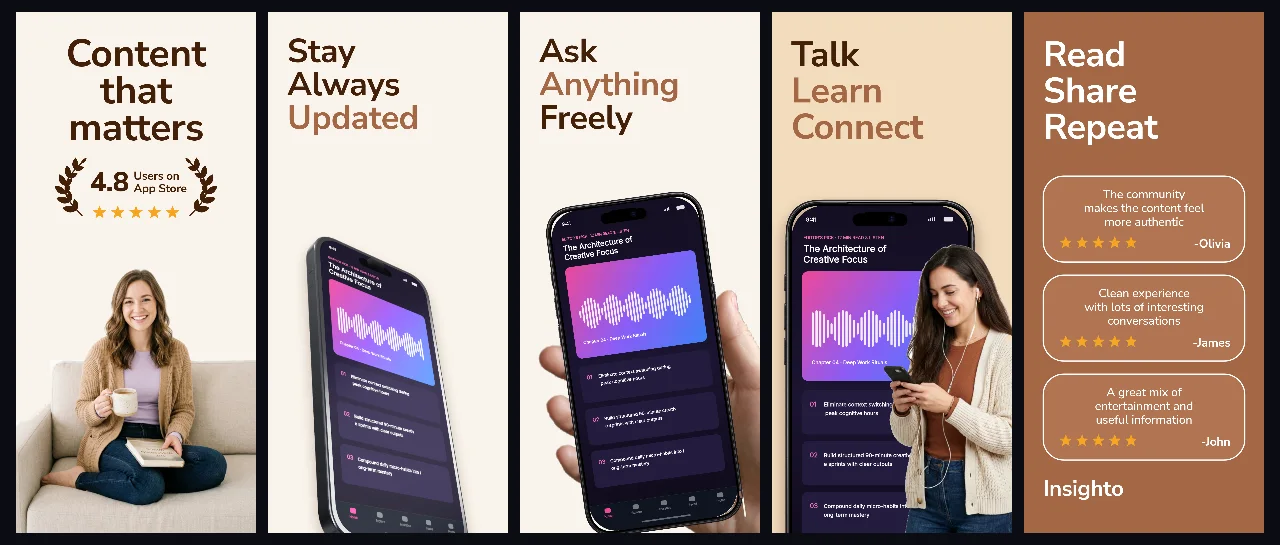
Soft parchment and espresso tones with handheld and angled 3D views tailored for reading, knowledge sharing and thoughtful social apps.
Explore template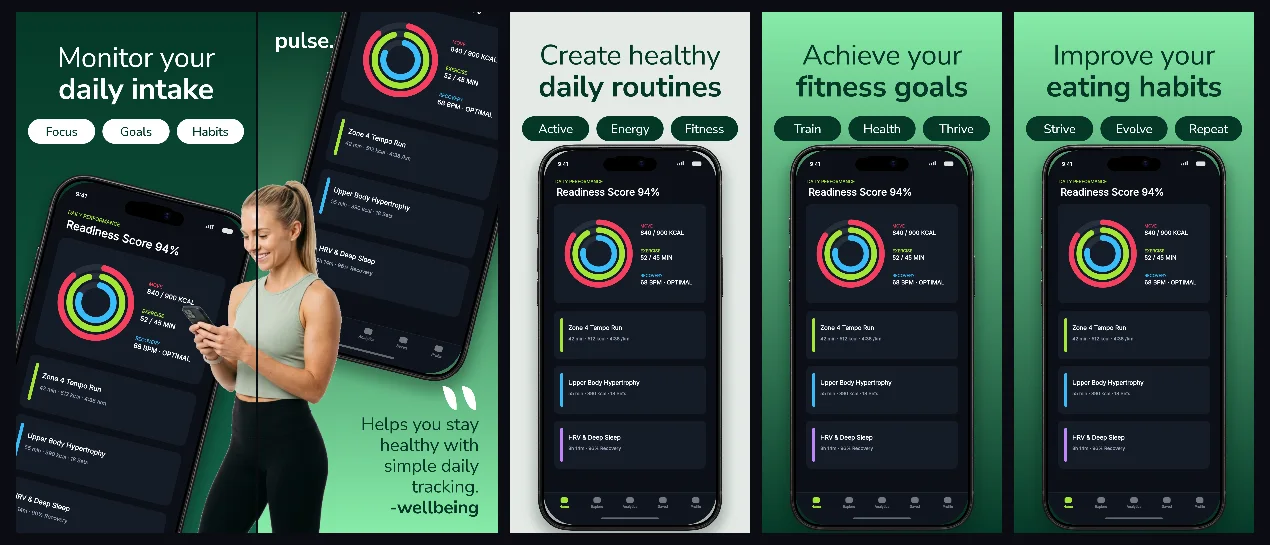
Deep botanical emerald paired with mint accents across a connected 5-panel progression from meal logging to metabolic insights.
Explore template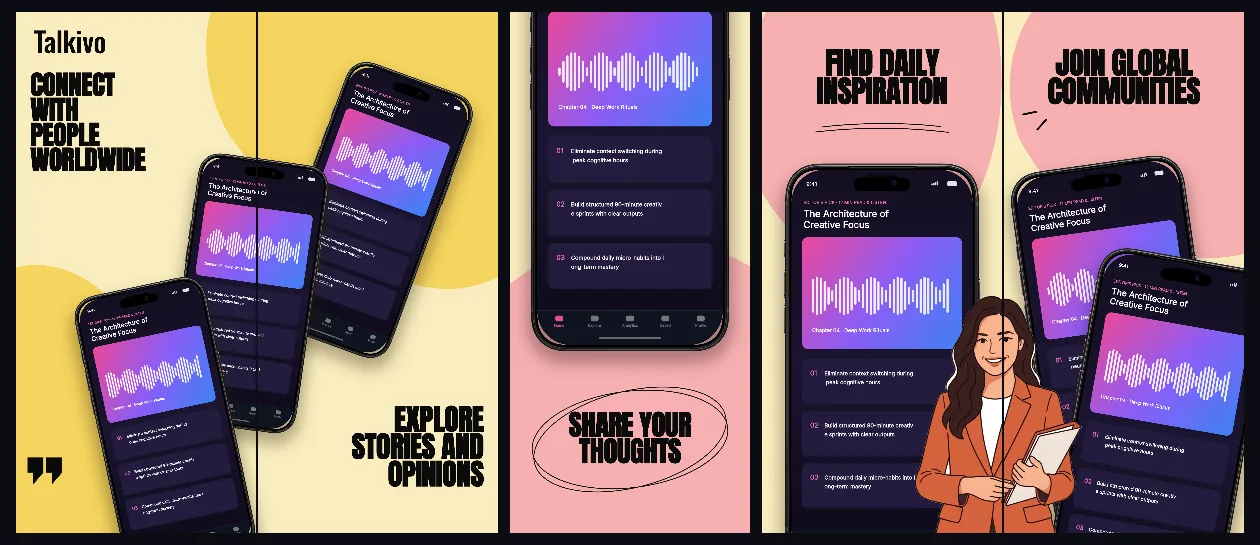
Warm buttercream canvases and crisp ink typography with connected device framing for messaging, clubs and voice rooms.
Explore template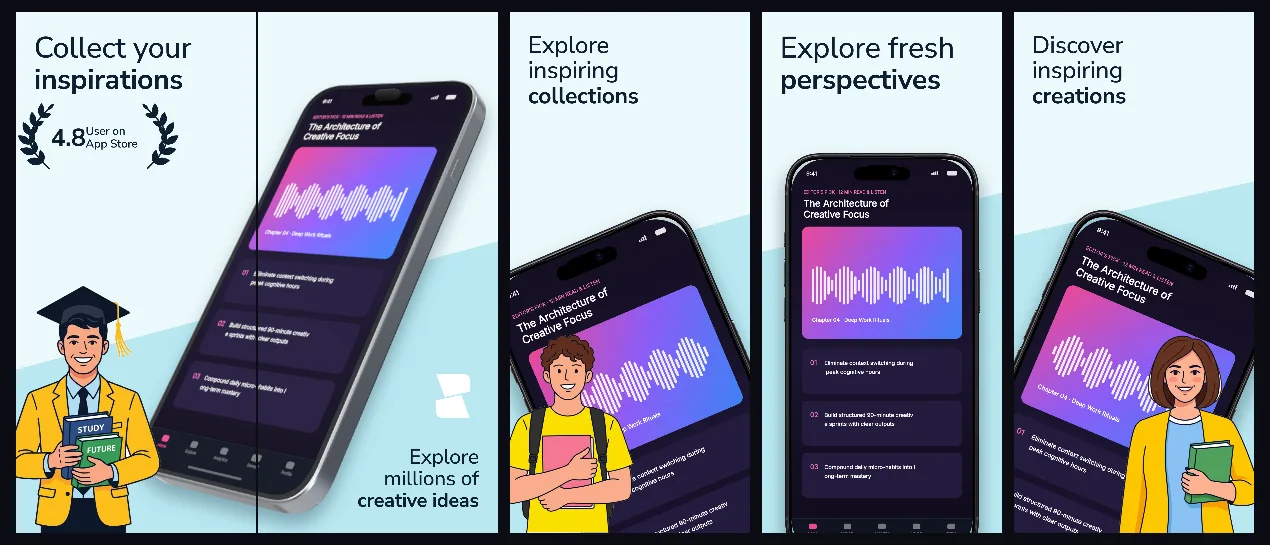
Airy glacier-mist panels with subtle 3D perspective that keep visual moodboards, illustrations and design tools front and center.
Explore template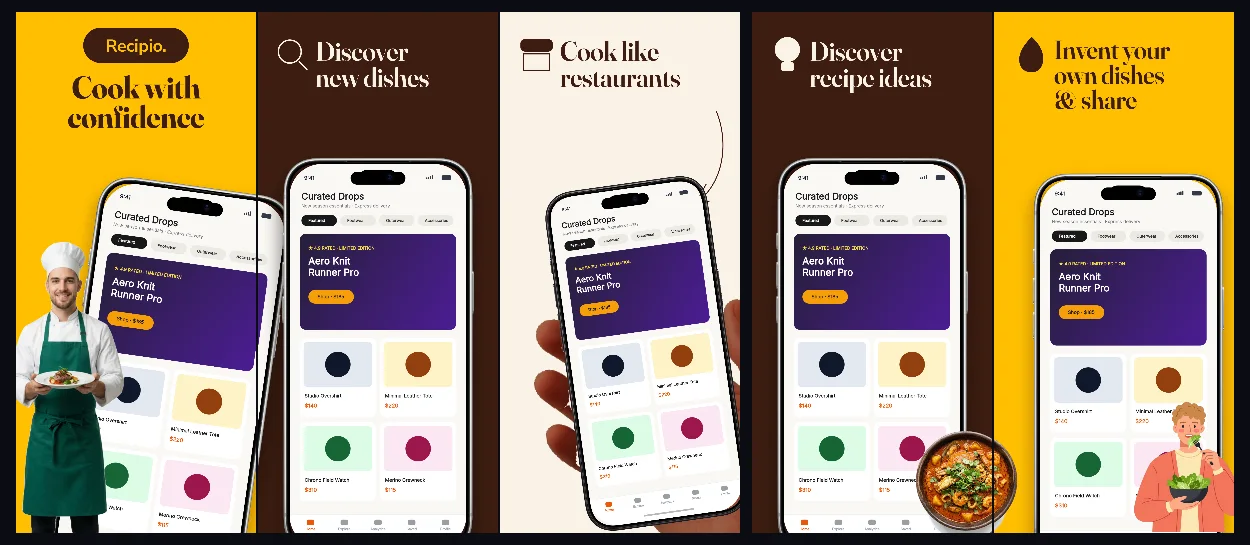
Appetizing saffron gold, warm cream and espresso typography with handheld framing and connected pantry-to-plate screens.
Explore template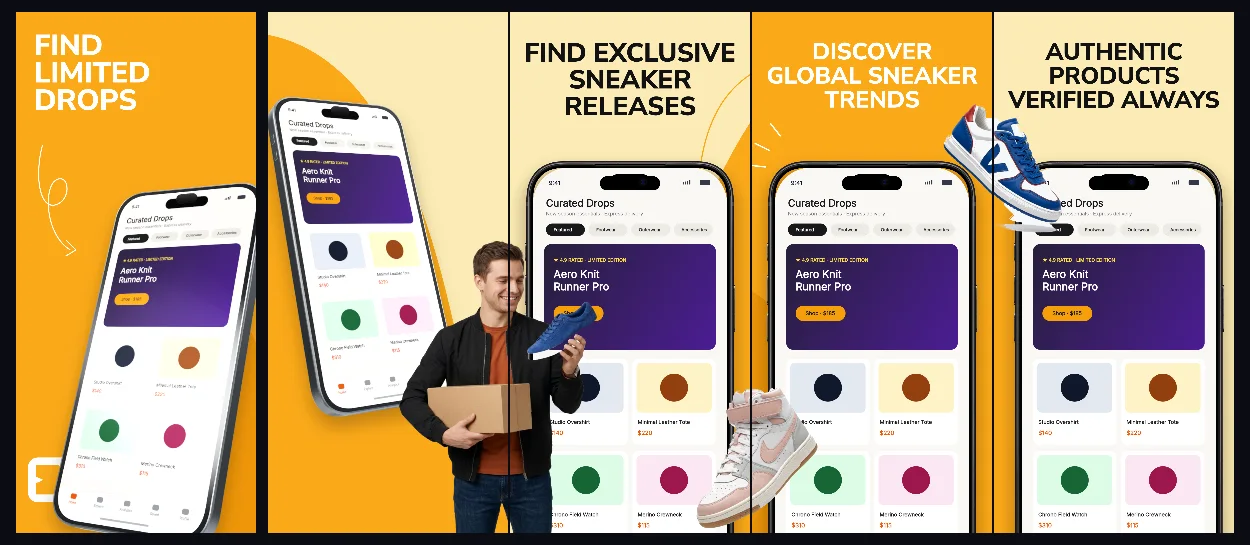
Bold amber-gold gradients and dynamic 3D angles engineered for product drops, collector marketplaces and mobile commerce.
Explore template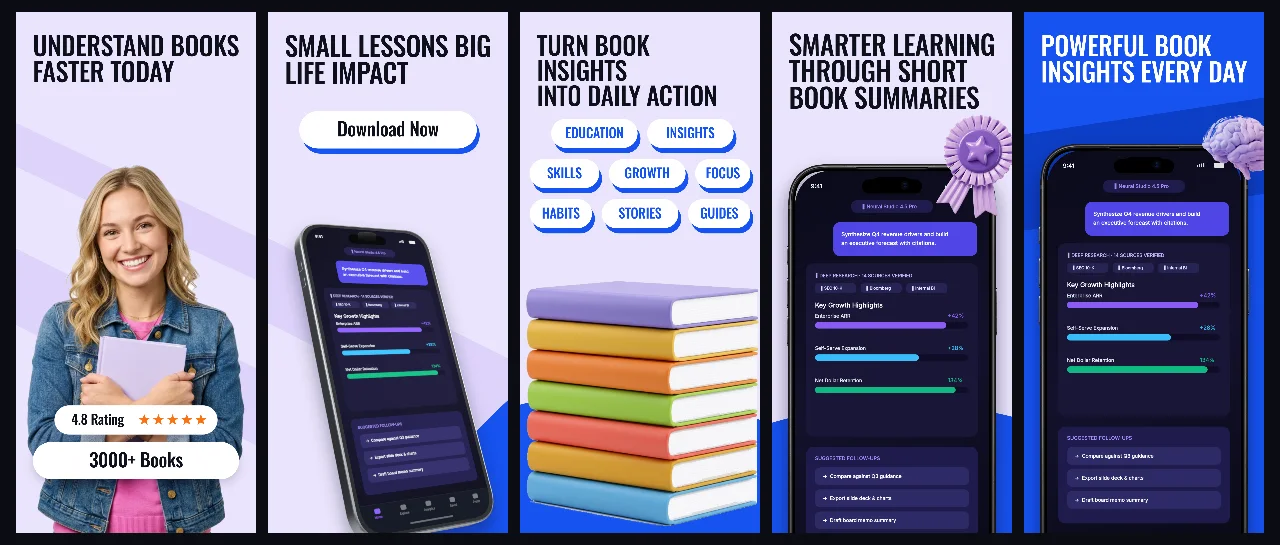
Soft lavender studio space accented with royal-blue headlines and connected 3D devices for daily reading, audio lessons and study streaks.
Explore template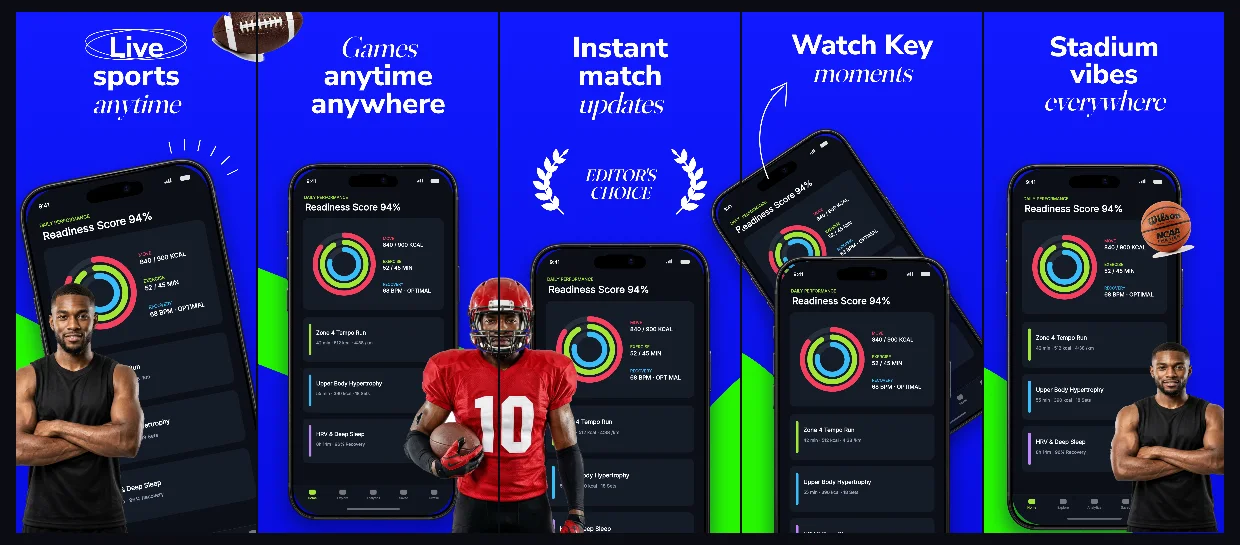
Electric stadium-cobalt canvases with bold condensed headlines and connected multi-screen layouts for live scores, lineups and stats.
Explore template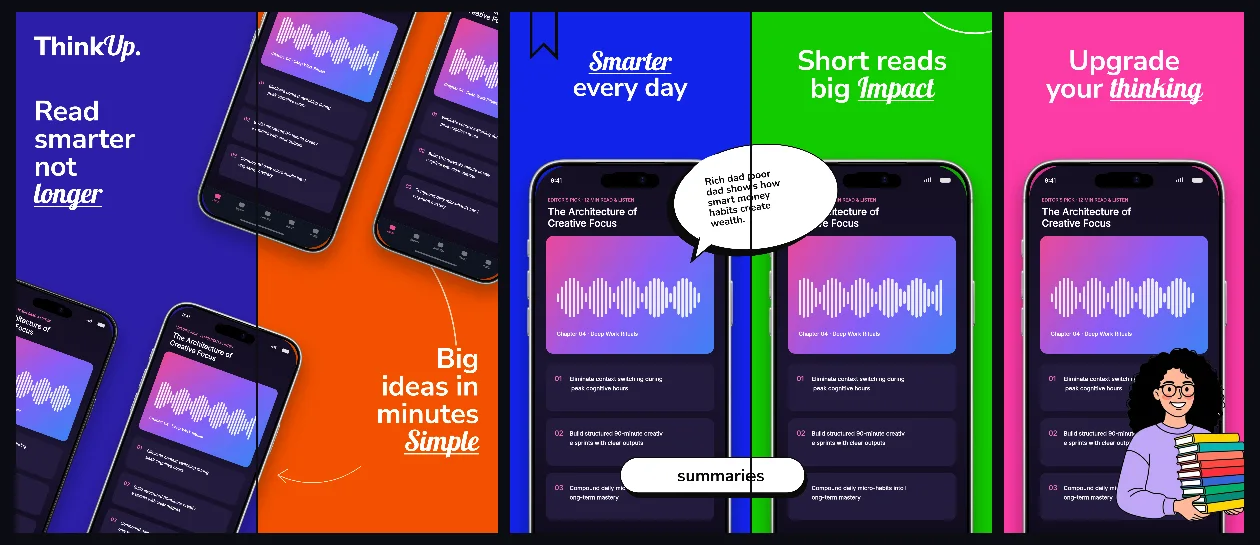
Bold indigo, tangerine and emerald chapter panels connected into an energetic 5-screen curriculum from discovery to daily mastery.
Explore template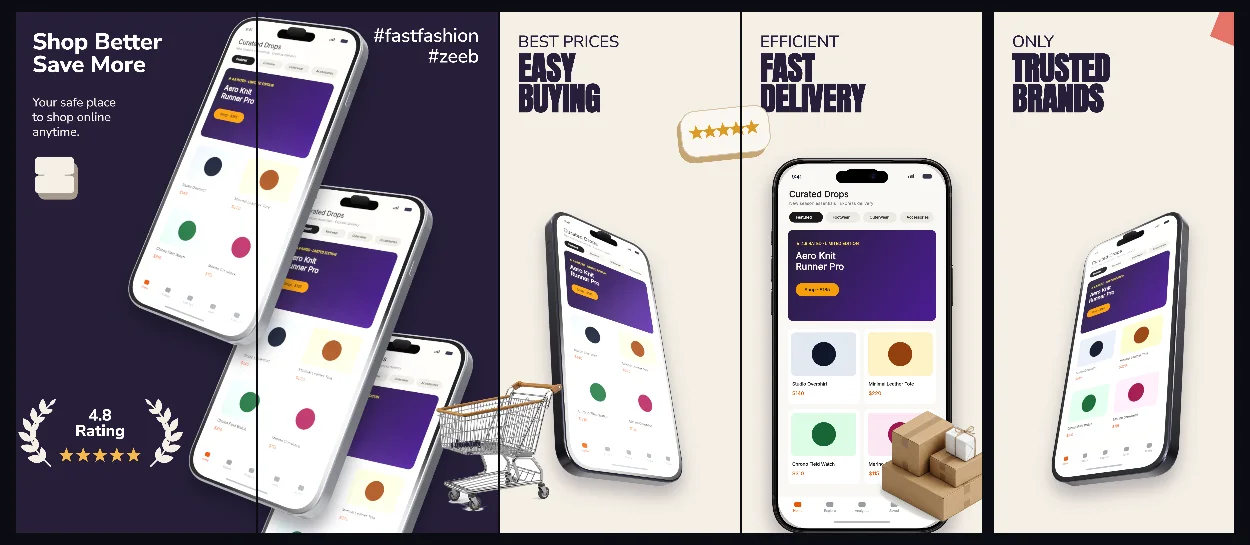
Refined editorial linen and deep aubergine contrast with subtle 3D angles crafted for lookbooks, styling and boutique retail.
Explore template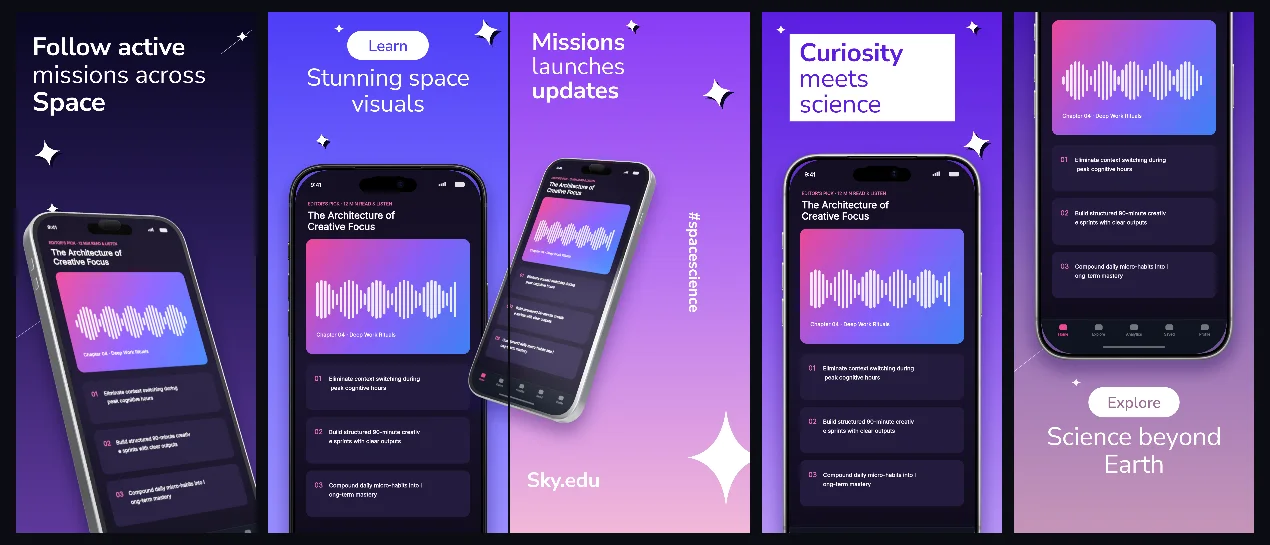
Deep-cosmos indigo gradients and floating 3D iPhones built for astronomy, STEM courses, coding and interactive exploration apps.
Explore template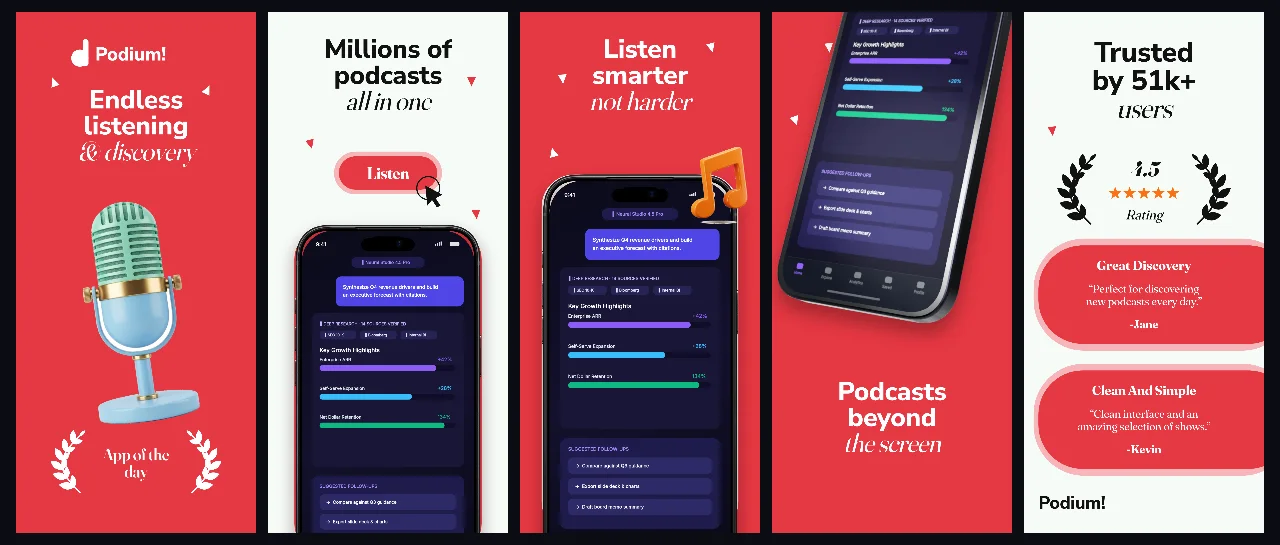
Editorial coral-crimson hero contrast paired with crisp off-white panels and 3D iPhones for spoken-word audio, news and radio apps.
Explore template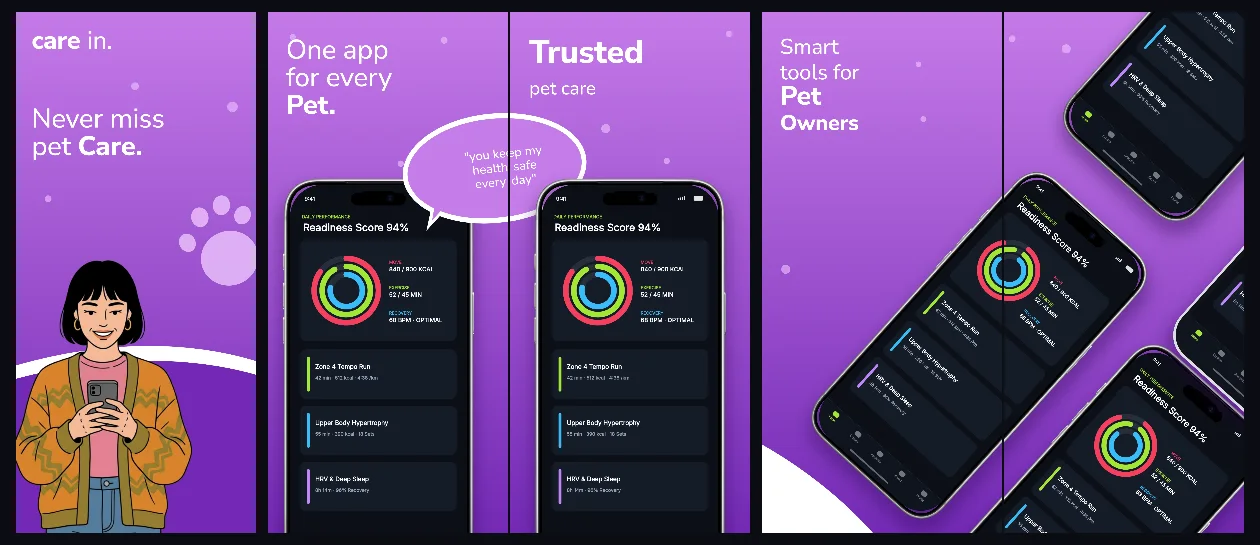
Friendly orchid-to-violet connected panels that turn health logs, reminders and care schedules into an approachable five-screen story.
Explore template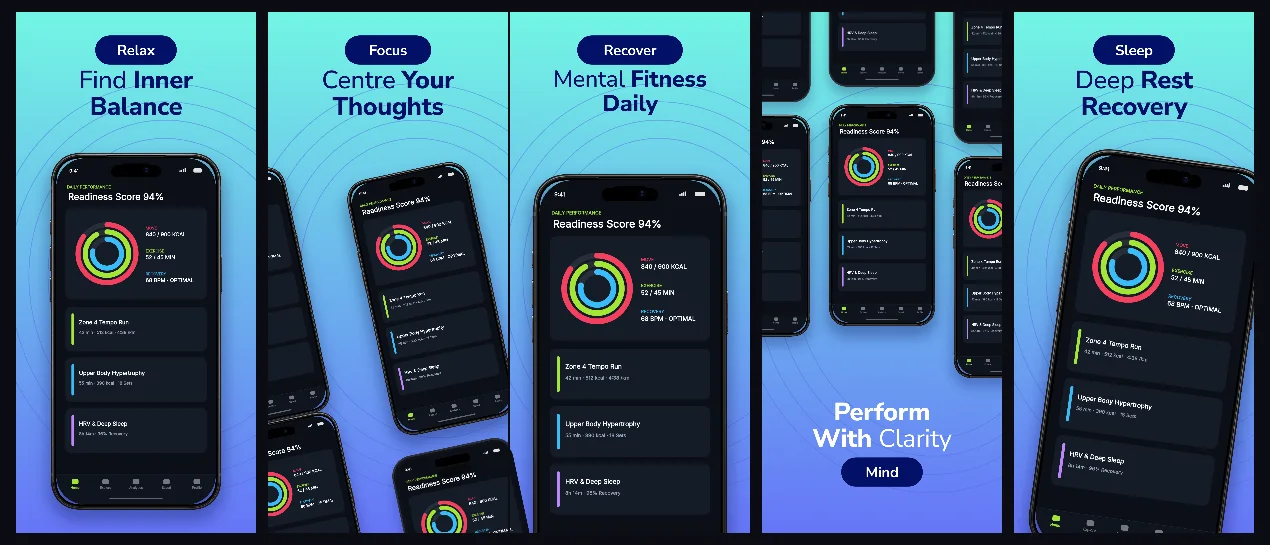
Soothing aurora-aqua to periwinkle gradients with connected framing for sleep stories, breathwork timers and nightly wind-down routines.
Explore template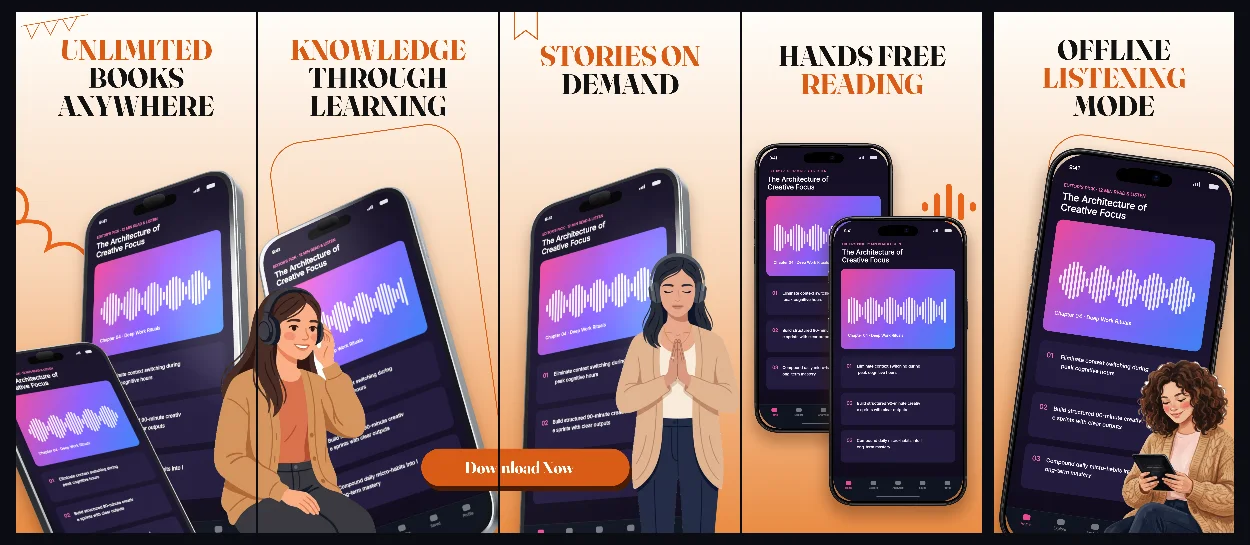
Warm sunlit parchment and amber accents with 3D connected iPhones crafted for audiobooks, e-readers and long-form storytelling.
Explore template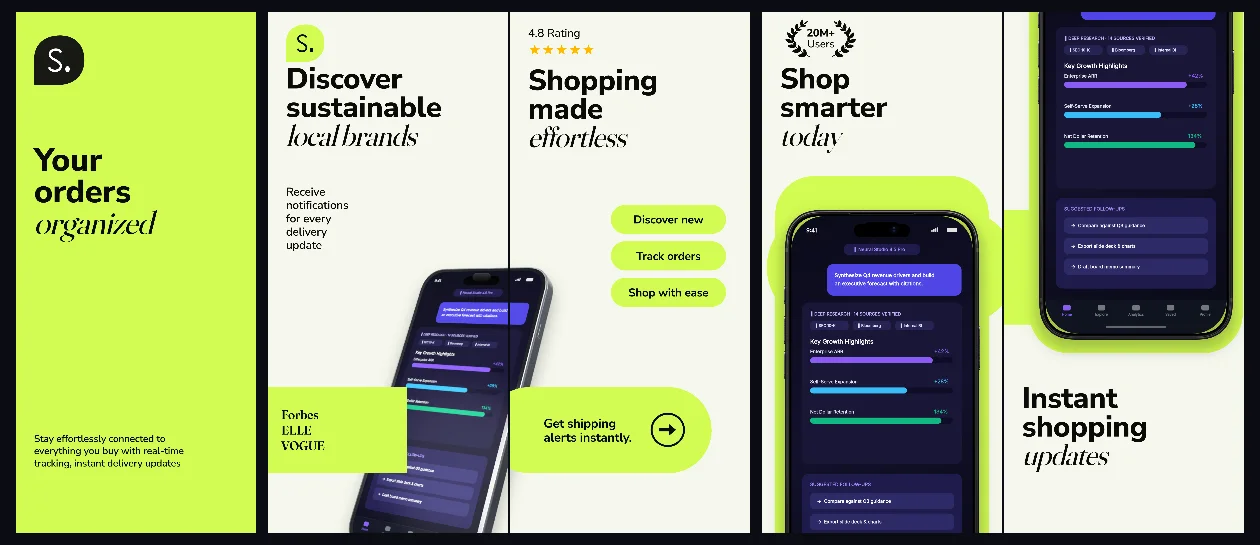
Clean oat-paper panels energized by botanical lime accents and 3D connected iPhones for order tracking, receipts and smart shopping.
Explore template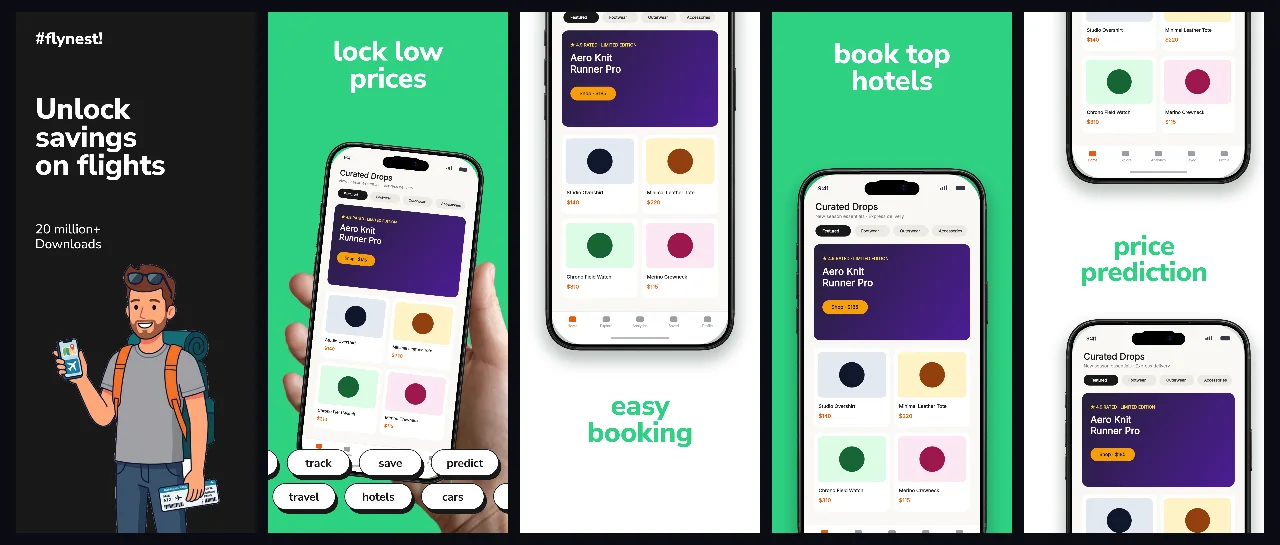
Obsidian carbon and signal-emerald contrast opening with a realistic handheld frame for flight alerts, multi-currency cards and travel deals.
Explore template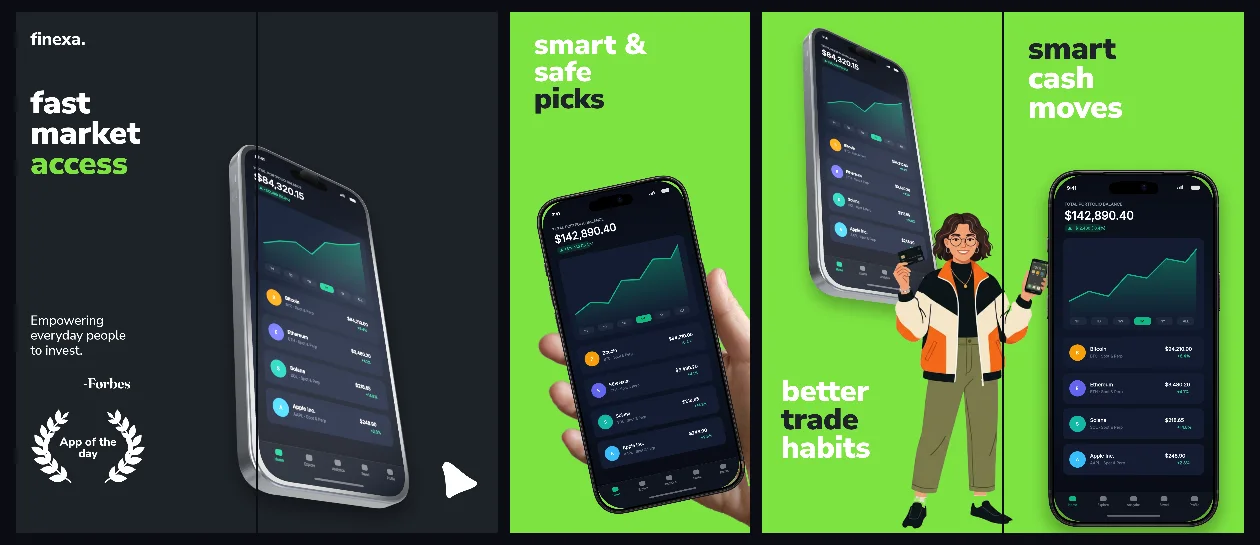
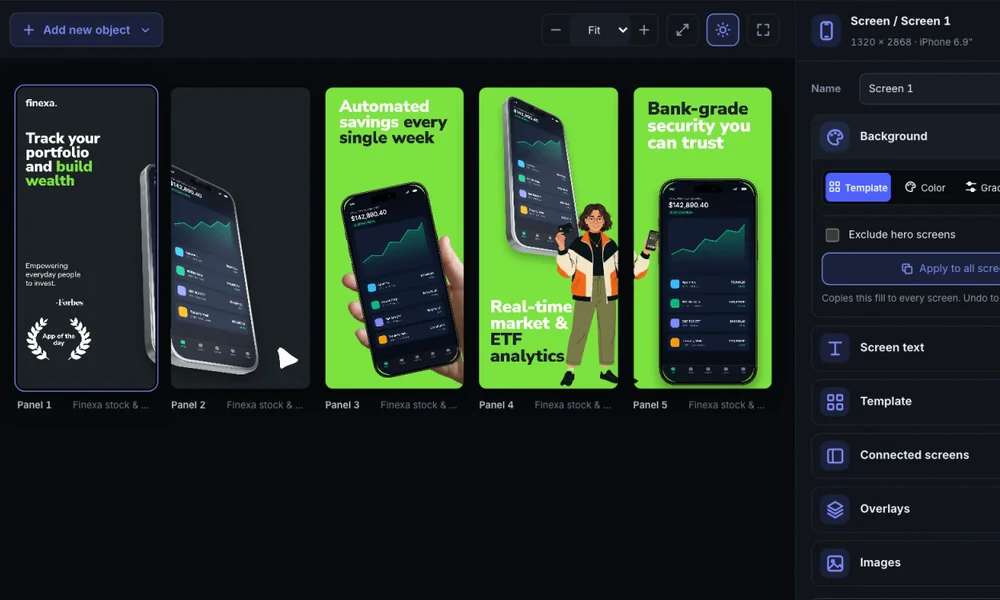
Precision graphite-slate backgrounds, market-green accents and connected 3D + handheld views built for investing, portfolios and analytics.
Explore templatePractical walkthrough
Connected scenes work best when panel 1 stands strong on its own in Search while its right edge invites a swipe into panel 2.
Keep your primary headline wholly inside panel 1’s safe margins even when the 3D device bridges across the right border.
Use the multi-panel board view to verify the device or ribbon crosses from panel 1 into panel 2 at identical vertical alignment.
Test the exported PNGs in the App Store Preview Simulator to confirm the inter-card gap still reads naturally on iPhone.
Position a 3D iPhone or callout across a panel seam and the renderer exports crisp, aligned store panels automatically.
Preview how panels 1–3 read side-by-side in iOS Search results before committing to a cross-panel bridge.
Keep headlines inside each panel’s safe zone while devices and background ribbons span seamlessly underneath.
When a tilted phone or background ribbon continues across the gap between panel 1 and panel 2, viewers naturally swipe to complete the visual frame. That swipe exposes your second and third value propositions.
Even in a panoramic layout, every caption should complete its thought inside a single panel so App Store crop margins never cut a word in half.
Questions
Yes. Free ($0 forever) includes the full 3D browser studio, ready-made template library, Remote MCP access to test AI agents, and unlimited draft projects with watermarked preview exports.
Never. Every scene stays an editable multi-layer SceneDoc with live text, 3D hardware poses, backgrounds, vector badges and per-locale overrides.
No ($0 AI markup). Connect Claude, ChatGPT, Cursor or Codex via https://appscreendesign.com/mcp using the AI subscription you already have.
Start with a composition. Keep every detail editable.