Two distinct aspect ratios
At ~0.687 (outer) and ~0.703 (inner), iPhone Duo screens are noticeably wider than standard 9:19.5 iPhones—never stretch a 1320 × 2868 capture into them.
Size specification
Dual-posture iPhone Duo apps have two distinct reading proportions: a compact 1398 × 2034 outer cover screen and an expansive 2007 × 2853 unfolded inner canvas. AppScreenDesign supports both natively.
1398 × 2034 px2007 × 2853 px1574 × 2194 (Outer) · 2247 × 3093 (Inner)Free plan ($0 forever) · Pro $69/yr · No credit card required
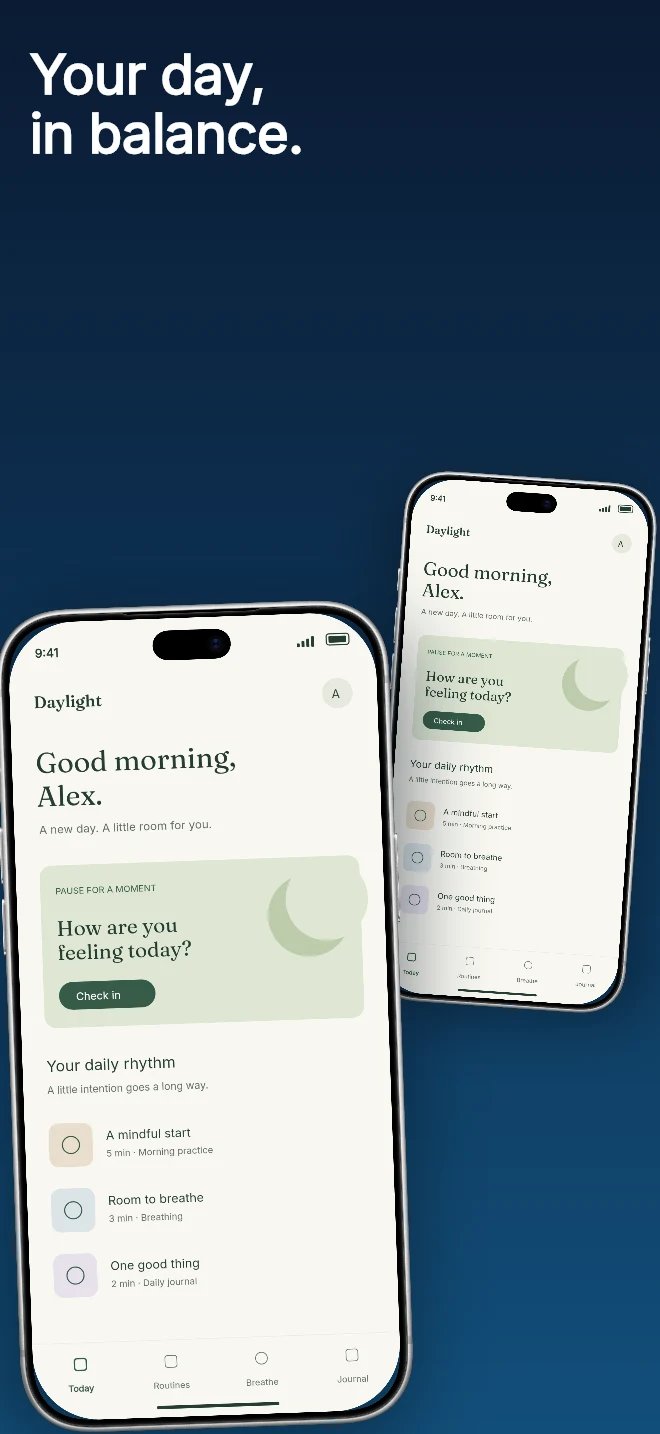
Exact pixel specifications
| Store slot | Portrait | Landscape / Canvas | Notes |
|---|---|---|---|
| iPhone Duo (Outer, Closed) | 1398 × 2034 px | — | AppScreenDesign family: iphone-duo-outer · Star White & Night Sky bezels |
| iPhone Duo (Inner, Open) | 2007 × 2853 px | — | AppScreenDesign family: iphone-duo-inner · Unfolded multitasking & wide UI |
| Hardware Frame Canvases | 1574 × 2194 (Outer) | 2247 × 3093 (Inner) | Exact screen cutouts & corner radii built into @keymaker/frames |
Practical walkthrough
Respect the wider aspect ratios of both iPhone Duo displays instead of cropping tall phone art.
Record 1398 × 2034 closed captures and 2007 × 2853 unfolded captures from your app.
Enable both output families in your project and choose Star White or Night Sky hardware bezels.
Download separate, clearly named PNG sets for each posture in one click.
At ~0.687 (outer) and ~0.703 (inner), iPhone Duo screens are noticeably wider than standard 9:19.5 iPhones—never stretch a 1320 × 2868 capture into them.
Preview and export with matching closed and unfolded hardware bezels directly in the browser editor or free Mockup Generator.
Keep standard iPhone 6.9", iPhone Duo Outer and iPhone Duo Inner inside the same project without mixing up capture slots.
Use the Outer Closed slot to show glanceable actions and quick replies, then use the Inner Open slot to showcase split-view multitasking, side-by-side notes or wide financial charts.
AI agents connected to https://appscreendesign.com/mcp can target iphone-duo-outer and iphone-duo-inner directly when generating multi-family release assets.
Questions
Yes. Free ($0 forever) includes the full 3D browser studio, ready-made template library, Remote MCP access to test AI agents, and unlimited draft projects with watermarked preview exports.
Never. Every scene stays an editable multi-layer SceneDoc with live text, 3D hardware poses, backgrounds, vector badges and per-locale overrides.
No ($0 AI markup). Connect Claude, ChatGPT, Cursor or Codex via https://appscreendesign.com/mcp using the AI subscription you already have.
Start with a composition. Keep every detail editable.