A clear starting point
Courses, skill building and audio lessons
5-panel template
Bold indigo, tangerine and emerald chapter panels connected into an energetic 5-screen curriculum from discovery to daily mastery.
Free plan ($0 forever) · Pro $69/yr · No credit card required
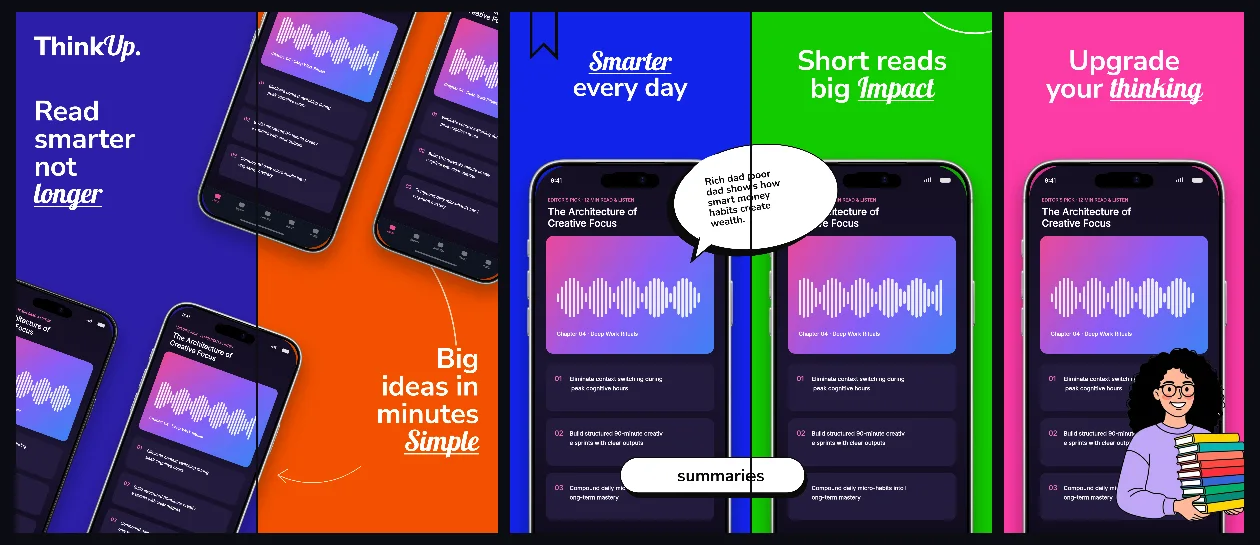
Every background fill, gradient stop and headline color remains editable in Studio.
Practical walkthrough
Give each colored panel one distinct learning benefit.
Keep device scale uniform so color transitions feel intentional.
Test all five headlines at 390px mobile width for instant scanability.
Courses, skill building and audio lessons
Habit challenges and daily quizzes
Expressive multi-color consumer brands
ThinkUp proves bold color variety can still feel disciplined when typography gridlines and connected device bridges stay locked across scenes.
Questions
Yes. Upload your own PNG, JPEG or WebP app captures when creating the project and every device slot updates automatically.
Yes. The template opens as structured text, image, device and vector layers—never a flattened bitmap.
Yes. Connect https://appscreendesign.com/mcp in Claude, ChatGPT, Cursor or Codex and use the copyable prompt on this page.
Start with a composition. Keep every detail editable.