A clear starting point
Mobile shopping and collector marketplaces
5-panel template
Bold amber-gold gradients and dynamic 3D angles engineered for product drops, collector marketplaces and mobile commerce.
Free plan ($0 forever) · Pro $69/yr · No credit card required
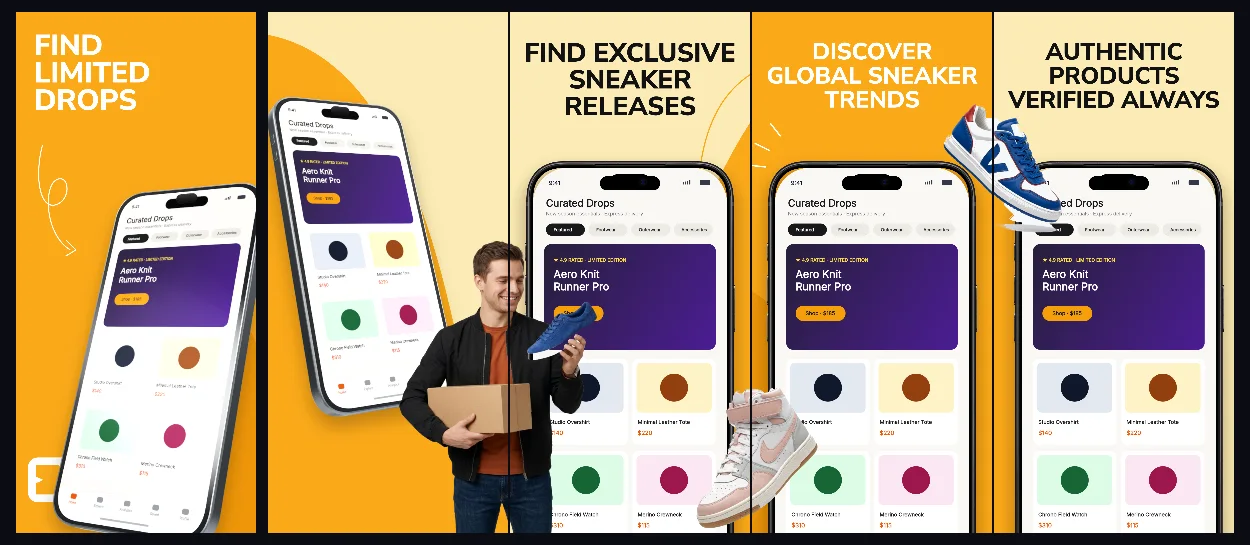
Every background fill, gradient stop and headline color remains editable in Studio.
Practical walkthrough
Lead with your cleanest product card and instant checkout view.
Show authenticity verification, alerts and order tracking across panels 2–5.
Preview the first three panels together in the App Store Simulator.
Mobile shopping and collector marketplaces
Limited-release alerts and auctions
Energetic 3D e-commerce listings
DropVault combines high-energy retail gold tones with angled 3D hardware so white-background product catalog cards pop off the screen.
Questions
Yes. Upload your own PNG, JPEG or WebP app captures when creating the project and every device slot updates automatically.
Yes. The template opens as structured text, image, device and vector layers—never a flattened bitmap.
Yes. Connect https://appscreendesign.com/mcp in Claude, ChatGPT, Cursor or Codex and use the copyable prompt on this page.
Start with a composition. Keep every detail editable.