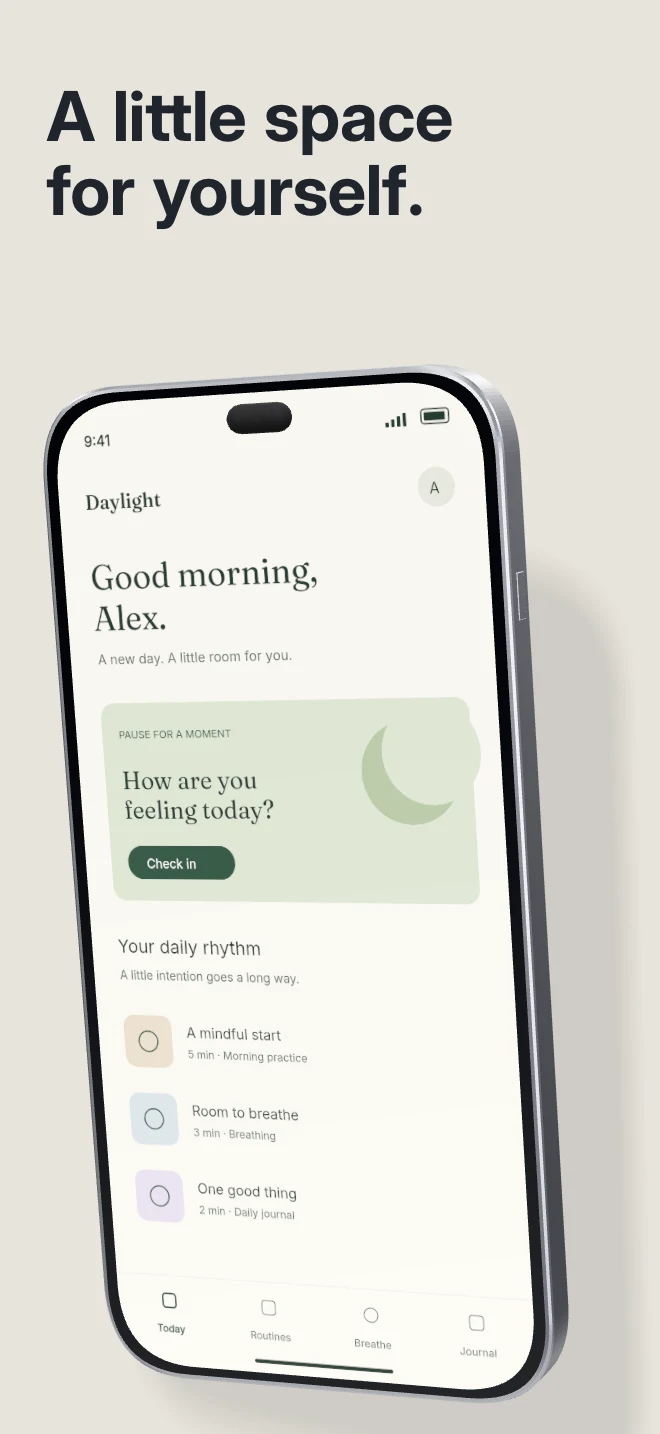
A quiet first frame for a product with a strong interface. A single phone, pale surface and physical cast shadow keep attention on the screen.
Explore template
Template direction
Choose a 3D composition when the device itself helps tell the story. AppScreenDesign keeps the phone, camera, lighting, material and case controls editable.
Free during early access · No card required
Explore real compositions
A quiet first frame for a product with a strong interface. A single phone, pale surface and physical cast shadow keep attention on the screen.
Explore template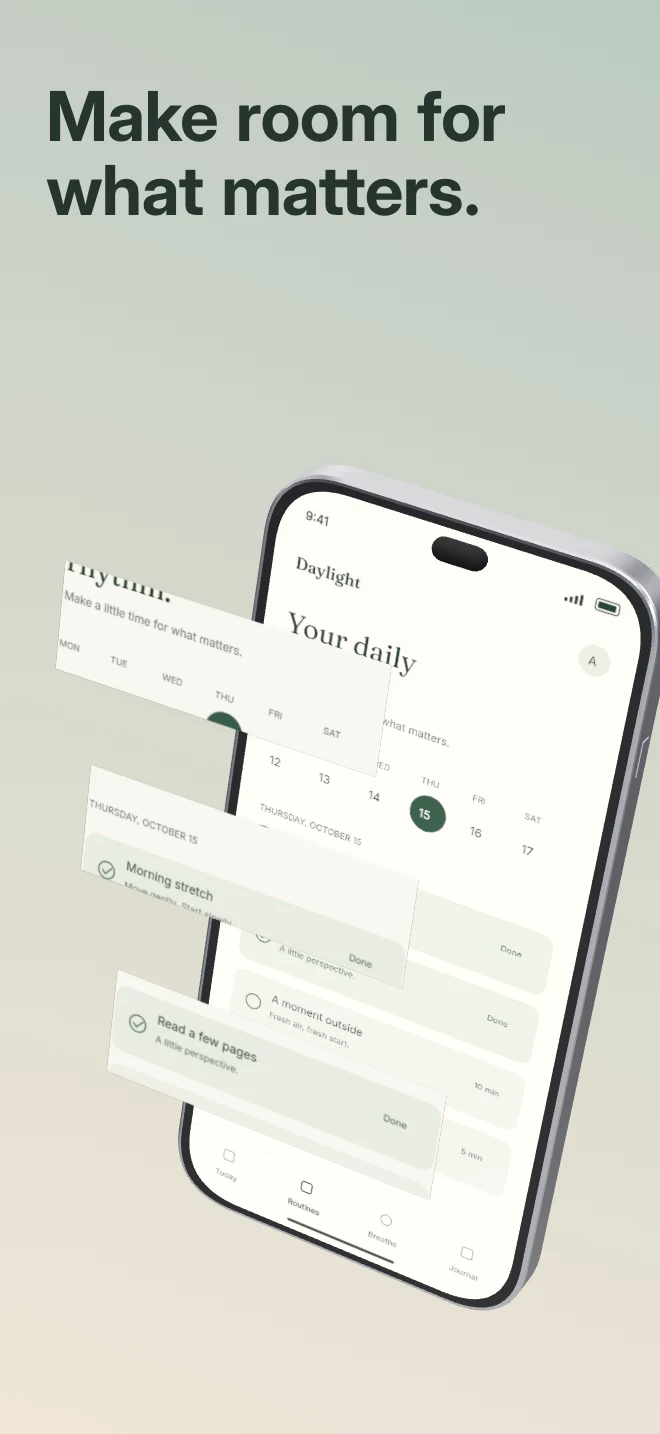
Bring a detail out of the interface. Real crops from the uploaded capture float in front of the complete phone with independent depth.
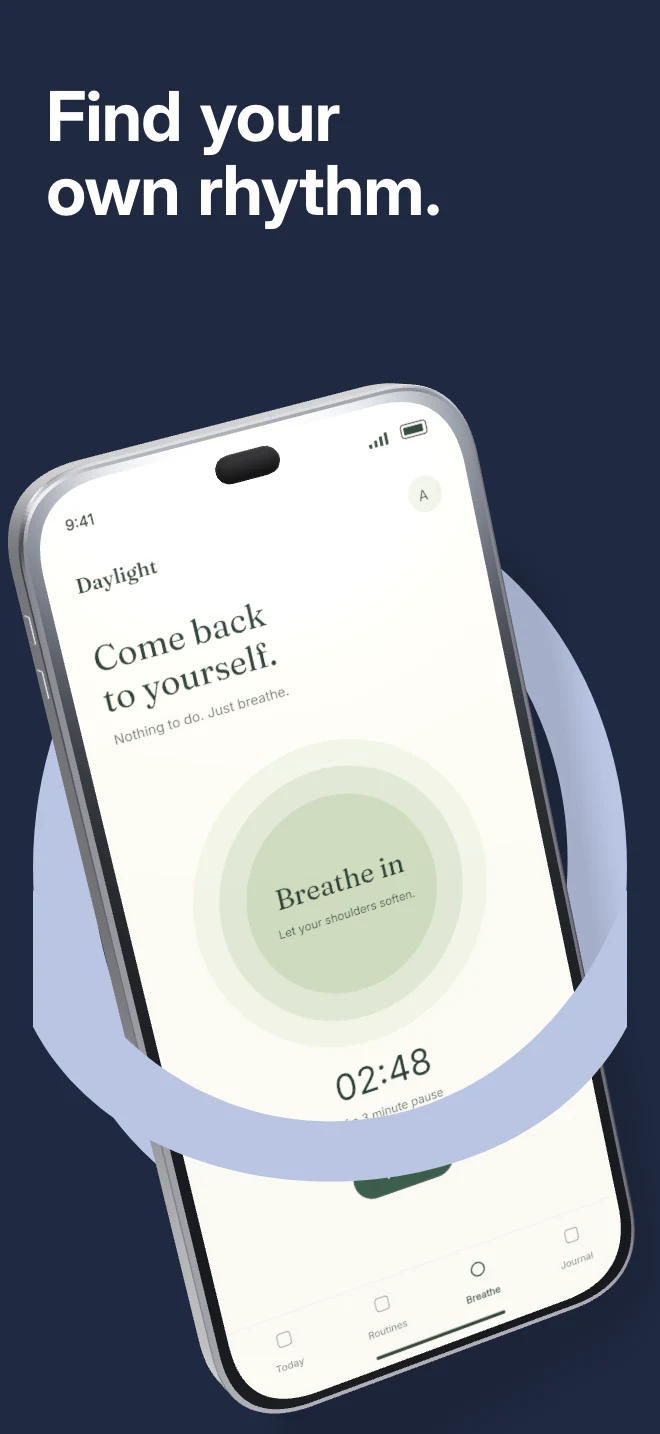
Explore templateA tilted phone passes through a foreground arch. The editable vector shape frames the device while the scene handles physical overlap.
Explore template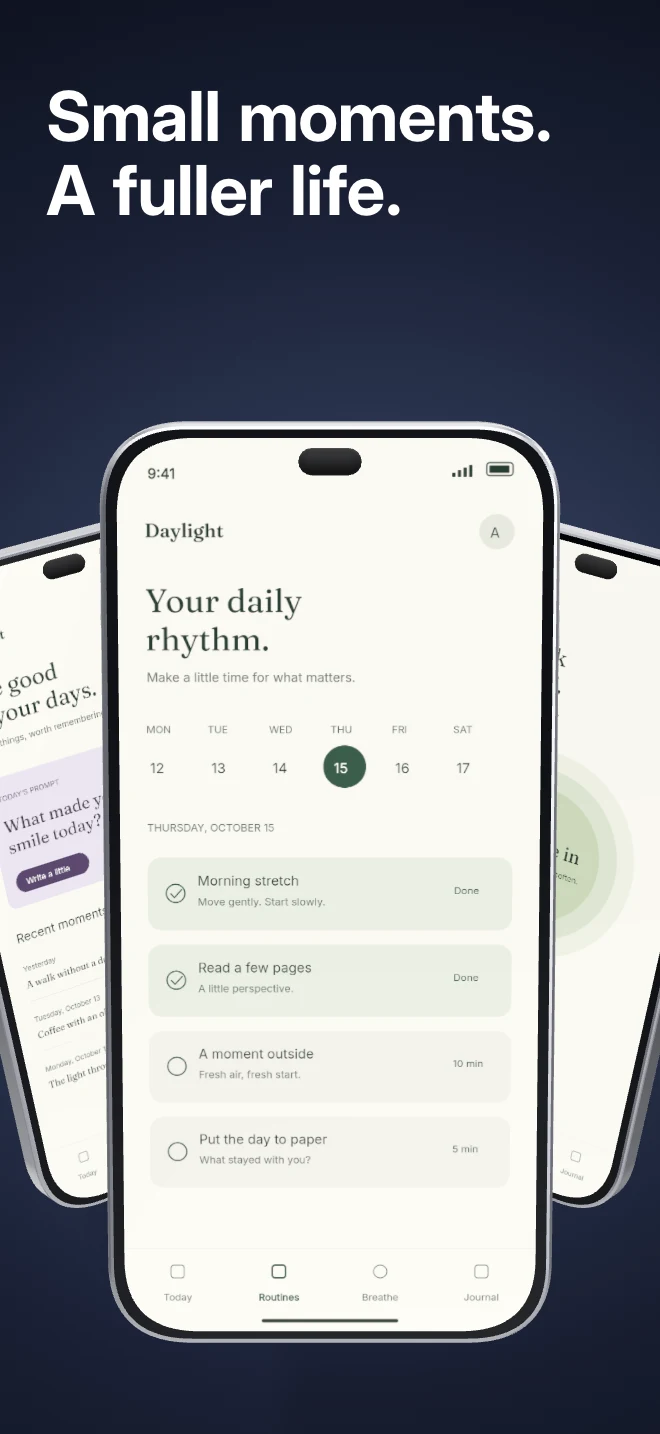
Three independent app screens sit in a shallow arc under shared lighting. Show a small product story inside a single composition.
Explore templatePractical walkthrough
The four studio examples use real device geometry in the export renderer. Each creates emphasis differently; they are not interchangeable decorations.
Use one phone and a physical cast shadow when the interface should remain the focal point. Keep the pose readable.
Crop a useful part of the capture into a floating plane. If the enlarged piece adds no information, remove it rather than filling the frame.
Portal frames a single phone with an arch. Orbit shows several related screens under shared lighting. Check that the secondary objects still read at thumbnail size.
Use geometry and lighting from the renderer instead of a flat CSS mockup.
Change rotation, depth, camera, material and case settings from the device inspector.
Replace the screen image or adjust its crop without rebuilding the whole composition.
A 3D device can create hierarchy, show a hero moment or distinguish a feature launch. Start with a template that already understands the scene’s layer ordering and device group.
Even with depth, check caption contrast, safe edges, line breaks and the order in which the eye reads each screen.
Questions
No. Start with your real app screenshots, choose a composition, then change copy, colors, device frames and artwork in the browser editor.
Yes. Upload the original PNG or JPEG captures. Your screenshots replace the illustrative content in a template while the layout stays editable.
Yes. Connect a compatible MCP client after sign in. Your agent can create projects, edit scenes, preview results and export them. Attachment uploads require a client that can provide a supported file reference.
Start with a composition. Keep every detail editable.