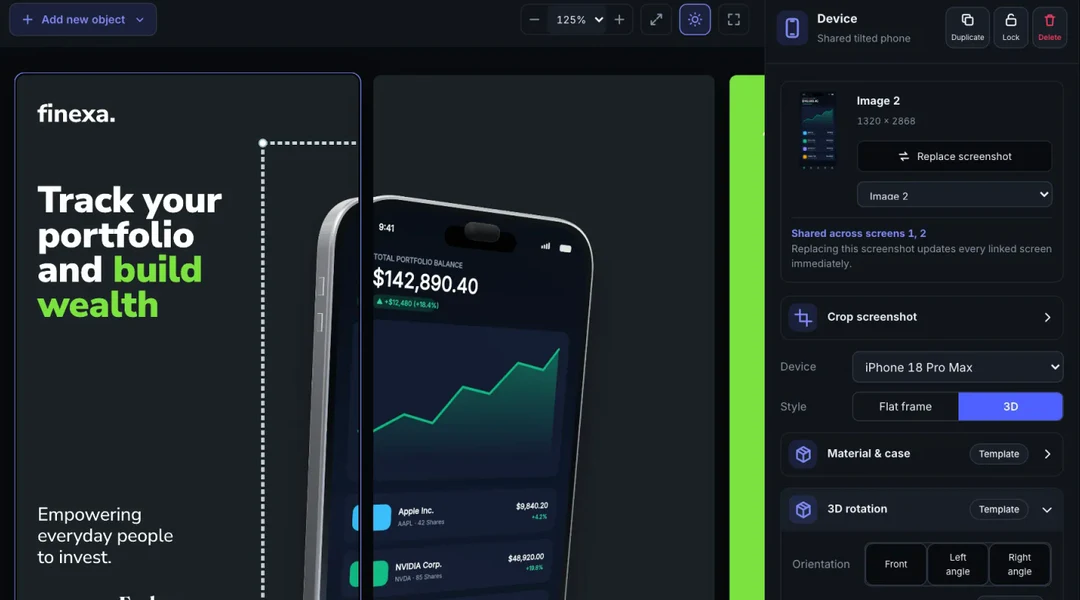
Real 3D Hardware Studio
Position 3D devices at 60fps
Drag to pitch, yaw and roll iPhone 18 Pro Max, iPhone Duo, iPad Pro 13", MacBook Air, Apple Watch and Android frames with studio lighting and physical shadows.
Explore 3D StudioPlatform Capabilities
Explore every AppScreenDesign capability: 60fps 3D hardware studio, reference-to-screens AI workflow, connected panoramas, 1-click brand restyling, 50 locales & Remote MCP.
60fps 3D · Ready-made templates · Panoramas18 export presets · 50 localesRemote /mcp + REST /v1/ ($0 AI markup)Free plan ($0 forever) · No credit card required · Watermark-free Pro $69/yr
Real 3D Hardware Studio
Drag to pitch, yaw and roll iPhone 18 Pro Max, iPhone Duo, iPad Pro 13", MacBook Air, Apple Watch and Android frames with studio lighting and physical shadows.
Explore 3D Studio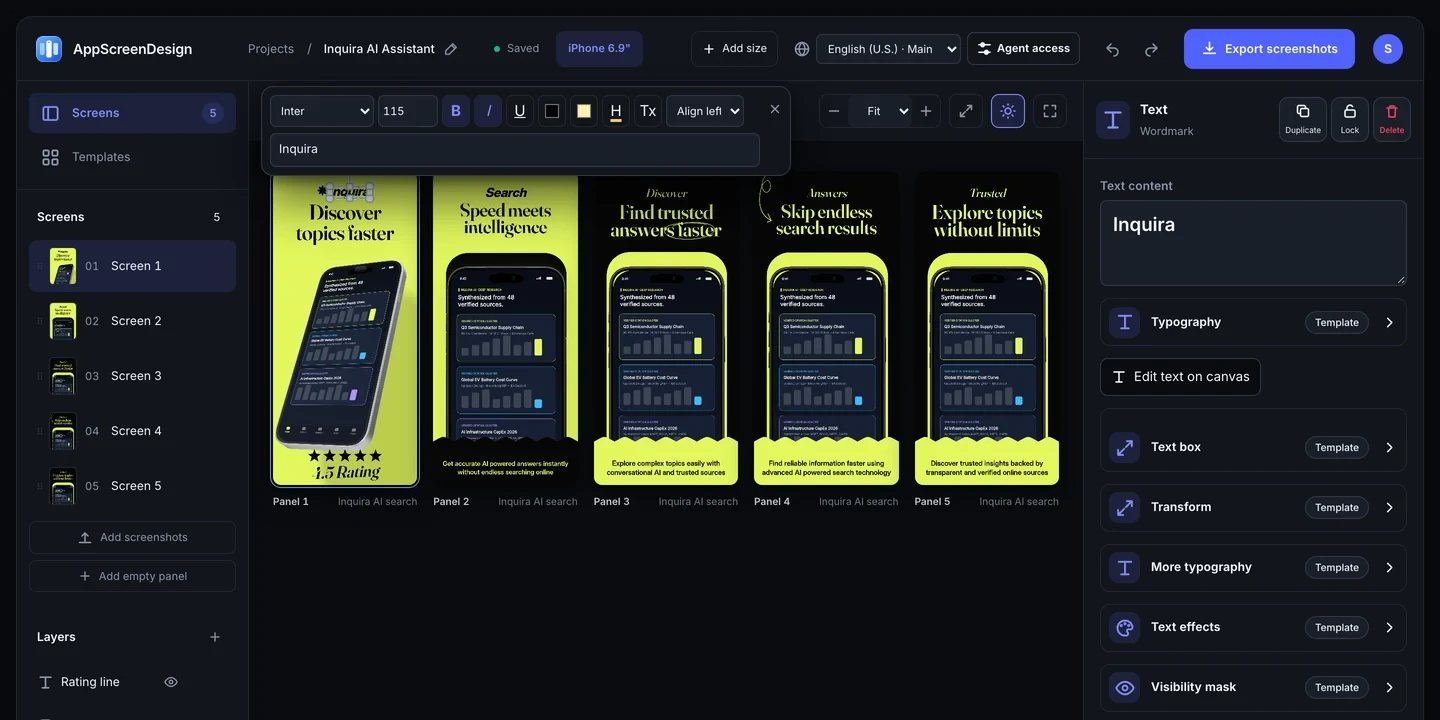
Reference to Screens
Drop any store inspiration image and your raw UI captures into Claude, ChatGPT, Codex, Cursor or Studio to generate 5 to 10 editable SceneDoc panels—never flat bitmaps.
See reference workflow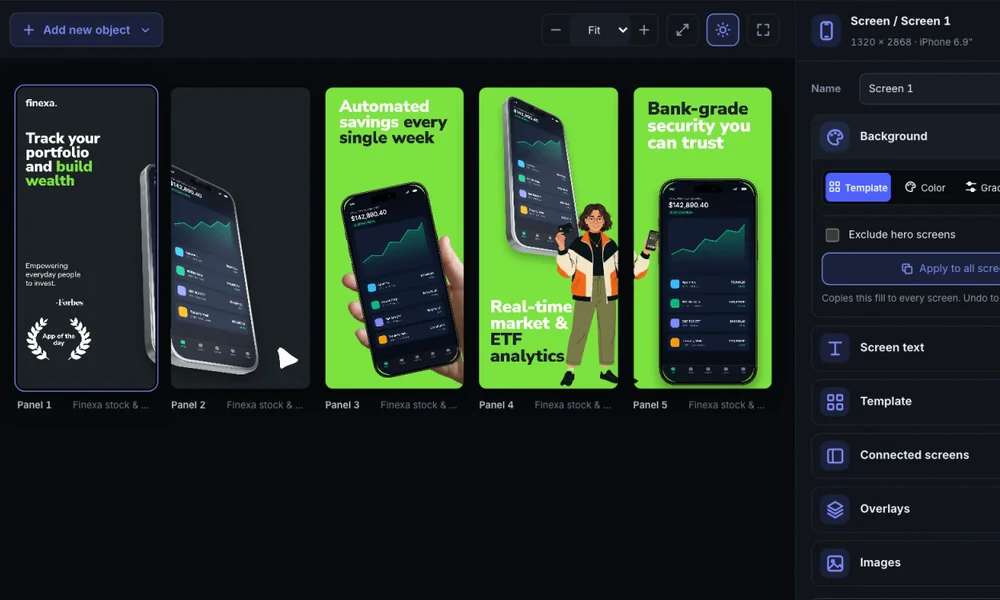
Connected Panoramas
Place angled 3D hardware, ribbons and typography directly across multi-screen seams and export exact 24-bit store panels without manual Photoshop or Figma slicing.
Browse panoramic templates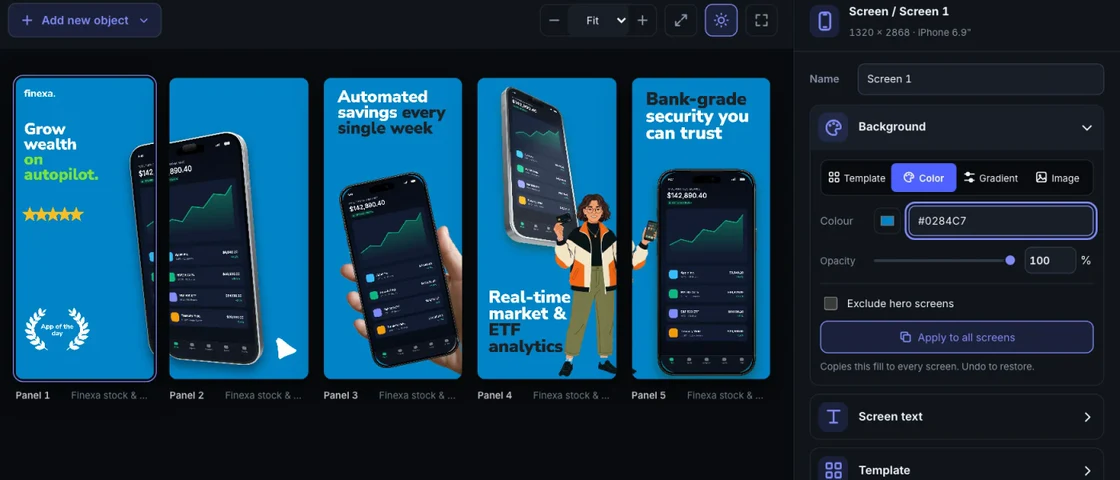
Brand Restyling
Swap background gradients, surface contrast, accent badges and headline typography across every panel and device tab simultaneously.
Explore public templates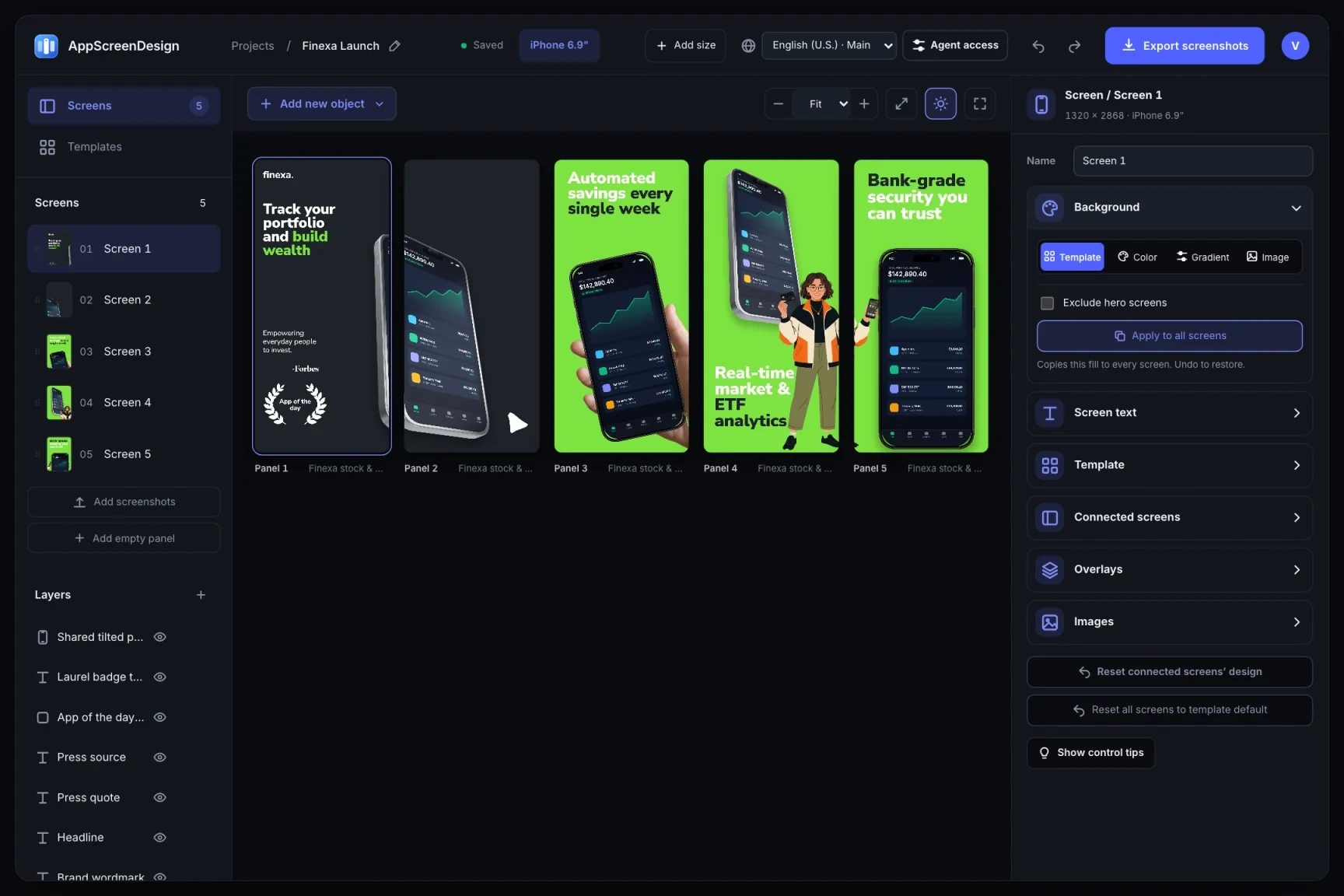
50 Locales & 18 Store Sizes
Manage all 50 App Store Connect & Google Play languages—including Arabic RTL, Japanese, German and Chinese—and export 18 store sizes from one project.
Open localization hub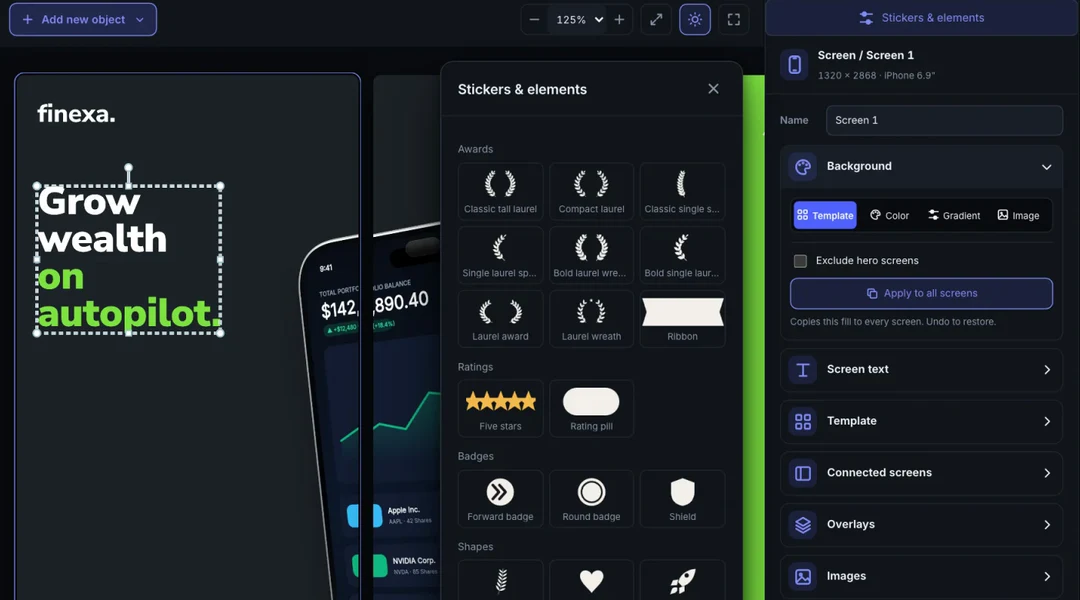
Inline Copy, Badges & Live Share
Edit headlines directly on canvas, drop laurel badges or star callouts from the elements shelf, and share Dark/Light iOS store previews with teammates via revocable links.
Try iOS Store SimulatorIntegrations & Developer Workflows
| Environment | Connection method | What you can automate |
|---|---|---|
| Claude Code & Claude Desktop | Streamable HTTP Remote MCP (/mcp) | OAuth 2.1 + PKCE · Build, inspect & localize scenes ($0 AI markup) |
| ChatGPT & OpenAI Codex | Remote MCP Connector + Agent SKILL.md | Reference-to-screens, copy writing & multi-panel previews ($0 AI markup) |
| Cursor & CLI Agents | Remote MCP or Scoped REST API (/v1/) | Automated scene edits, capture uploads & deterministic server renders |
| Fastlane Snapshot & Deliver | REST Editor API + SHA-256 ZIP Bundles | Keep XCUITest capture & App Store upload; replace brittle Frameit scripts |
| Browser Tools Handoff | 6 Zero-Upload Local Utilities (/tools/) | Pass local PNGs straight into a 3D Studio project via IndexedDB |
Questions
Never. Every screen in AppScreenDesign is a structured SceneDoc composed of live typography, 3D WebGL device models, vector badges, backgrounds and swappable raw screenshot slots.
No. AppScreenDesign charges $0 markup on AI tokens. Connect https://appscreendesign.com/mcp via OAuth 2.1 + PKCE using your existing AI subscription.
Yes. Export across all 18 native store output families—including iPhone 6.9", iPhone Duo, iPad Pro 13", Apple Watch, Mac 16:10, Apple Vision Pro, Android phones/tablets and 1024 × 500 Google Play Feature Graphics.
Open ready-made templates, rotate 3D titanium devices and test Remote MCP with no credit card.