Zero AI token markup
Bring your existing Claude, ChatGPT or Cursor subscription via Remote MCP instead of buying proprietary translation or copy credits.
Comparison
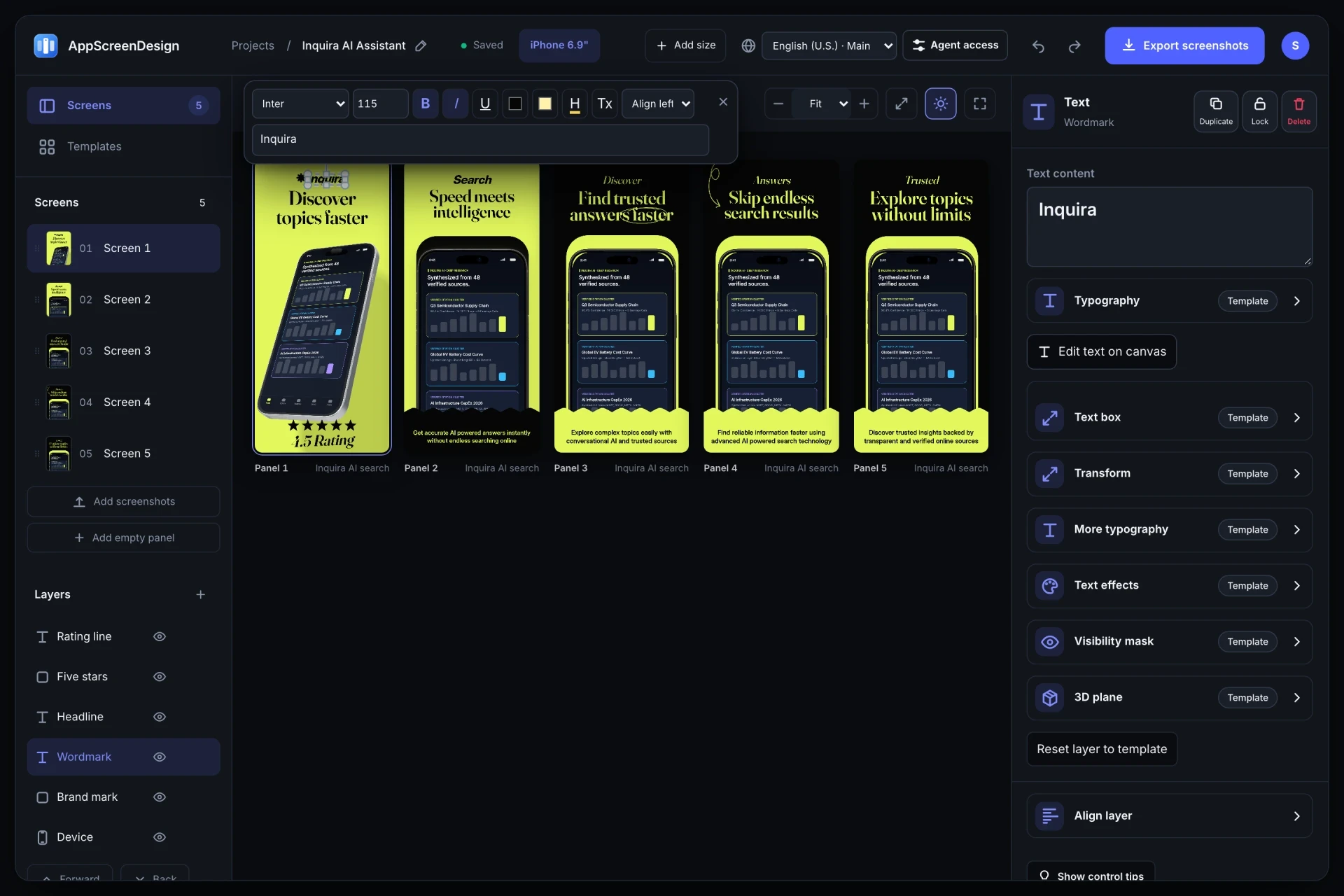
AppScreens popularized template-based multi-size screenshot generation. AppScreenDesign adds real interactive 3D WebGL device scenes, first-party Remote MCP automation ($0 AI token markup), and predictable $69/year indie pricing.
$69 / year ($5.75/mo)First-party Remote OAuth MCP + REST API ($0 AI markup)Interactive 3D rotation, camera, lighting & physical shadowsFree plan ($0 forever) · Pro $69/yr · No credit card required
Side-by-side comparison
| Capability | AppScreenDesign | AppScreens |
|---|---|---|
| Starting Pro price (annual) | $69 / year ($5.75/mo) | Higher tiered monthly/annual plans |
| AI Agent & MCP integration | First-party Remote OAuth MCP + REST API ($0 AI markup) | Built-in metered AI credits, no remote MCP server |
| Real 3D hardware scenes | Interactive 3D rotation, camera, lighting & physical shadows | Primarily 2D framed & angled templates |
| New Apple device slots | iPhone 6.9", iPhone Duo (outer & inner), iPad 13", Vision Pro | Standard App Store & Play Store slots |
| Per-locale layout overrides | 50 App Store locales with independent captures & SceneDoc edits | Multi-language translation & store sync workflows |
| Free browser utilities | 5 local zero-upload tools + live /s/ shareable store simulator | Account-gated workspace |
Comparison reflects publicly documented capabilities and standard subscription models as of 2026. All third-party product names belong to their respective owners.
Practical walkthrough
You can evaluate AppScreenDesign with your real captures on the Free plan in under five minutes.
Upload up to 10 iPhone or iPad captures and preview them live across 3D, minimal and panoramic templates.
Add https://appscreendesign.com/mcp in Claude Code, Cursor or ChatGPT to automate copy and 50-locale drafts with $0 AI markup.
Review server-rendered 24-bit PNGs or share a live /s/ App Store preview link with your team.
Bring your existing Claude, ChatGPT or Cursor subscription via Remote MCP instead of buying proprietary translation or copy credits.
Combine physical 3D iPhone geometry, handheld photography frames, exploded UI callouts and panoramic bridges.
Pro is $69/year ($5.75/mo) with unlimited projects, full template library, 50 locales and 1,000 server renders per month.
Choose AppScreenDesign if you want real 3D studio depth, direct manipulation of every vector and text layer, or an MCP-connected workflow where Claude Code or Cursor builds and localizes your store sets directly from your repo context.
If you specifically rely on direct one-click App Store Connect credential upload from inside the screenshot tool today, note that AppScreenDesign exports deterministic, SHA-256-manifested ZIP bundles ready for App Store Connect, Fastlane Deliver, or CI scripts rather than storing your Apple credentials.
Questions
Yes. Free ($0 forever) includes the full 3D browser studio, ready-made template library, Remote MCP access to test AI agents, and unlimited draft projects with watermarked preview exports.
Never. Every scene stays an editable multi-layer SceneDoc with live text, 3D hardware poses, backgrounds, vector badges and per-locale overrides.
No ($0 AI markup). Connect Claude, ChatGPT, Cursor or Codex via https://appscreendesign.com/mcp using the AI subscription you already have.
Start with a composition. Keep every detail editable.