A clear starting point
Showing related screens together

Editable template
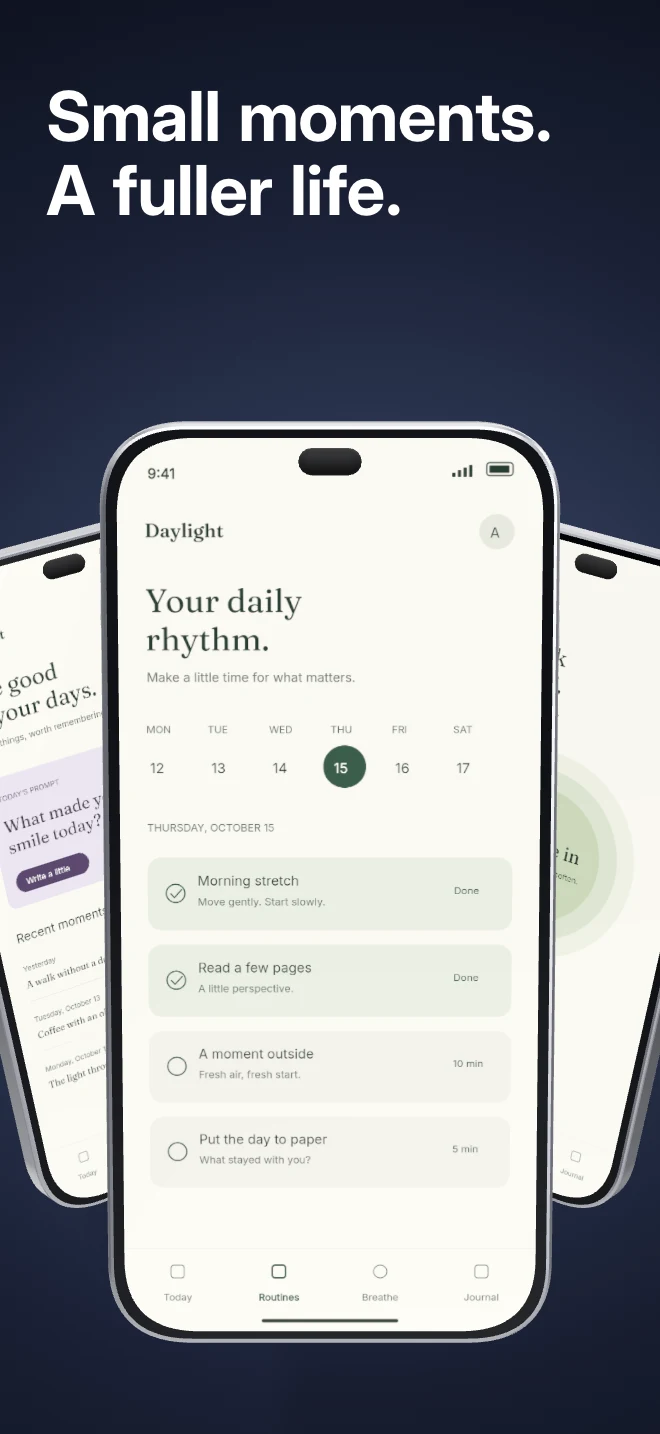
Three independent app screens sit in a shallow arc under shared lighting. Show a small product story inside a single composition.
Free during early access · No card required
Counts come from the template recipe. Text layer count is per unique layer ID; capture inputs count distinct slots across the authored layouts. You can add screens and layers in the editor.
Practical walkthrough
Upload three captures that belong to one story.
Assign each capture to its own device slot.
Use a short headline and check the secondary screens at small size.
Showing related screens together
Introducing a multi-step workflow
A hero with more than one feature view
The scene has three device captures rather than three duplicates of one flattened image. Use that separation deliberately: the central view can carry the main action while the side views show the setup and result. Shared lighting keeps their materials and shadows coherent.
Questions
The public preview uses an illustrative app called Daylight. Upload your own real app capture when creating the project.
Yes. The template opens as editable text, image, device and shape layers. It is not a flattened screenshot.
Project history supports undo. Previously used templates also retain the saved edits for that project, family and localization.
Start with a composition. Keep every detail editable.