A clear starting point
STEM, science and coding education
5-panel template
Deep-cosmos indigo gradients and floating 3D iPhones built for astronomy, STEM courses, coding and interactive exploration apps.
Free plan ($0 forever) · Pro $69/yr · No credit card required
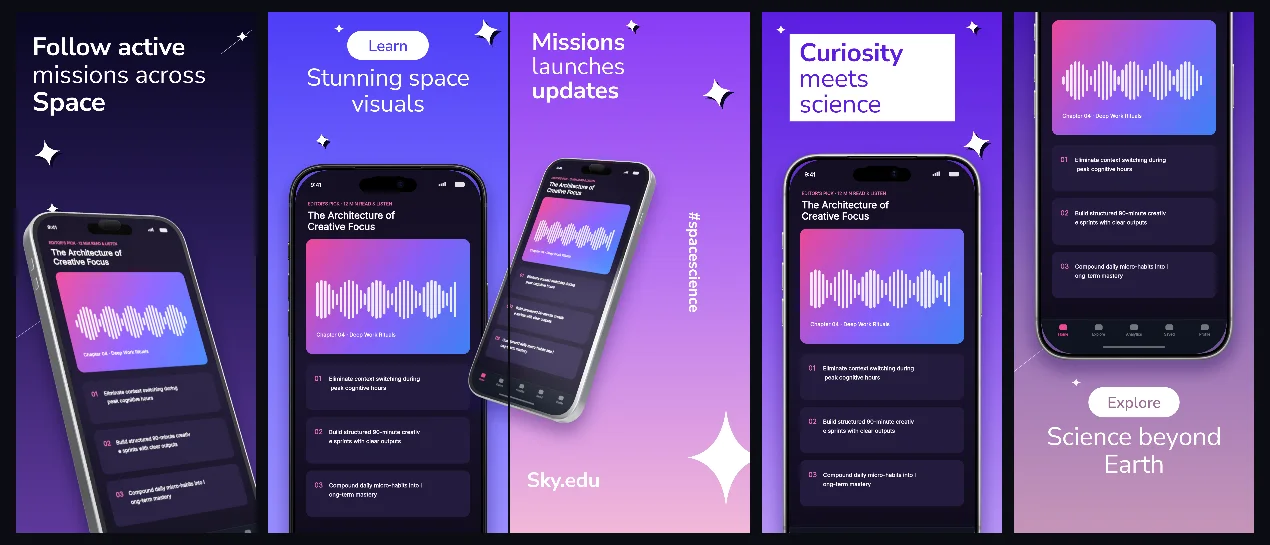
Every background fill, gradient stop and headline color remains editable in Studio.
Practical walkthrough
Open with your most visual interactive map or simulation capture.
Use connected middle panels to pair lessons with hands-on quizzes.
Verify thin starfield or chart lines remain crisp at PNG export resolution.
STEM, science and coding education
Astronomy, sky maps and weather radar
Immersive dark-indigo 3D apps
SkyEdu layers subtle cosmic violet depth behind angled 3D screens so dark educational visuals feel expansive without losing caption clarity.
Questions
Yes. Upload your own PNG, JPEG or WebP app captures when creating the project and every device slot updates automatically.
Yes. The template opens as structured text, image, device and vector layers—never a flattened bitmap.
Yes. Connect https://appscreendesign.com/mcp in Claude, ChatGPT, Cursor or Codex and use the copyable prompt on this page.
Start with a composition. Keep every detail editable.