A clear starting point
Kids reading and family learning apps
5-panel template
Bright sky-blue connected panels with friendly bold headlines and angled 3D screens built for reading, audiobooks and learning apps.
Free plan ($0 forever) · Pro $69/yr · No credit card required
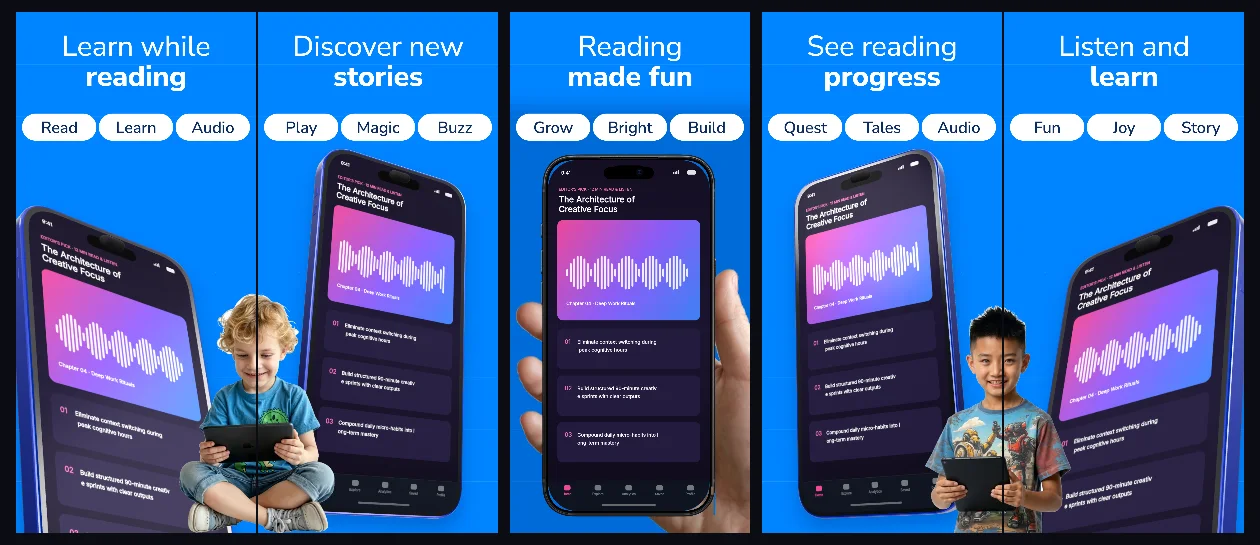
Every background fill, gradient stop and headline color remains editable in Studio.
Practical walkthrough
Highlight the core reading or listening screen first.
Use middle panels to show age levels, audio narration or progress.
Keep captions readable for parents scanning Search results quickly.
Kids reading and family learning apps
Interactive lessons and flashcards
Friendly high-contrast store listings
Vibrant cobalt-and-sky backgrounds unify all five panels while keeping generous headroom for two-line value propositions above every device.
Questions
Yes. Upload your own PNG, JPEG or WebP app captures when creating the project and every device slot updates automatically.
Yes. The template opens as structured text, image, device and vector layers—never a flattened bitmap.
Yes. Connect https://appscreendesign.com/mcp in Claude, ChatGPT, Cursor or Codex and use the copyable prompt on this page.
Start with a composition. Keep every detail editable.