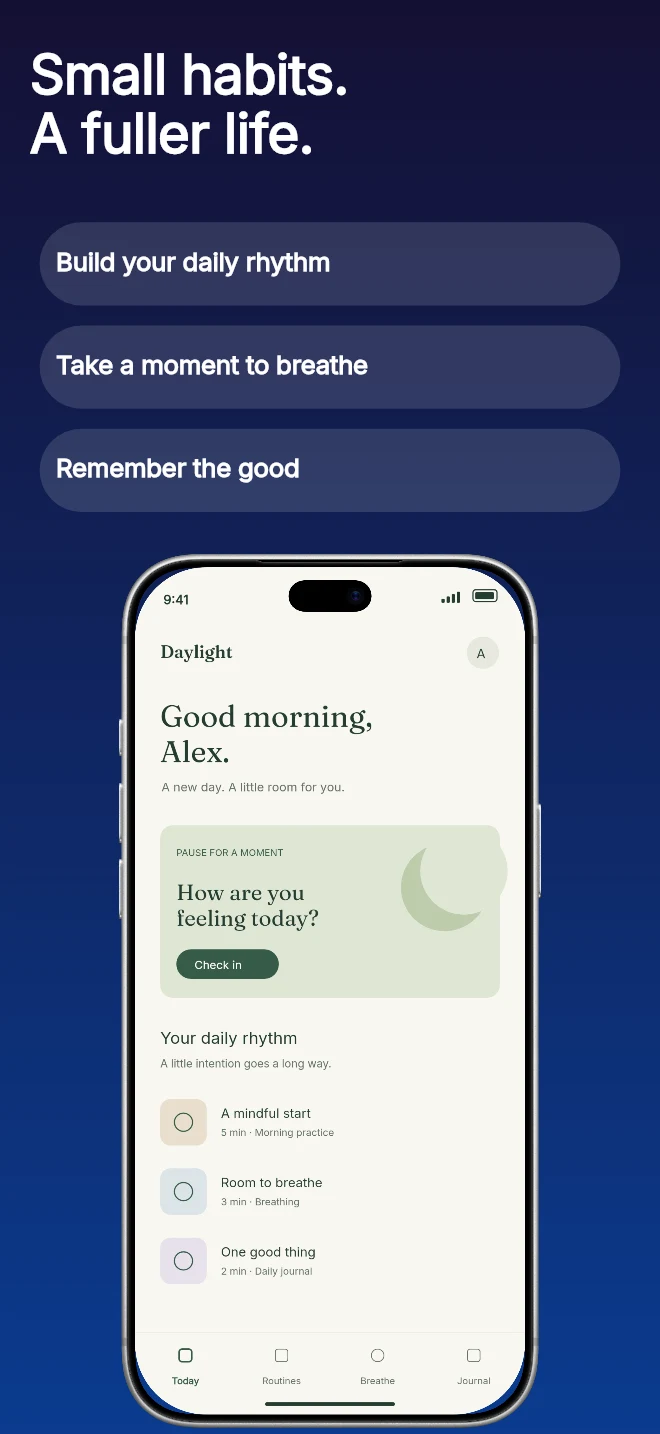
A short headline followed by three editable feature labels. Useful when people need a quick list before they inspect the app screen.
Explore templateUse-case templates
Education and reading apps convert when learners and parents can immediately see lesson structure, reading comfort and measurable daily momentum.
Free plan ($0 forever) · Pro $69/yr · No credit card required
Matching editable compositions
A short headline followed by three editable feature labels. Useful when people need a quick list before they inspect the app screen.
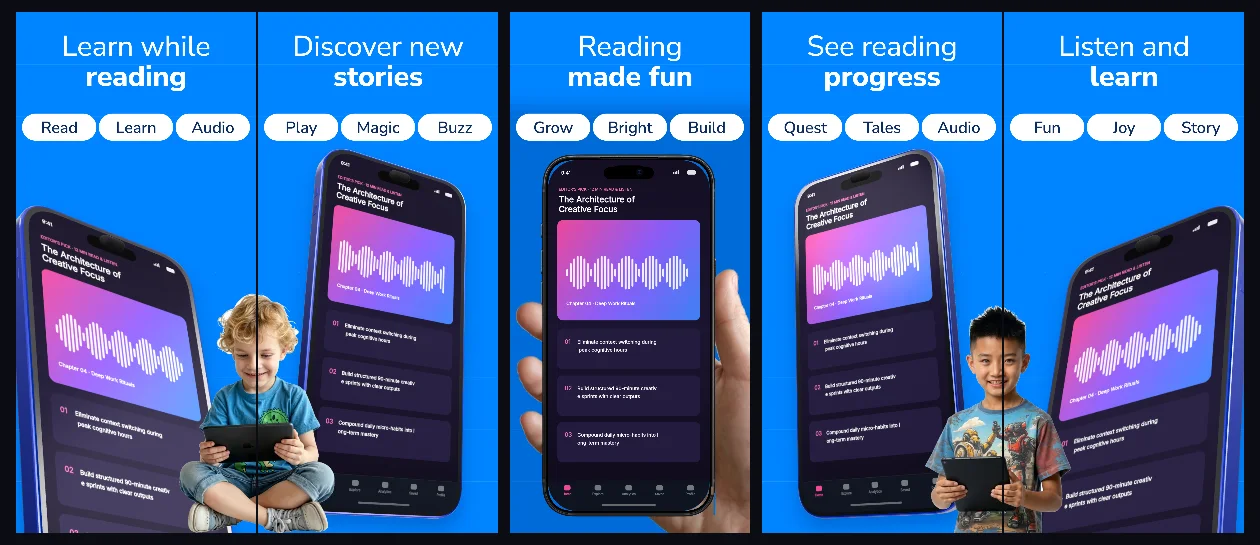
Explore templateBright sky-blue connected panels with friendly bold headlines and angled 3D screens built for reading, audiobooks and learning apps.
Explore template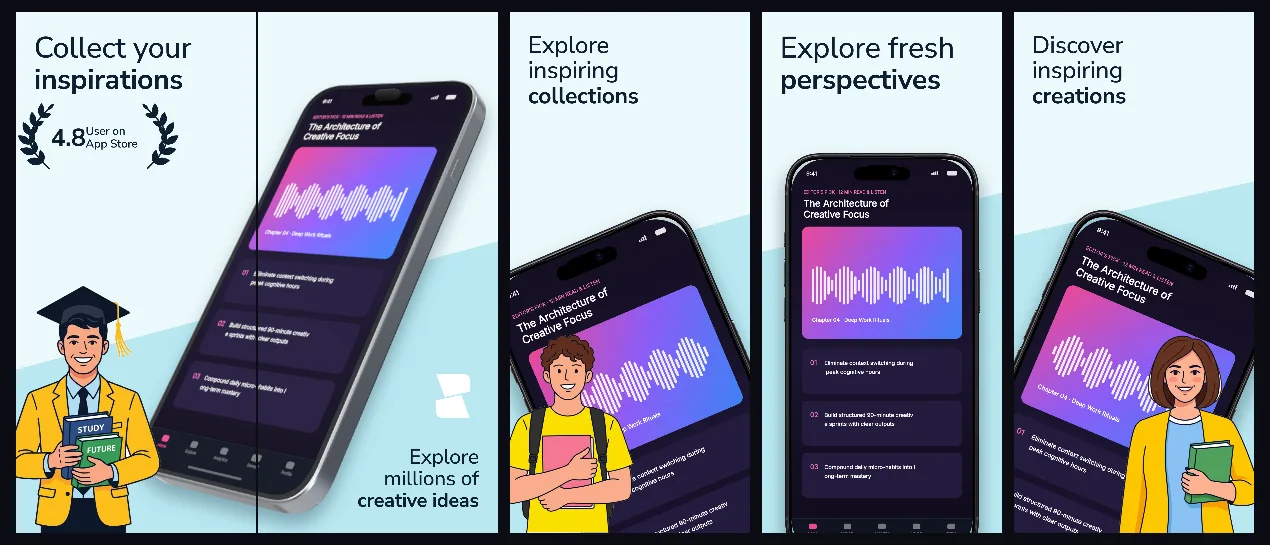
Airy glacier-mist panels with subtle 3D perspective that keep visual moodboards, illustrations and design tools front and center.
Explore template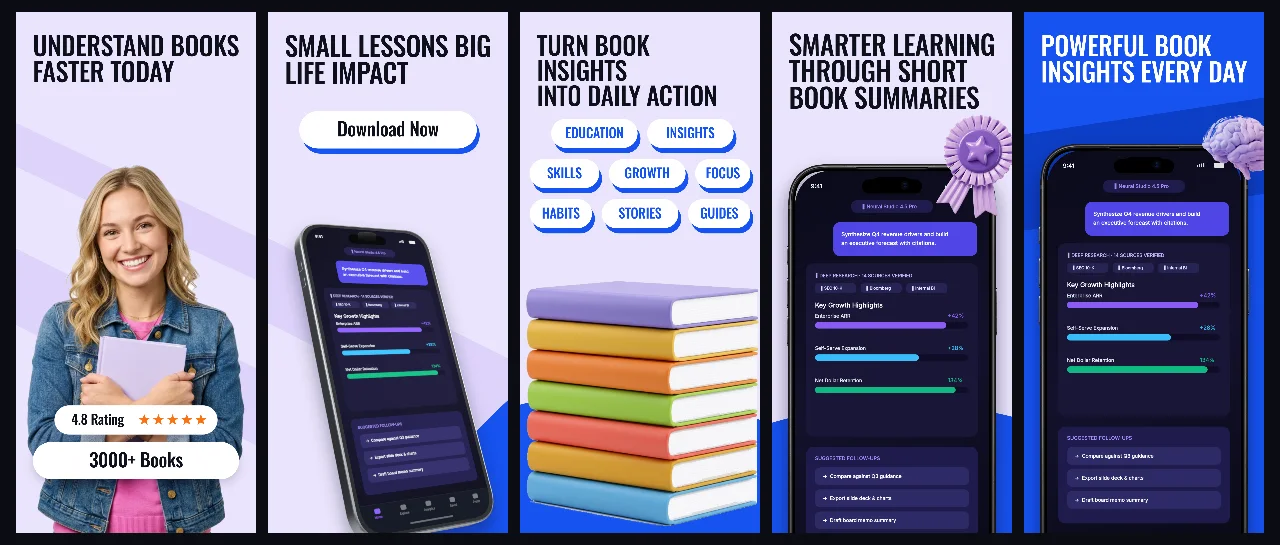
Soft lavender studio space accented with royal-blue headlines and connected 3D devices for daily reading, audio lessons and study streaks.
Explore template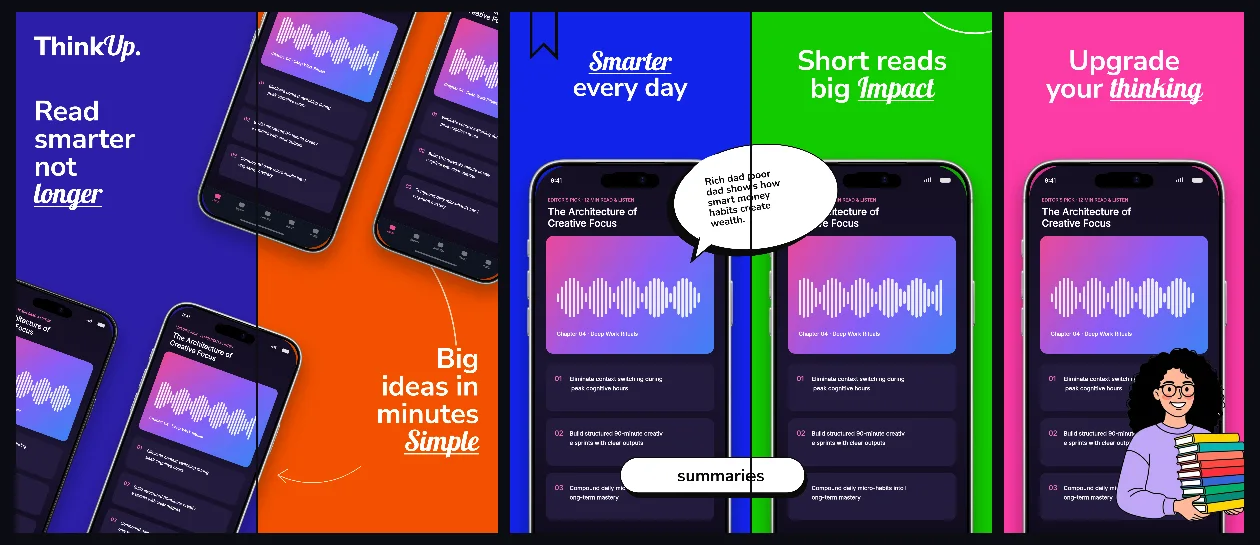
Bold indigo, tangerine and emerald chapter panels connected into an energetic 5-screen curriculum from discovery to daily mastery.
Explore template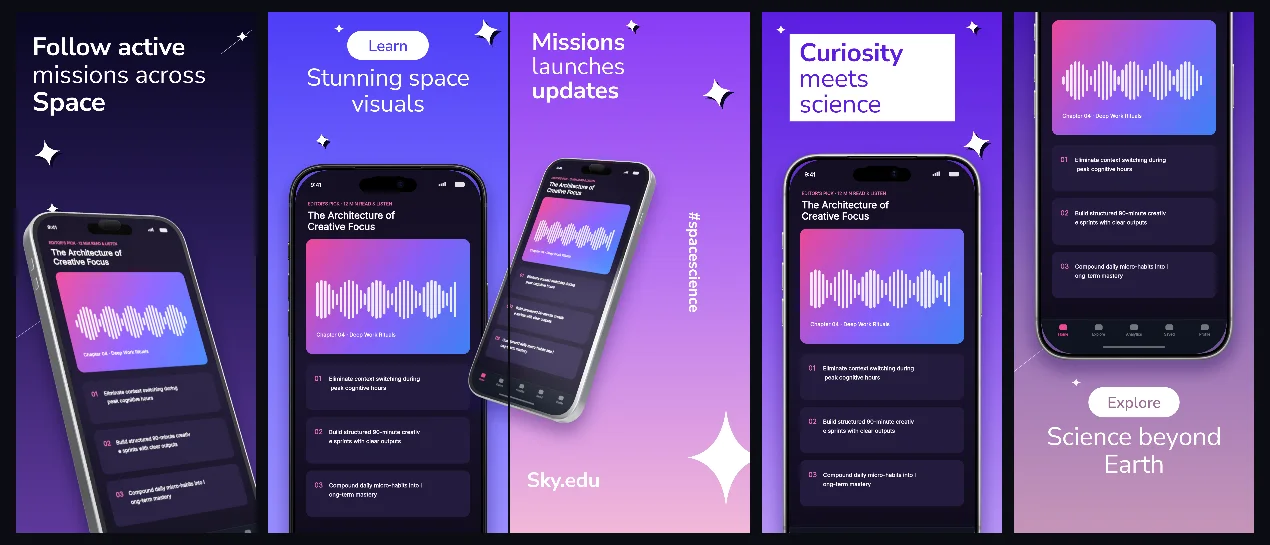
Deep-cosmos indigo gradients and floating 3D iPhones built for astronomy, STEM courses, coding and interactive exploration apps.
Explore template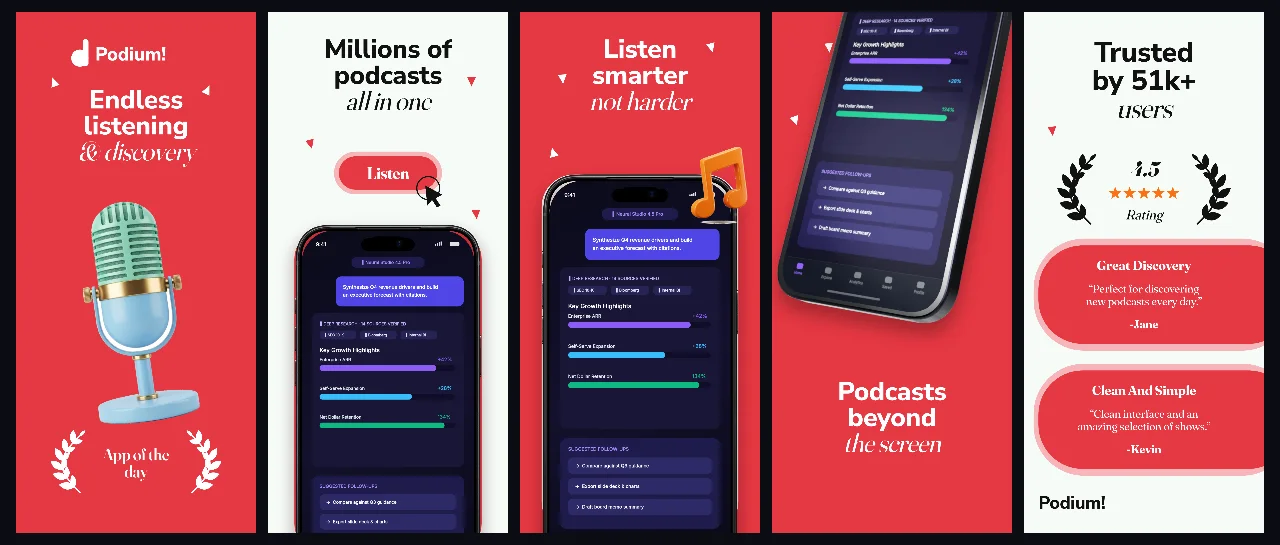
Editorial coral-crimson hero contrast paired with crisp off-white panels and 3D iPhones for spoken-word audio, news and radio apps.
Explore template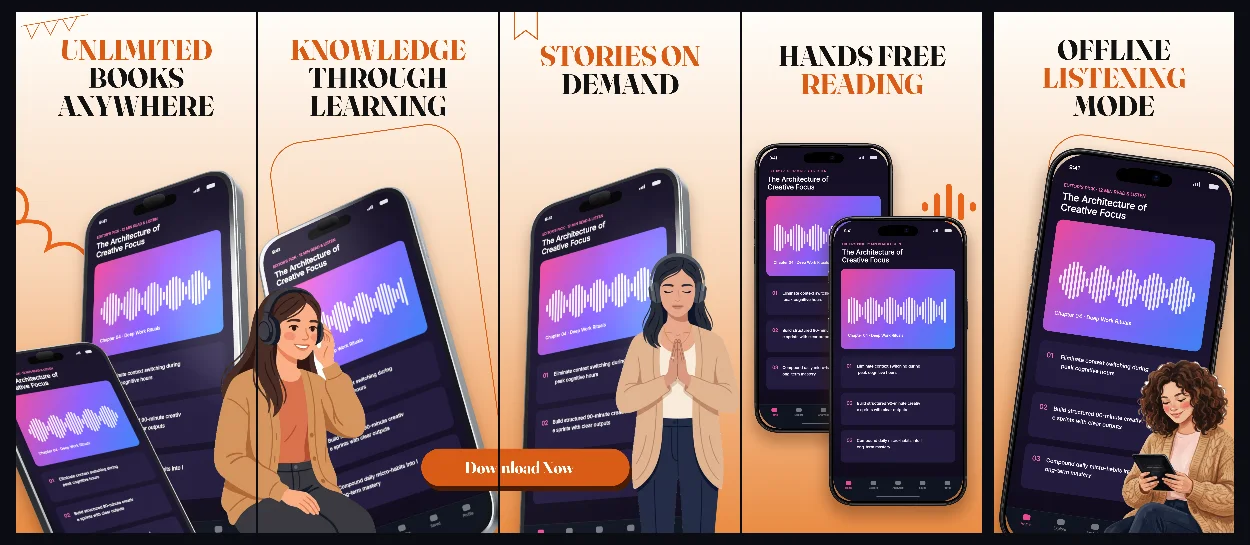
Warm sunlit parchment and amber accents with 3D connected iPhones crafted for audiobooks, e-readers and long-form storytelling.
Explore templatePractical walkthrough
Learners want to feel how a 5-minute session works before they download.
Show an actual interactive card, audio chapter or code challenge rather than a login or category grid.
Use middle panels to prove the app fits into commutes, study breaks or bedtime routines.
Add an iPad family tab so students and parents browsing on tablets see a native wide interface.
Structure five panels from interactive lesson to audio narration, quizzes, streaks and offline library.
Choose calm paper tones for long-form readers or deep indigo 3D scenes for interactive science and coding.
Expand language and study apps globally with independent localized captures and typography per market.
Instead of listing syllabus counts, show an actual interactive card, pronunciation prompt or chapter note in action.
Learners frequently evaluate study apps on iPad Pro 13-inch displays too; keep dedicated tablet layouts in the same project.
Questions
Yes. Free ($0 forever) includes the full 3D browser studio, ready-made template library, Remote MCP access to test AI agents, and unlimited draft projects with watermarked preview exports.
Never. Every scene stays an editable multi-layer SceneDoc with live text, 3D hardware poses, backgrounds, vector badges and per-locale overrides.
No ($0 AI markup). Connect Claude, ChatGPT, Cursor or Codex via https://appscreendesign.com/mcp using the AI subscription you already have.
Start with a composition. Keep every detail editable.