A clear starting point
A product with three clear benefits

Editable template
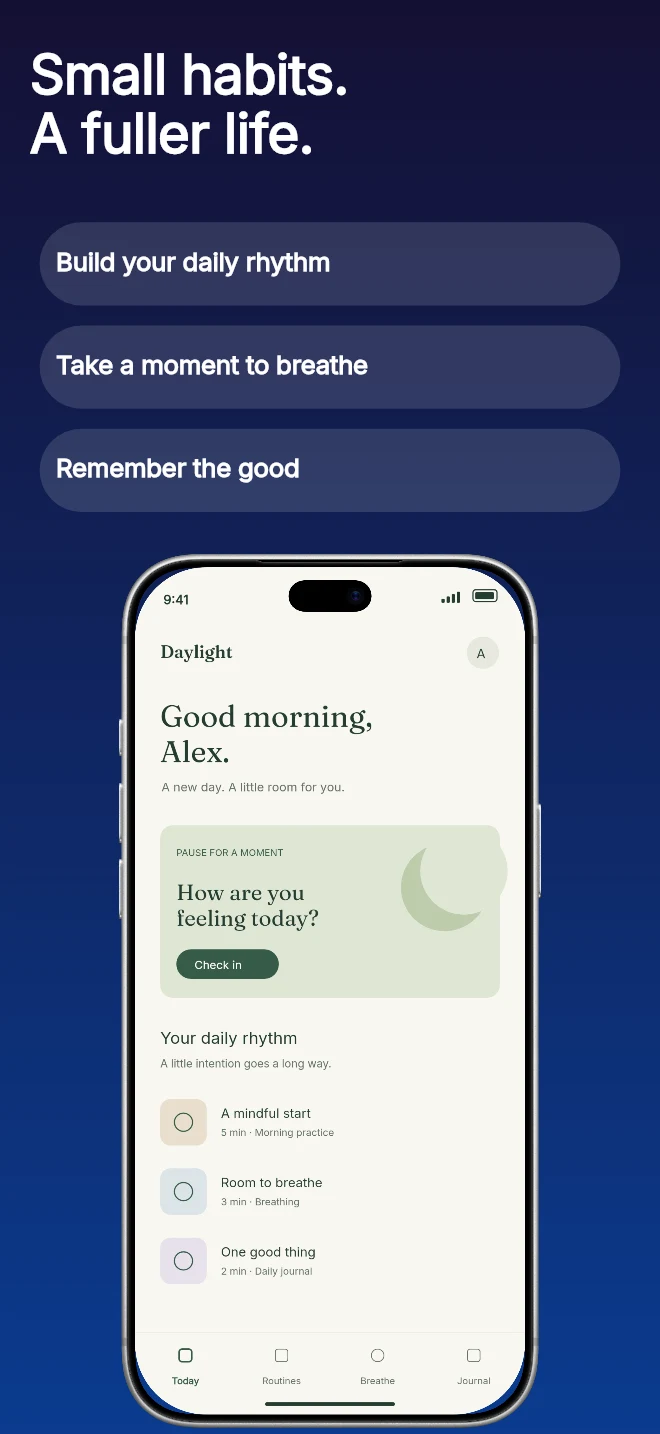
A short headline followed by three editable feature labels. Useful when people need a quick list before they inspect the app screen.
Free during early access · No card required
Counts come from the template recipe. Text layer count is per unique layer ID; capture inputs count distinct slots across the authored layouts. You can add screens and layers in the editor.
Practical walkthrough
Write a headline that introduces the benefit group.
Replace each pill with a short, specific label.
Check long translations so the labels remain readable.
A product with three clear benefits
Explaining a feature bundle
Turning a dense description into short labels
Each pill label is a separate text field and each pill has its own background shape. That lets you tune spacing and contrast without rewriting the headline. Keep labels parallel in style and avoid unsupported awards, ratings or claims.
Questions
The public preview uses an illustrative app called Daylight. Upload your own real app capture when creating the project.
Yes. The template opens as editable text, image, device and shape layers. It is not a flattened screenshot.
Project history supports undo. Previously used templates also retain the saved edits for that project, family and localization.
Start with a composition. Keep every detail editable.