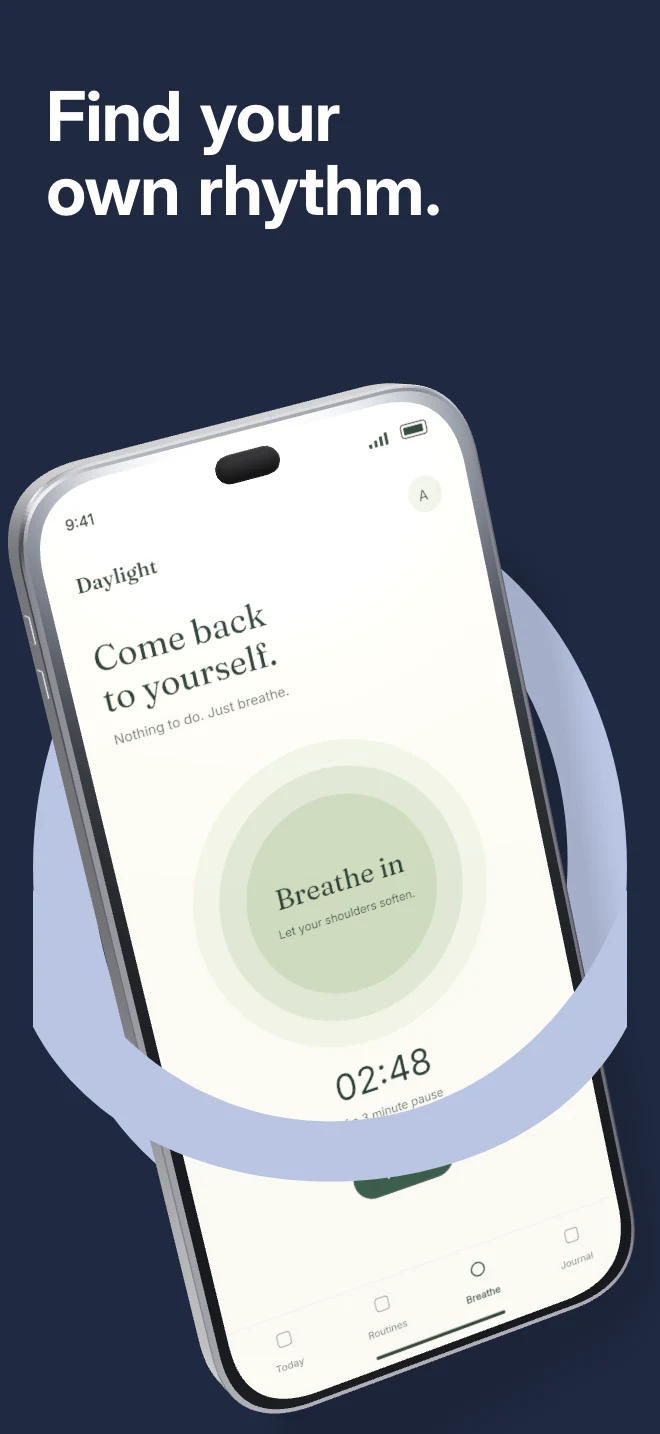
A tilted phone passes through a foreground arch. The editable vector shape frames the device while the scene handles physical overlap.
Explore templateUse-case templates
Streaming, podcast and community interfaces already carry vibrant artwork and avatars. Use disciplined studio lighting and bold top-line hierarchy so the content leads.
Free plan ($0 forever) · Pro $69/yr · No credit card required
Matching editable compositions
A tilted phone passes through a foreground arch. The editable vector shape frames the device while the scene handles physical overlap.
Explore template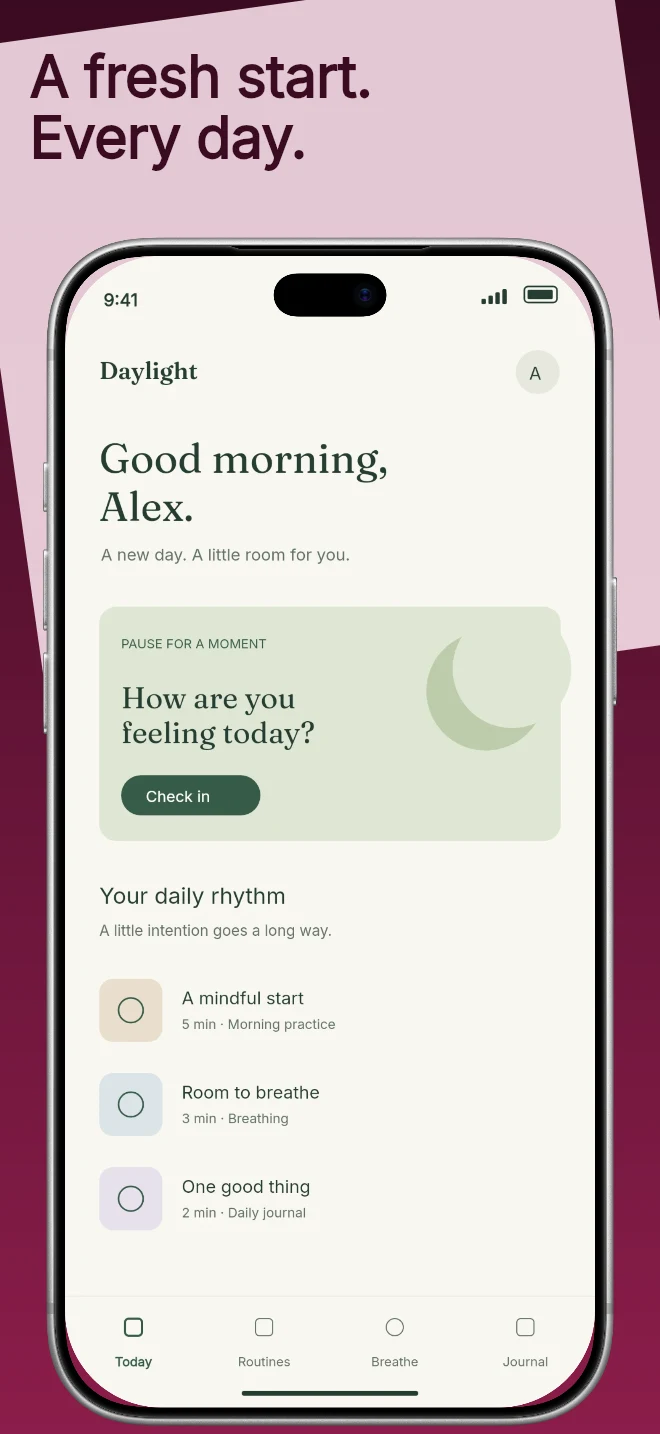
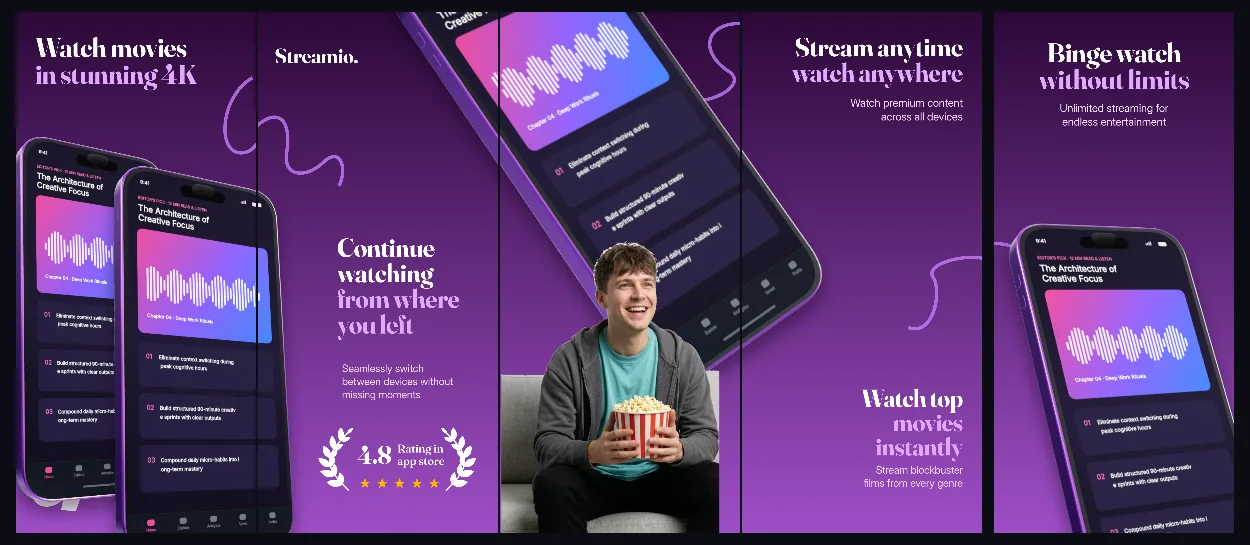
Two tones divide the canvas on a slight diagonal. The headline sits in the upper field and the app capture anchors the composition.
Explore template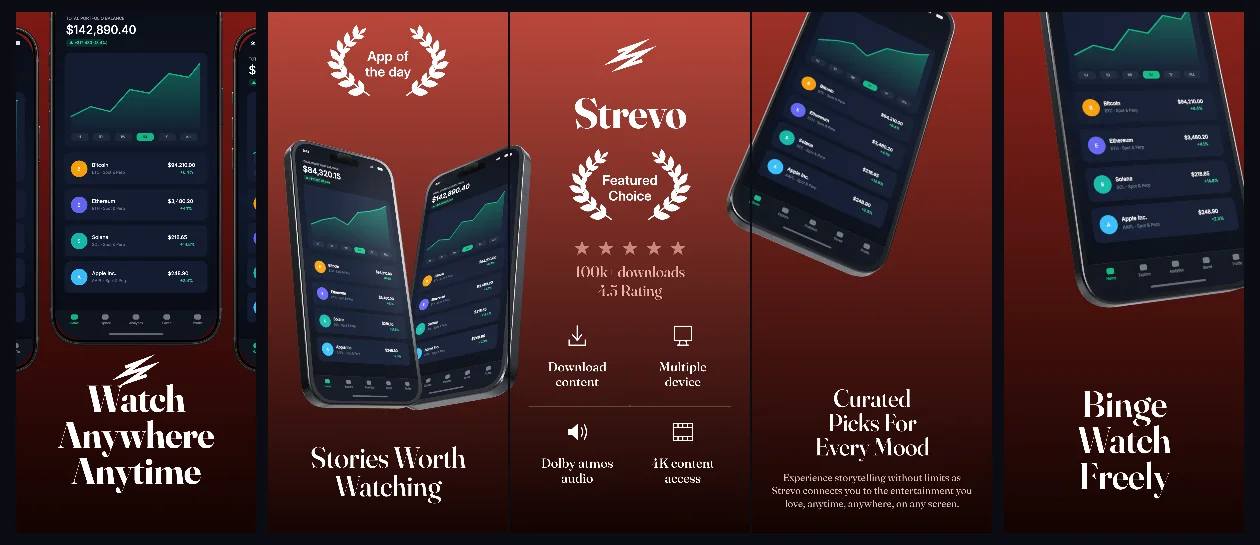
Deep cinema crimson gradients and dramatic 3D device poses that frame dark media interfaces without washing out poster artwork.
Explore templateUltraviolet-to-plum 3D panoramic panels that bridge discovery feeds, watchlists and offline playback into one cohesive store set.
Explore template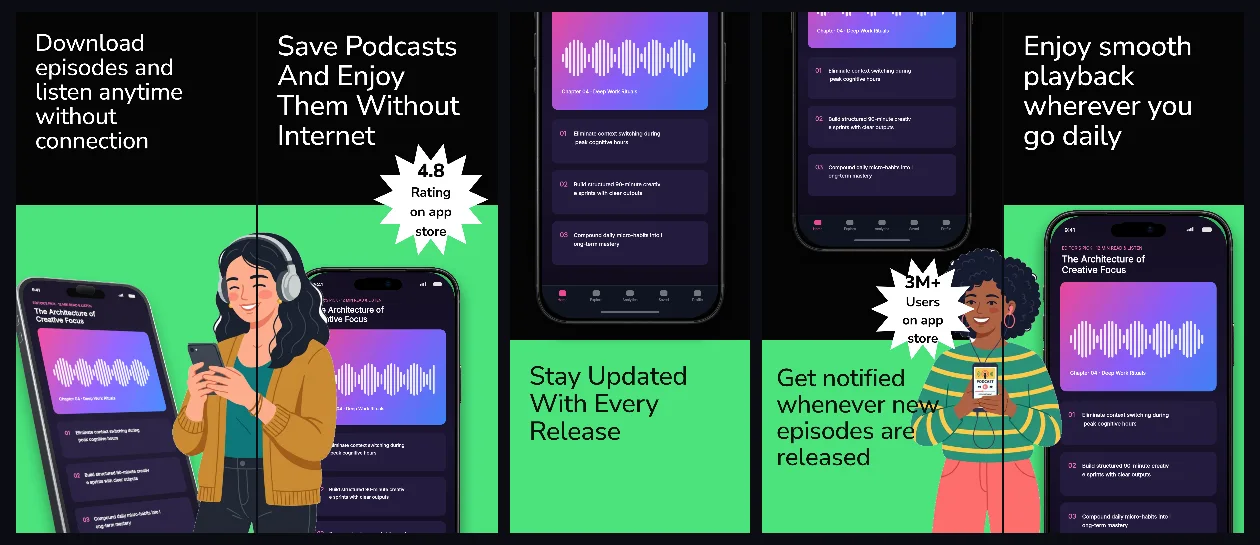
Pure obsidian studio lighting with titanium 3D bezels and high-contrast white headlines built for audio, podcast and music apps.
Explore template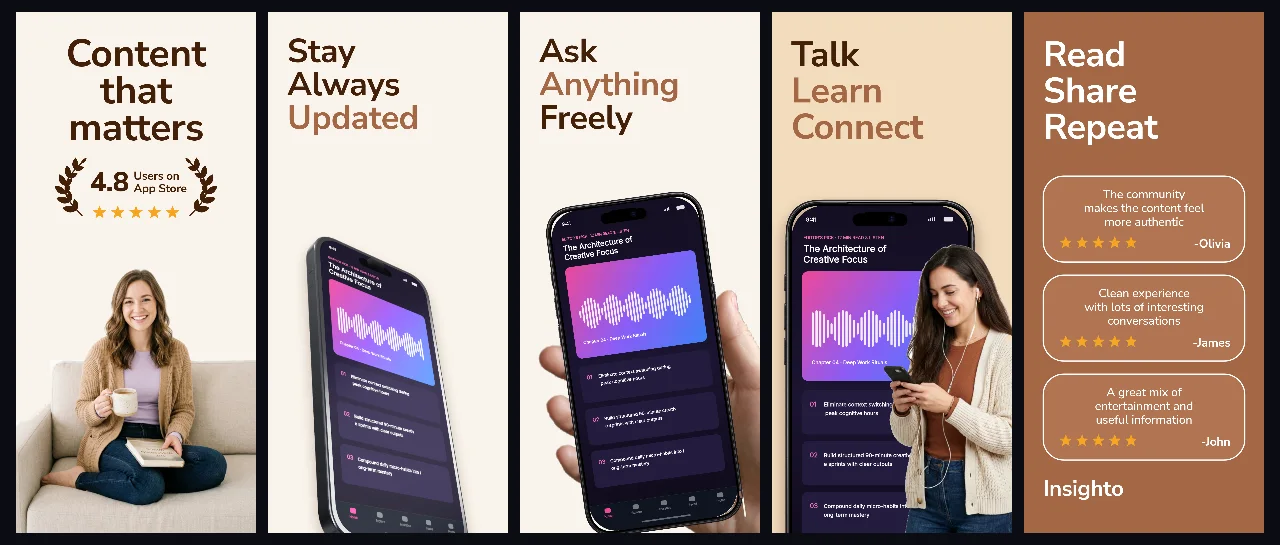
Soft parchment and espresso tones with handheld and angled 3D views tailored for reading, knowledge sharing and thoughtful social apps.
Explore template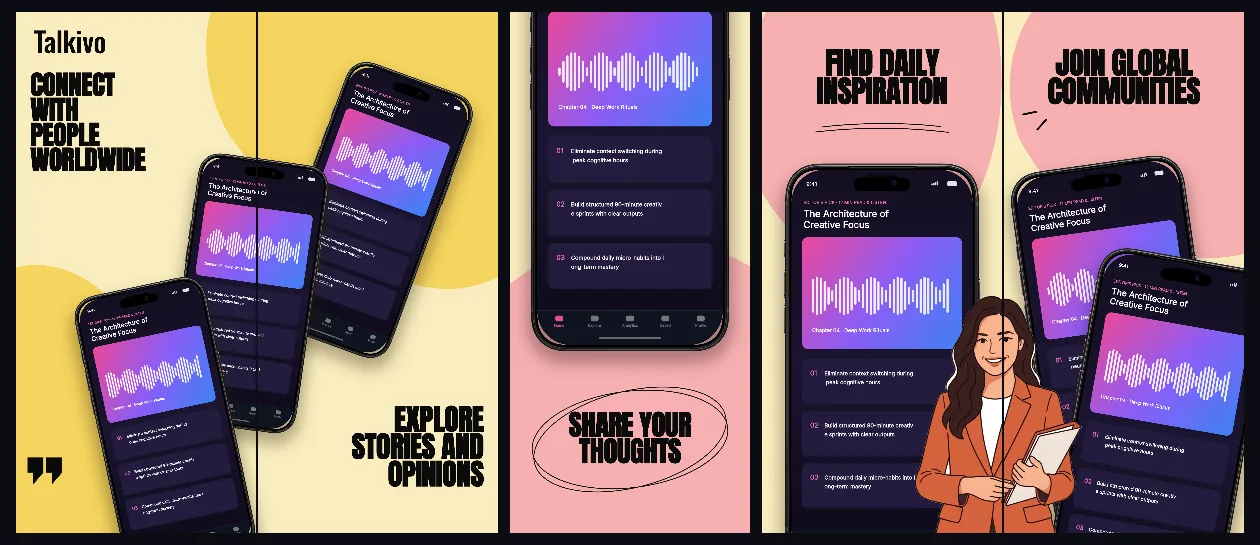
Warm buttercream canvases and crisp ink typography with connected device framing for messaging, clubs and voice rooms.
Explore template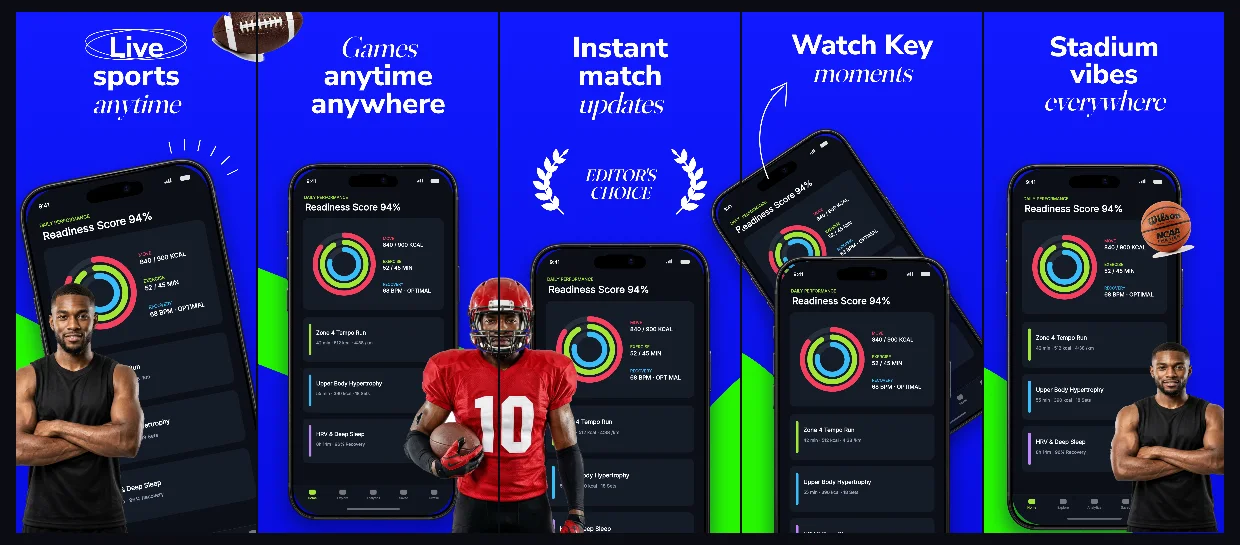
Electric stadium-cobalt canvases with bold condensed headlines and connected multi-screen layouts for live scores, lineups and stats.
Explore template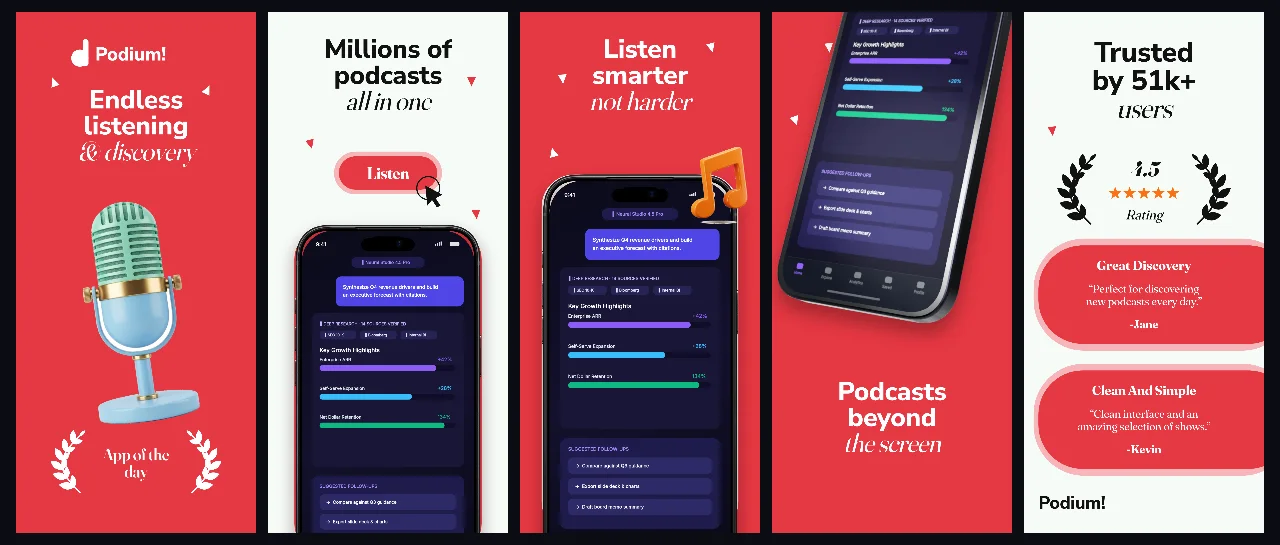
Editorial coral-crimson hero contrast paired with crisp off-white panels and 3D iPhones for spoken-word audio, news and radio apps.
Explore templatePractical walkthrough
When your UI already contains album art, video thumbnails or community photos, discipline in the surrounding frame is everything.
Use pure obsidian, deep crimson or calm buttercream so UI cards separate cleanly from the background.
Ensure every poster, avatar and song title visible in your captures is owned, licensed or original illustrative content.
Use short two-line headers so player controls and social interactions stay unobstructed.
Deep crimson, ultraviolet and pure obsidian backdrops make player controls and cover art pop.
Link discovery feeds to playback, comments and offline downloads across adjacent screens.
Manage mobile, tablet and spatial media store assets inside one multi-family workspace.
Always populate public store screenshots with owned, licensed or original illustrative artwork rather than third-party studio posters.
Limit each panel to one clear headline above the feed so small chat threads or episode rows remain easy to scan.
Questions
Yes. Free ($0 forever) includes the full 3D browser studio, ready-made template library, Remote MCP access to test AI agents, and unlimited draft projects with watermarked preview exports.
Never. Every scene stays an editable multi-layer SceneDoc with live text, 3D hardware poses, backgrounds, vector badges and per-locale overrides.
No ($0 AI markup). Connect Claude, ChatGPT, Cursor or Codex via https://appscreendesign.com/mcp using the AI subscription you already have.
Start with a composition. Keep every detail editable.