Lead with the interaction
Show what the user does in space instead of relying on an abstract promise.

Platform workflow
Spatial apps benefit from a strong first frame. Start with the Vision Pro output family, show the interaction that matters and keep the supporting copy easy to revise.
Free during early access · No card required
Practical walkthrough
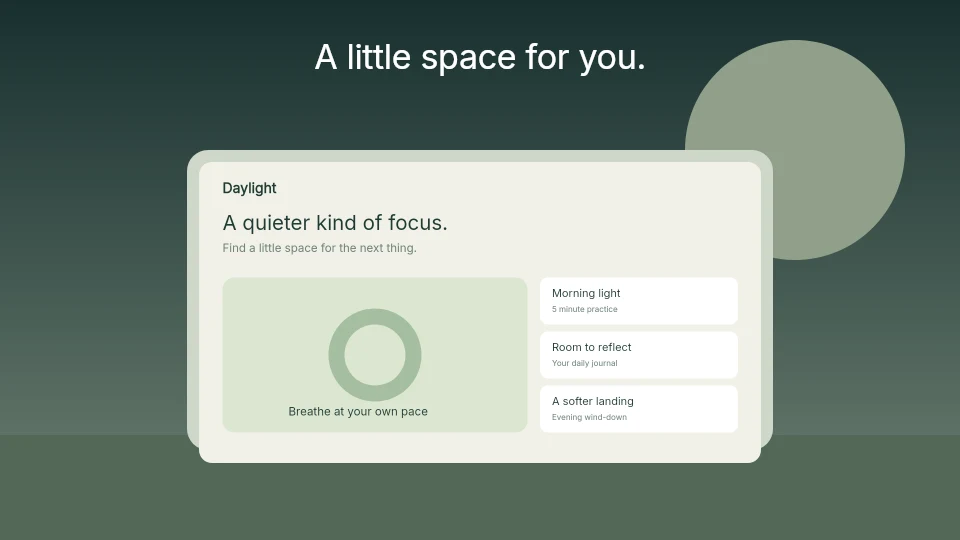
The public visual is an authored spatial illustration. Use actual captures from your own app for the submitted set; the illustration is a composition example, not a substitute for the product.
Show the app in a state where the window, content or spatial relationship matters. Empty environment space needs a purpose.
Check the area behind the headline. A bright environment may need a different text color or background treatment.
Use the Vision Pro output family and inspect the native 3840 × 2160 result. Recheck Apple’s current requirements before submission.
Show what the user does in space instead of relying on an abstract promise.
Use the supported canvas and enough contrast around the product view for store browsing.
Captions, artwork, backgrounds and scene layers remain available for the next iteration.
A viewer should understand where attention goes and what changes when the app is active. Let one frame carry that explanation, then use the sequence to add evidence.
Vision Pro uses its own family and store requirements. Select it before choosing a template so the editor never presents an unrelated phone layout.
Questions
No. Start with your real app screenshots, choose a composition, then change copy, colors, device frames and artwork in the browser editor.
Yes. Upload the original PNG or JPEG captures. Your screenshots replace the illustrative content in a template while the layout stays editable.
Yes. Connect a compatible MCP client after sign in. Your agent can create projects, edit scenes, preview results and export them. Attachment uploads require a client that can provide a supported file reference.
Start with a composition. Keep every detail editable.