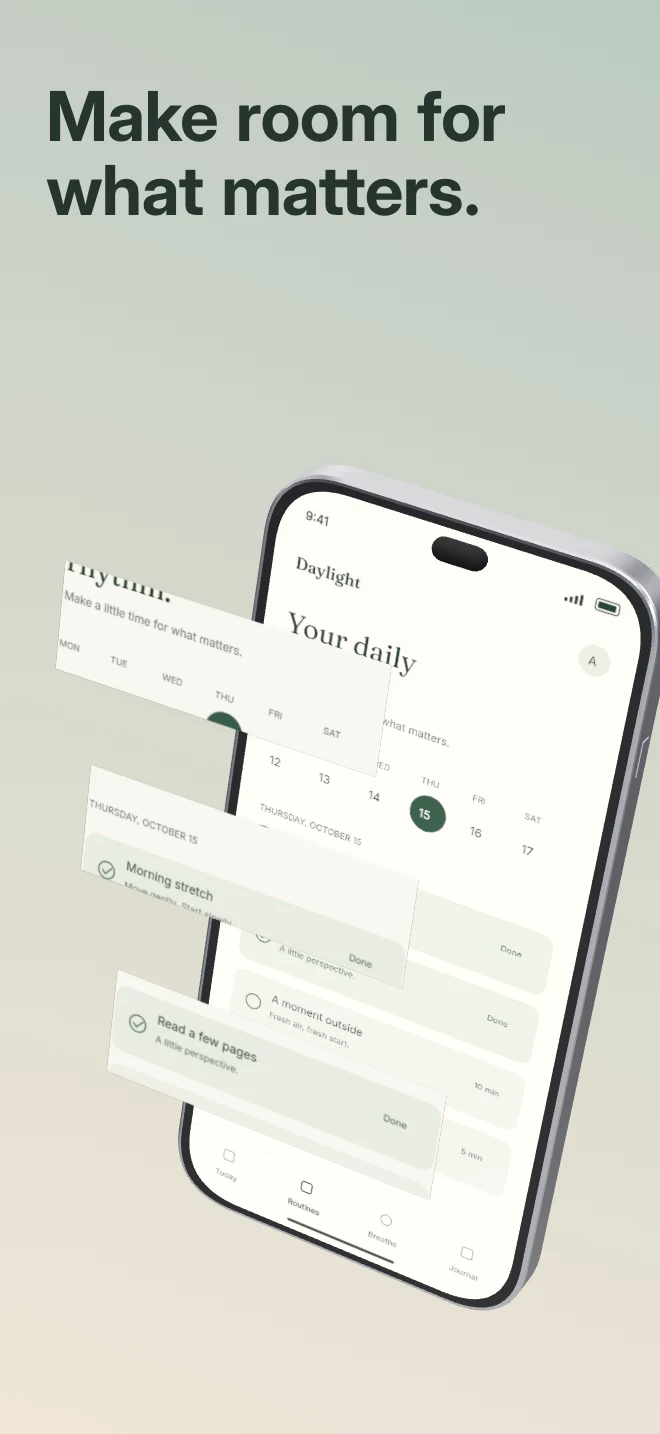
Bring a detail out of the interface. Real crops from the uploaded capture float in front of the complete phone with independent depth.
Explore templateUse-case templates
AI and productivity users scan screenshots for concrete inputs and outputs: prompt clarity, citations, speed and keyboard-ready polish. Start with compositions built for dense interfaces.
Free plan ($0 forever) · Pro $69/yr · No credit card required
Matching editable compositions
Bring a detail out of the interface. Real crops from the uploaded capture float in front of the complete phone with independent depth.
Explore template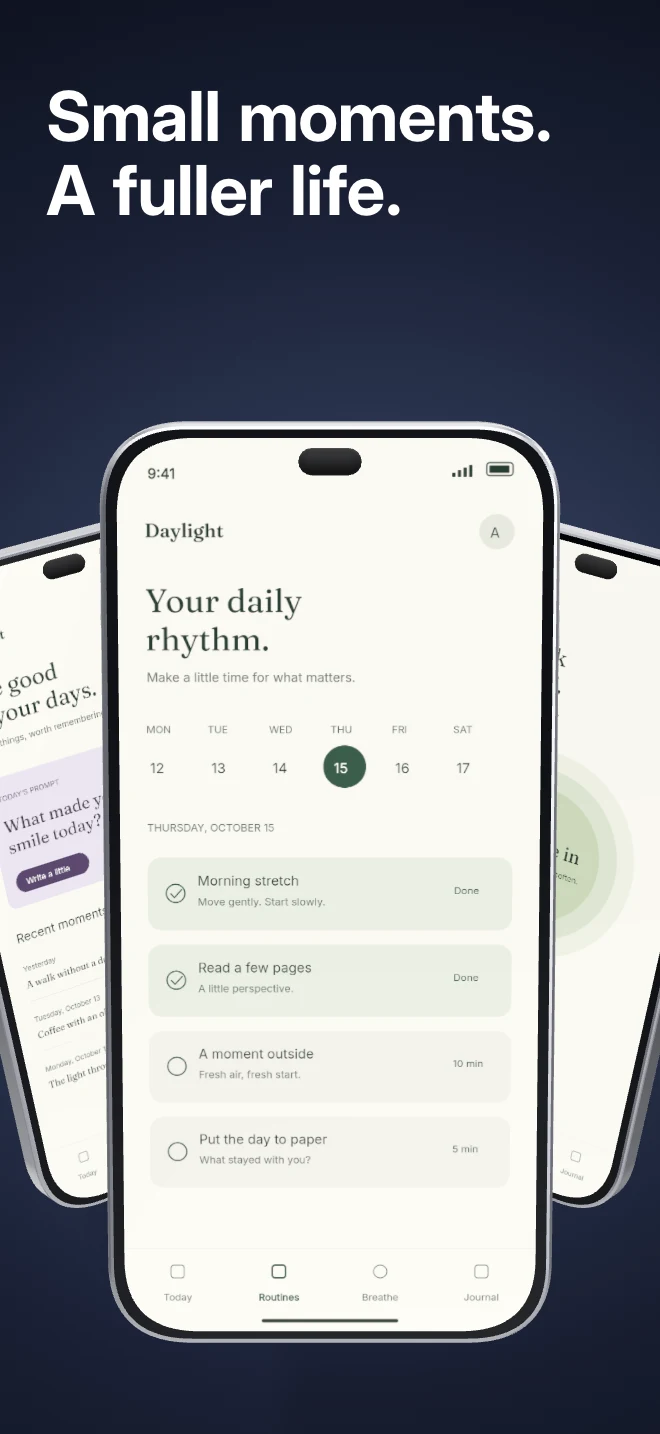
Three independent app screens sit in a shallow arc under shared lighting. Show a small product story inside a single composition.
Explore template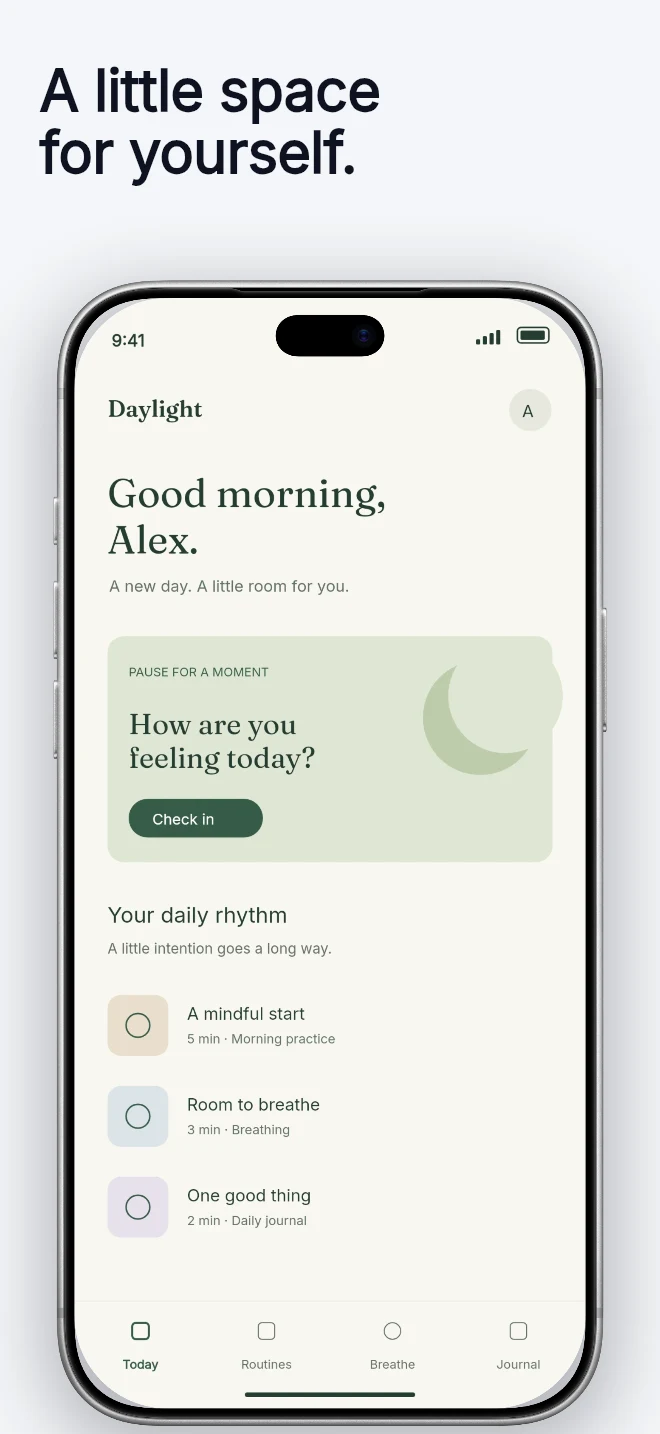
A light background, dark headline and generous device area. Let a colorful interface carry the visual energy.
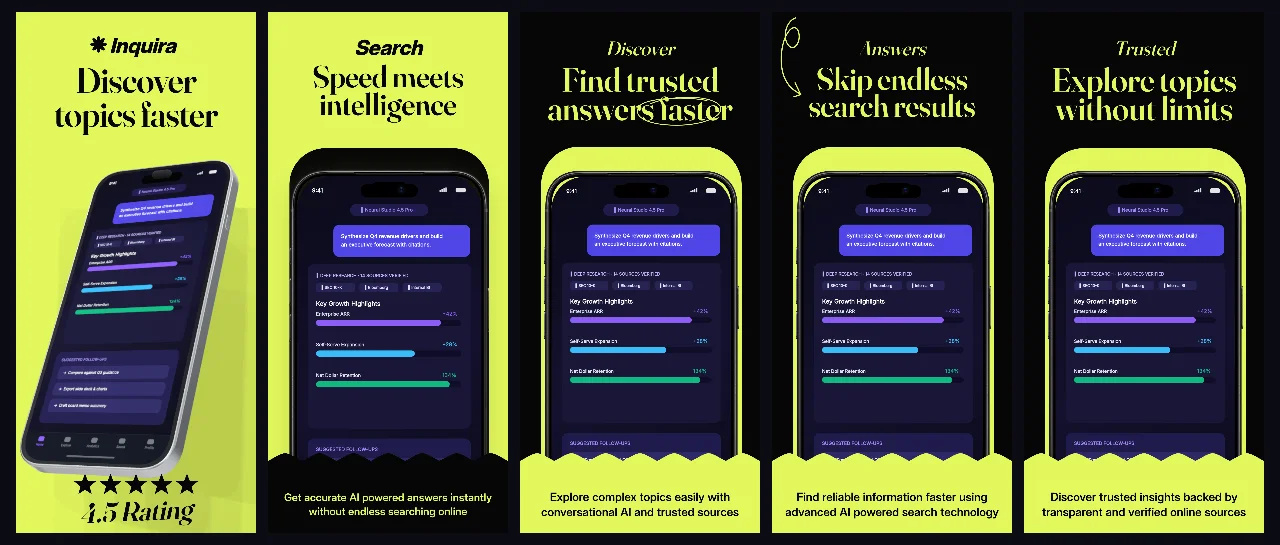
Explore templateHigh-contrast obsidian panels paired with electric lime typography and angled 3D iPhones. Built for AI search, copilot and developer utilities.
Explore template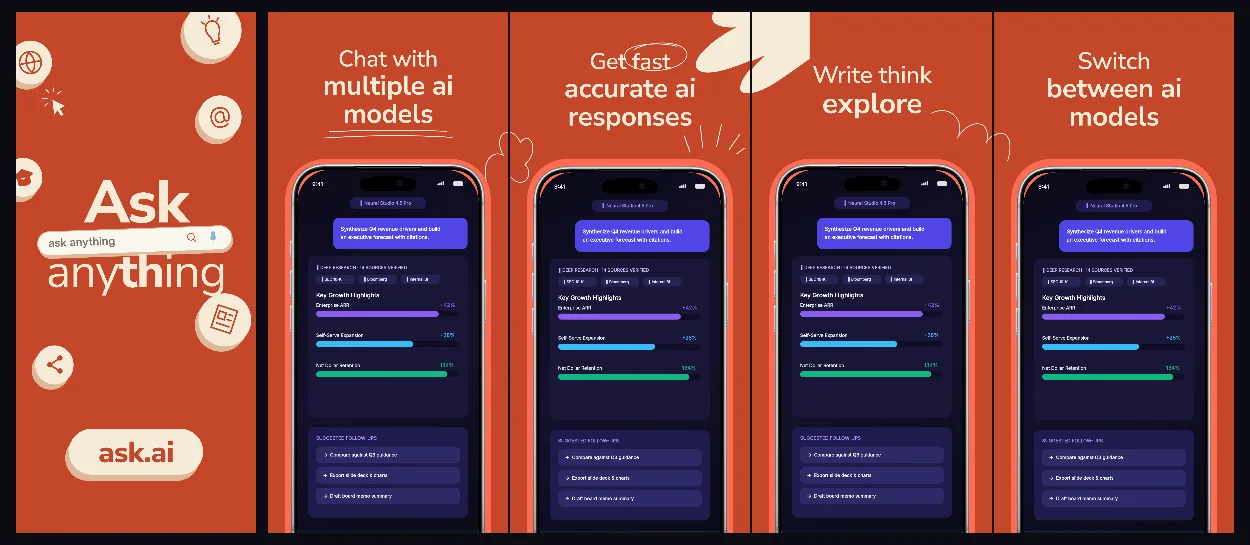
Editorial terracotta and warm paper panels with connected cross-border framing for conversational AI, writing and research assistants.
Explore template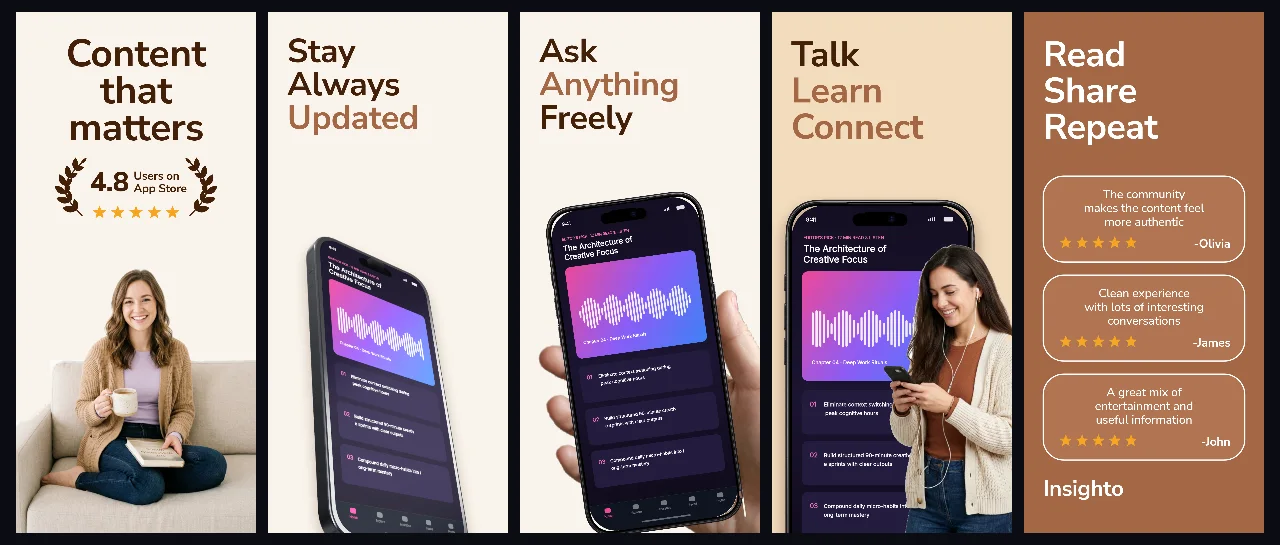
Soft parchment and espresso tones with handheld and angled 3D views tailored for reading, knowledge sharing and thoughtful social apps.
Explore template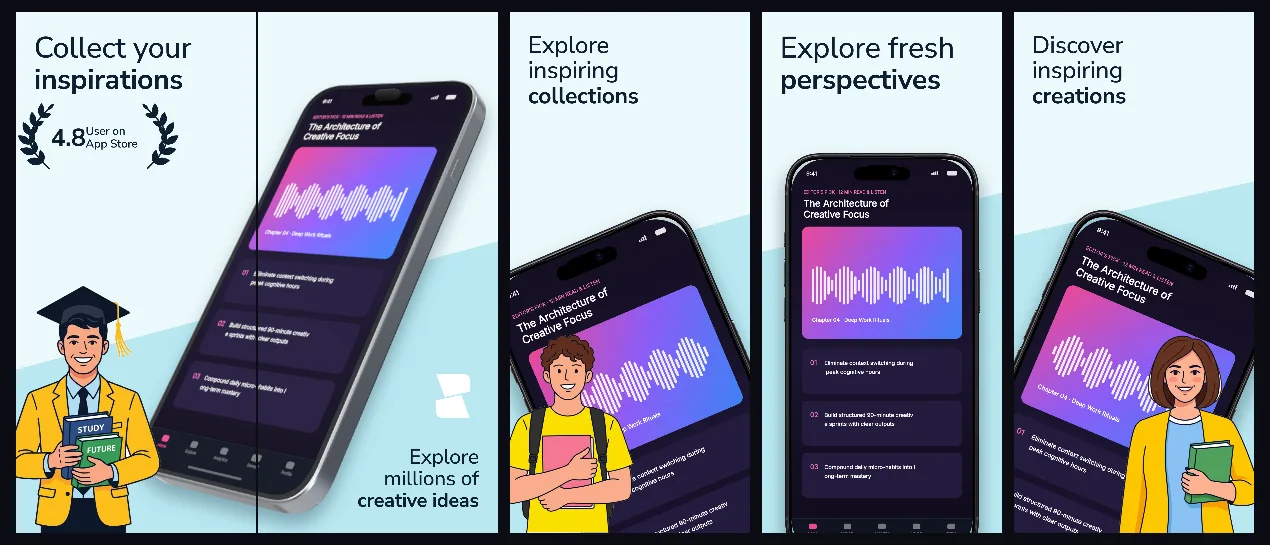
Airy glacier-mist panels with subtle 3D perspective that keep visual moodboards, illustrations and design tools front and center.
Explore template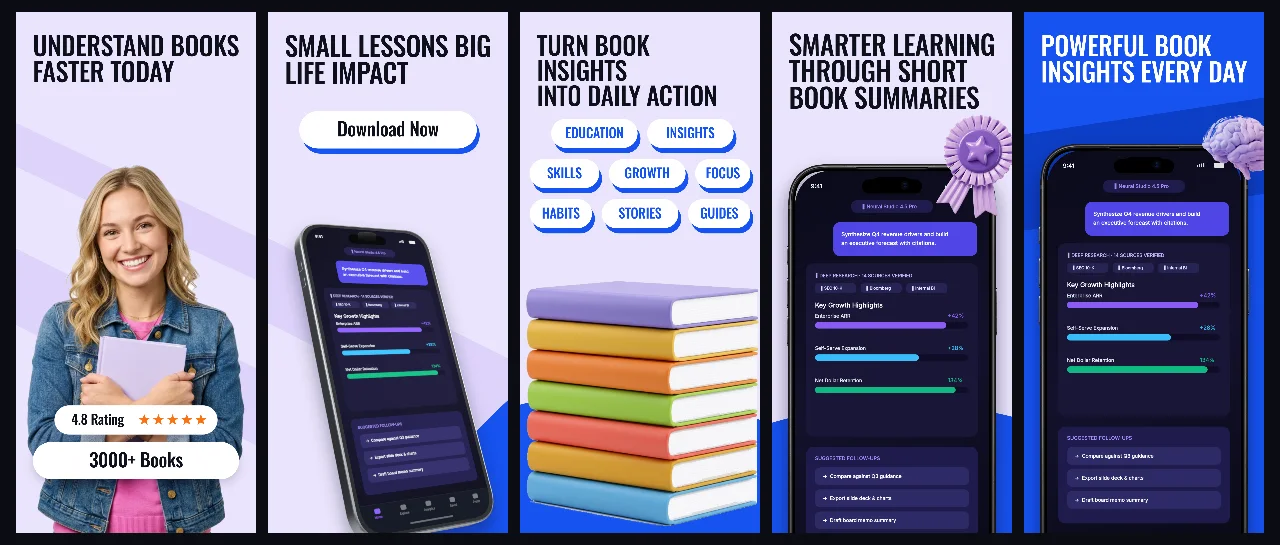
Soft lavender studio space accented with royal-blue headlines and connected 3D devices for daily reading, audio lessons and study streaks.
Explore template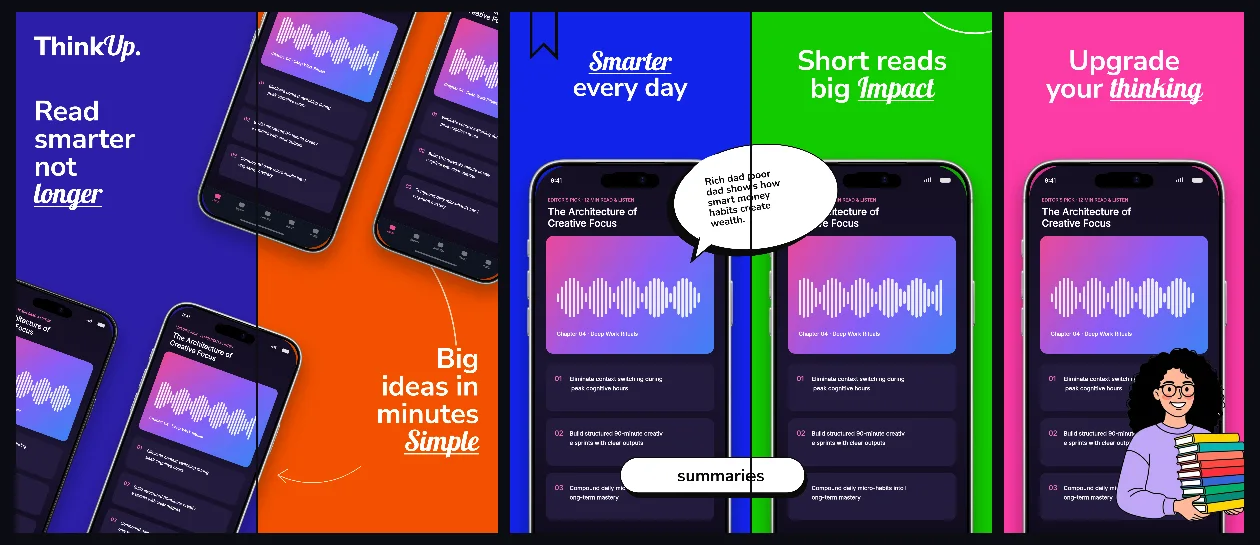
Bold indigo, tangerine and emerald chapter panels connected into an energetic 5-screen curriculum from discovery to daily mastery.
Explore template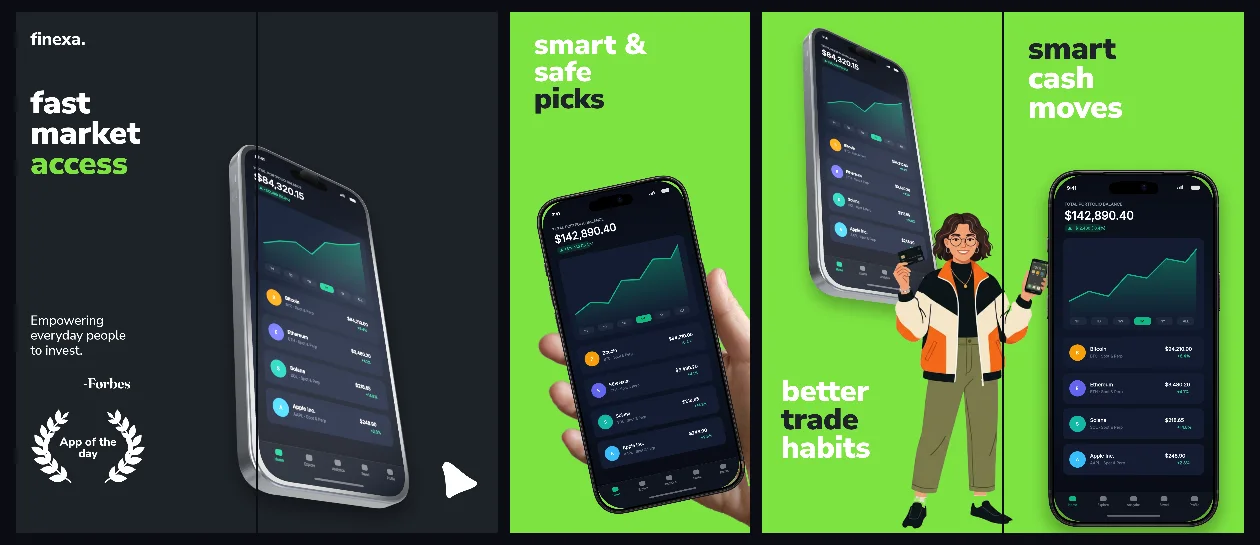
Precision graphite-slate backgrounds, market-green accents and connected 3D + handheld views built for investing, portfolios and analytics.
Explore template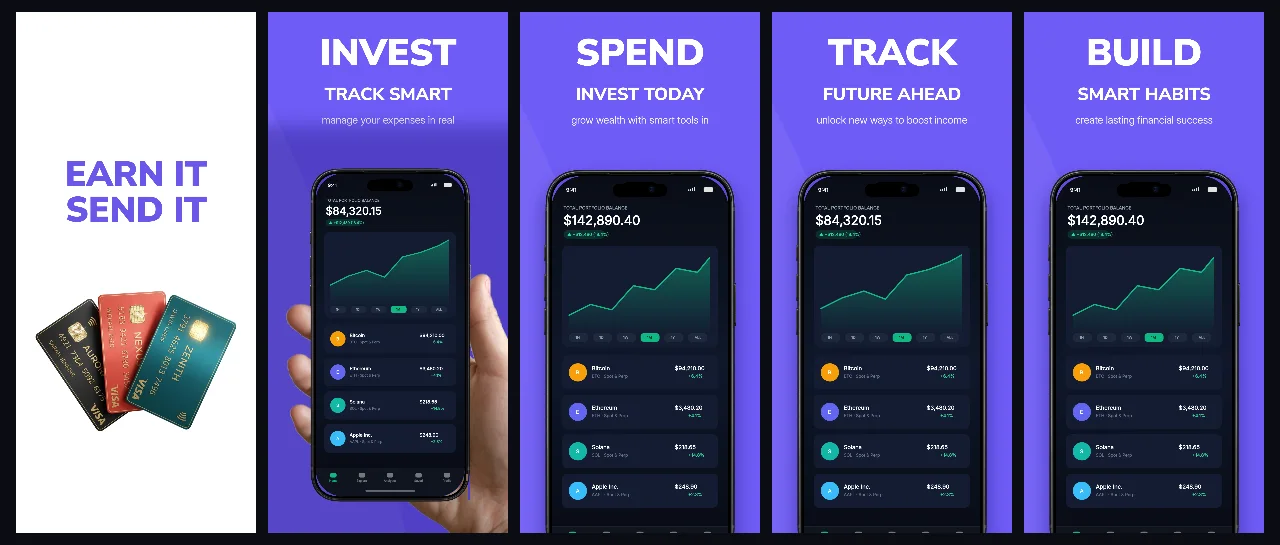
Pure white and electric-indigo panels with a clean handheld hero designed for modern banking, invoicing, SaaS dashboards and budgeting.
Explore templatePractical walkthrough
Show concrete user inputs and verifiable outputs rather than abstract AI claims.
Pair a realistic prompt or document input with the exact structured result on screen.
Zoom into the key UI detail using Exploded UI Layers or angled 3D frames so small text remains legible.
Close with sync, export formats or privacy controls that convert hesitant power users.
Pair the user’s input on panel 1 with structured citations, summaries or actions across panels 2 and 3.
High-contrast obsidian and calm paper palettes keep small chat bubbles and code blocks legible at thumbnail scale.
Update your own App Store screenshots straight from Claude Code or Cursor whenever you ship a new model or UI.
Avoid vague promises like “Powered by AI.” Show the exact seconds saved: meeting notes turned into tasks, receipts parsed into tables, or instant codebase answers.
AI apps evolve weekly. Keep your screenshot set as a structured project so swapping new UI captures across 40+ locales takes minutes, not a full redesign.
Questions
Yes. Free ($0 forever) includes the full 3D browser studio, ready-made template library, Remote MCP access to test AI agents, and unlimited draft projects with watermarked preview exports.
Never. Every scene stays an editable multi-layer SceneDoc with live text, 3D hardware poses, backgrounds, vector badges and per-locale overrides.
No ($0 AI markup). Connect Claude, ChatGPT, Cursor or Codex via https://appscreendesign.com/mcp using the AI subscription you already have.
Start with a composition. Keep every detail editable.