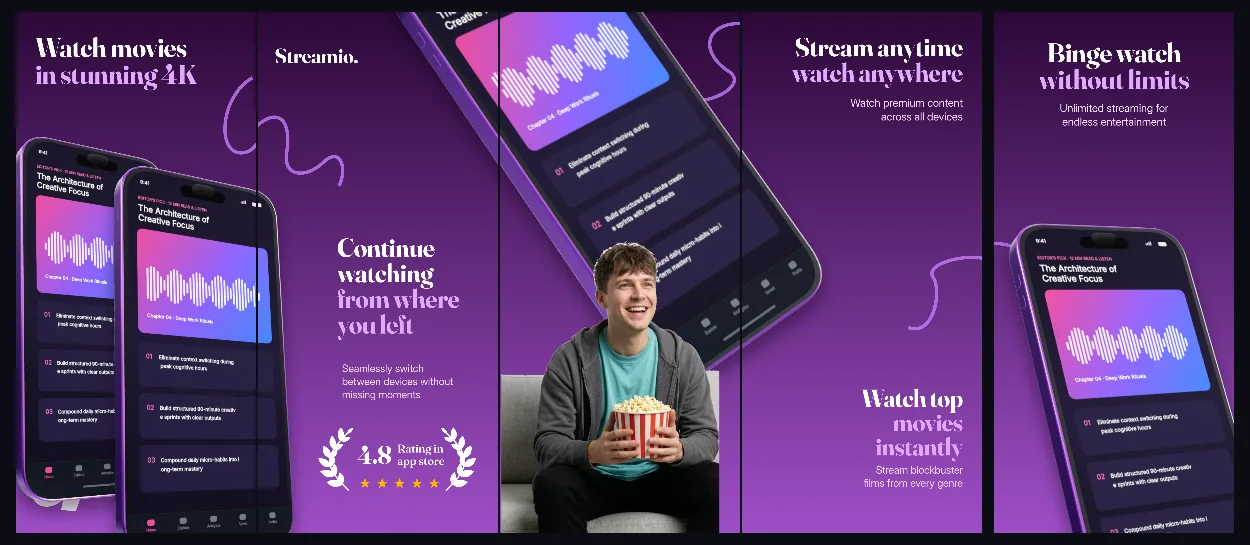
Ultraviolet-to-plum 3D panoramic panels that bridge discovery feeds, watchlists and offline playback into one cohesive store set.
Explore templateUse-case templates
A streaming listing is judged on the catalogue, not the frame: viewers scan for what they can watch tonight. These five-panel sets keep artwork inside the phone and the headline short enough to read in a search row.
Free plan ($0 forever) · Pro $69/yr · No credit card required
Matching editable compositions
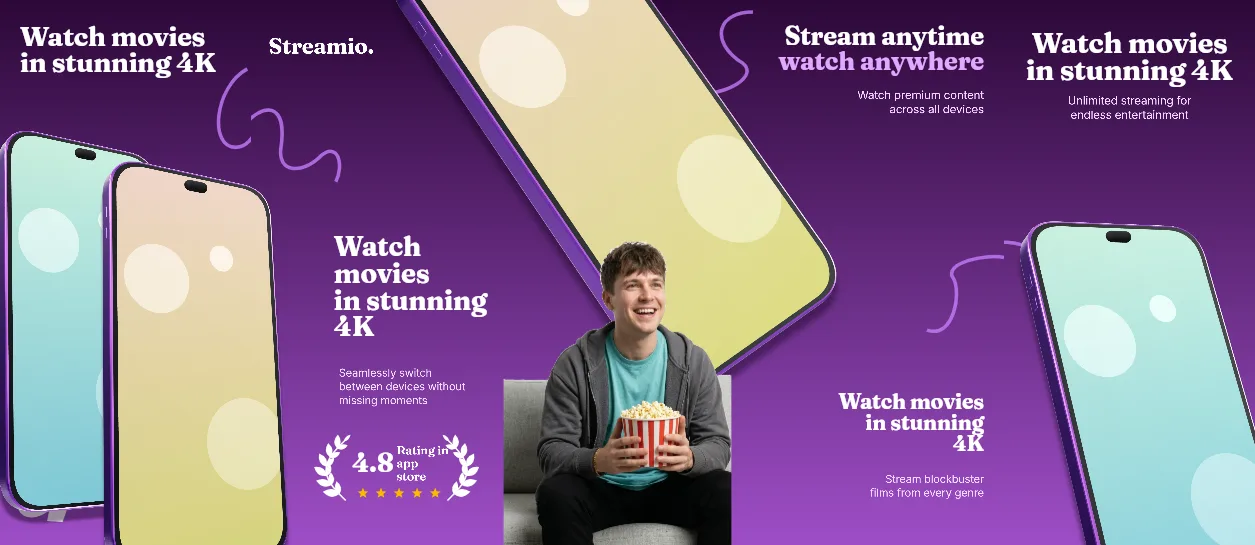
Ultraviolet-to-plum 3D panoramic panels that bridge discovery feeds, watchlists and offline playback into one cohesive store set.
Explore template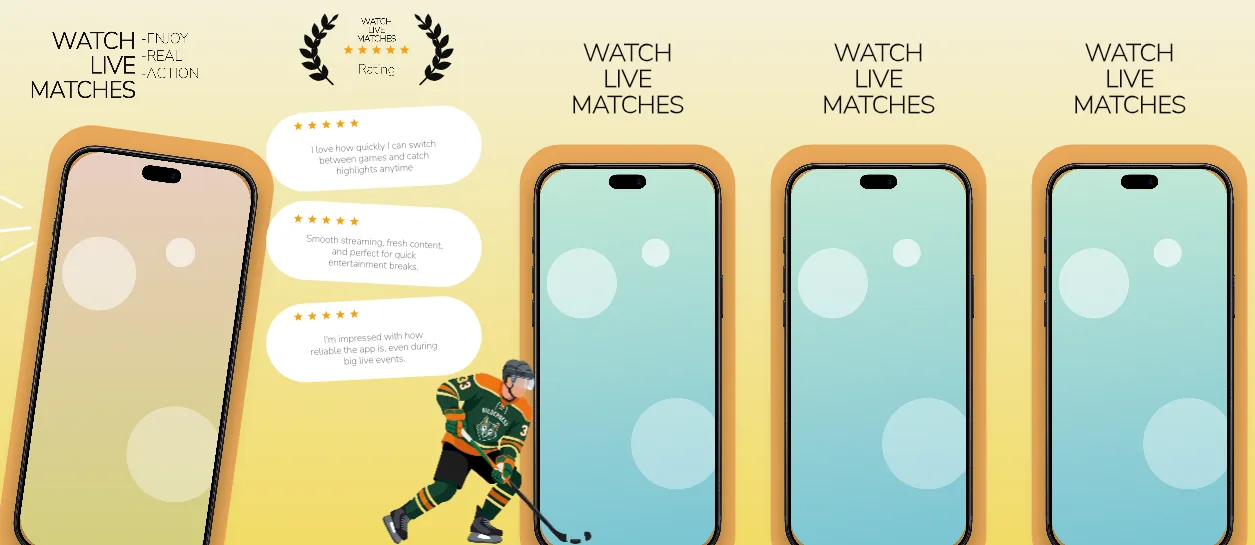
Butter-to-gold gradient with uppercase Nunito Sans headlines, an orange #E8A85A bezel ring around every phone, one tilted iPhone crossing the panels 1–2 seam and a three-card review wall with five-star marks.
Explore template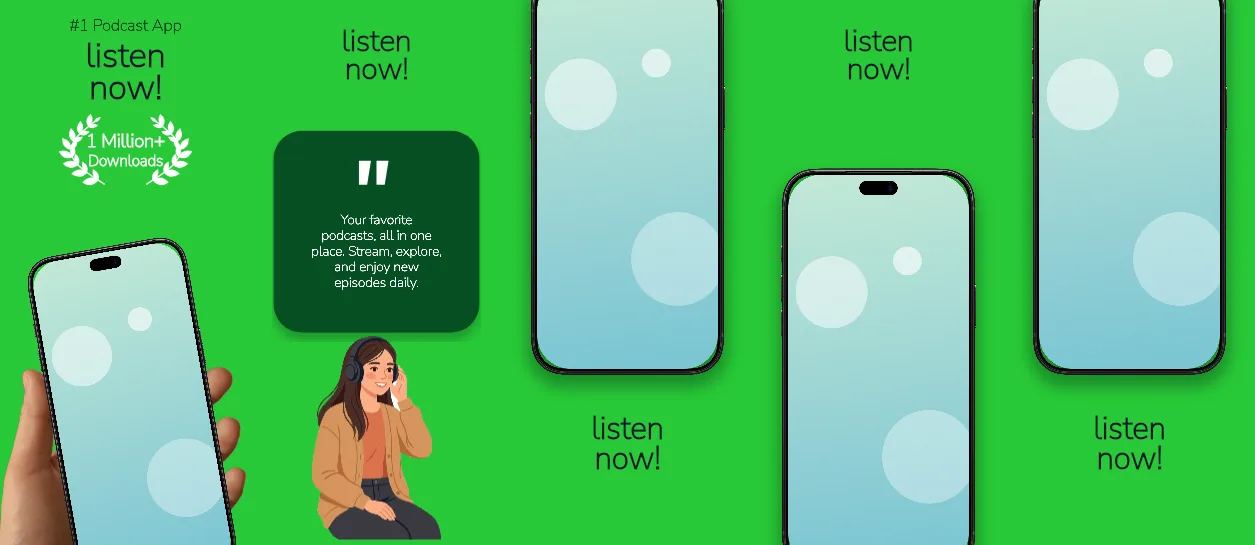
One flat #28C937 green across all five panels, heavy 161–184 px headlines in #0F172A, a dark #074F23 kicker, a white download badge and a tan handheld iPhone tilted −10° on the opening panel.
Explore template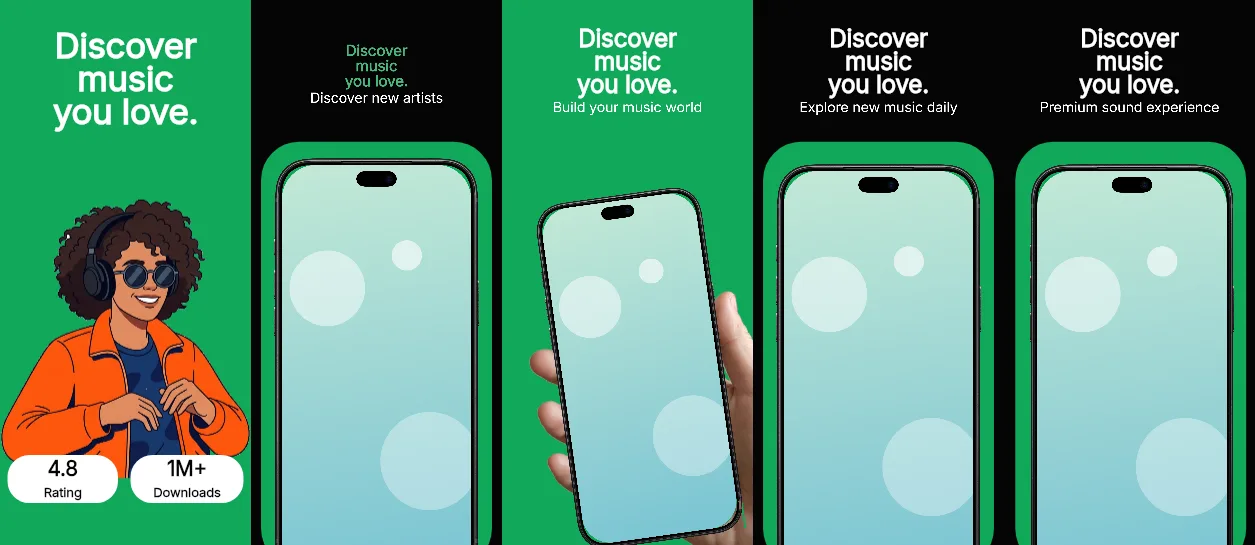
Emerald and black panels in strict alternation — #11A85A, #050505, #11A85A, #050505, #050505 — with 166–184 px Inter headlines, 75 px sublines, two download badges on the cover and a handheld phone on panel 3.
Explore templatePractical walkthrough
A streaming listing is a catalogue pitch, not a features pitch. Pick the one thing a viewer can watch in the next five minutes and show it in the phone before the headline starts explaining.
Use a discovery row, continue-watching shelf or live-score board as panel 1. The capture carries more information than a logo or an empty player chrome.
Poster art that bleeds across a panel turns the strip into one colour block at search size. Leave the background flat or gradient and let the capture hold the artwork.
iOS search shows the first three portrait screens side by side. If the promise only lands on panel 4 or 5, move the strongest capture forward before export.
Every set is authored on the 1320 × 2868 px iPhone 6.9-inch canvas and exports five panels, so a discovery feed, a player and a download screen share one aspect ratio.
The three sets below put cover art, scores or show art in a capture slot instead of bleeding it across the panel, which keeps text legible when the store shrinks the strip.
A flat #28C937 field, a butter-gold gradient and a plum-to-violet gradient each separate the panels from the UI without adding chrome.
Two tilted devices on a plum-to-violet gradient suit a catalogue whose posters carry the colour — the Streamio video hub set keeps 149 px Fraunces headlines white and pushes 218% device crops into the middle panels. Live sport needs the opposite: the gold border match stream set runs a #F4F0D8 → #F2DB66 gradient with 141–146 px uppercase headlines, an #E8A85A bezel ring around every phone and a three-card review wall on panel 2. A podcast app that wants one loud brand colour can drop the gradient entirely: the Kelly green audio stories set uses a single #28C937 field with 184 px headlines and one 72 px quote. Music apps that want contrast instead of consistency can alternate: the Emerald pitch playlist hub swaps between #11A85A emerald and #050505 black panels, with 166–184 px Inter headlines and two download badges on the cover.
iOS search results show the first three portrait screenshots side by side, so panels 1–3 have to carry the promise without the fourth and fifth. Check the strip against the iPhone 6.9-inch screenshot sizes reference before export, then confirm the opening frame still reads at thumbnail scale.
Questions
Yes. Free ($0 forever) includes the full 3D browser studio, ready-made template library, Remote MCP access to test AI agents, and unlimited draft projects with watermarked preview exports.
Never. Every scene stays an editable multi-layer SceneDoc with live text, 3D hardware poses, backgrounds, vector badges and per-locale overrides.
No ($0 AI markup). Connect Claude, ChatGPT, Cursor or Codex via https://appscreendesign.com/mcp using the AI subscription you already have.
The sets ship on the 1320 × 2868 px iPhone canvas. Google Play accepts that aspect but asks for at least 1080 px on the short edge for promotion eligibility, so export the phone panels and check the Play size guide before uploading.
Start with a composition. Keep every detail editable.