One master set covers modern iPhones
Uploading 1320 × 2868 px to the 6.9-inch slot lets App Store Connect auto-scale for 6.5-inch and 6.1-inch iPhones unless you choose custom overrides.
Size specification
Apple’s 6.9-inch iPhone display slot is the primary portrait master set in App Store Connect, automatically scaling down to smaller modern iPhones when you submit one unified set.
1320 × 2868 px · 2868 × 1320 px1290 × 2796 px · 2796 × 1290 px24-bit RGB PNG or JPEG · 72+ DPI · sRGB / P3Free plan ($0 forever) · Pro $69/yr · No credit card required
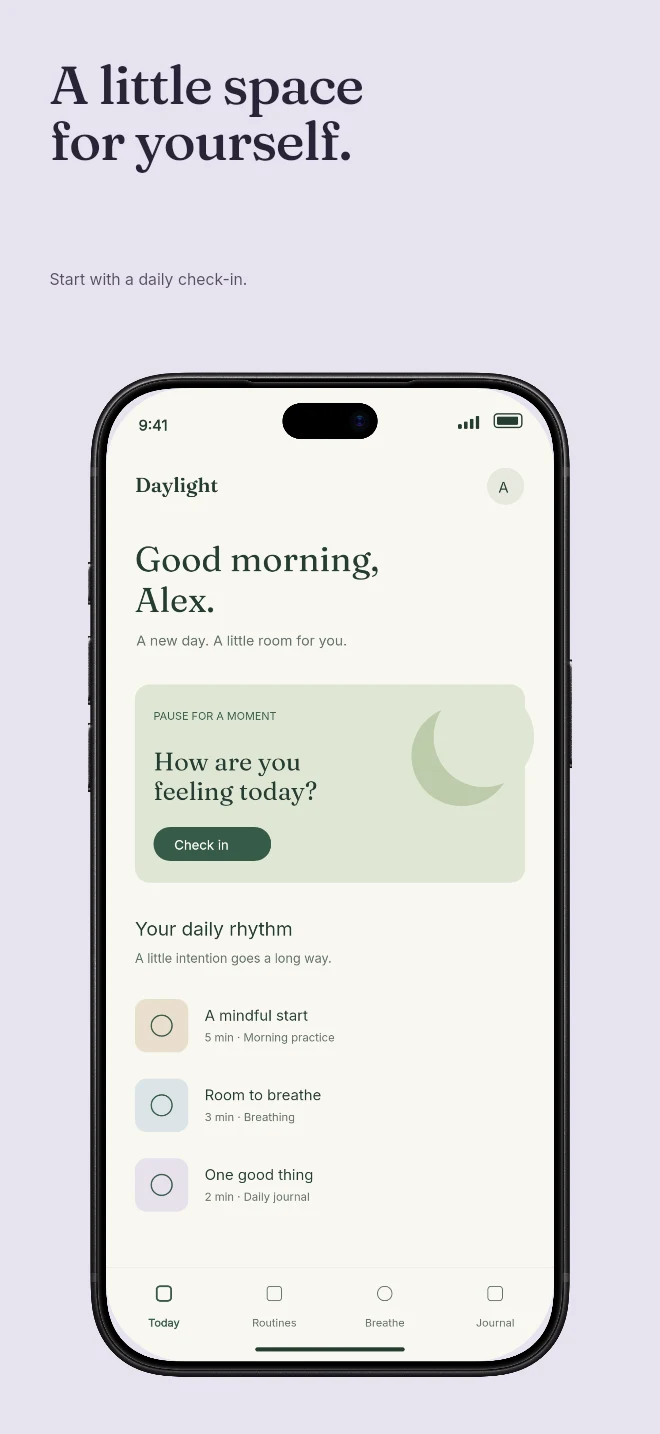
Exact pixel specifications
| Store slot | Portrait | Landscape / Canvas | Notes |
|---|---|---|---|
| iPhone 6.9" Display (Primary Master) | 1320 × 2868 px | 2868 × 1320 px | 1–10 screenshots · Scales down to 6.5", 6.3" & 6.1" in App Store Connect |
| Alternate 6.9" Accepted Resolution | 1290 × 2796 px | 2796 × 1290 px | Accepted by Apple for 6.9" slot; AppScreenDesign exports crisp 1320 × 2868 |
| Color & File Format Contract | 24-bit RGB PNG or JPEG | 72+ DPI · sRGB / P3 | Zero alpha channel / transparency allowed (avoids ITMS-90717) |
Practical walkthrough
Follow three checks so your 6.9-inch iPhone upload cascades cleanly across App Store Connect.
Take clean simulator captures without old marketing frames baked in.
Select the iPhone 6.9" (1320 × 2868) family in Studio so 3D frames and headlines render at native crispness.
Preview panels 1–3 in the App Store Preview Simulator to verify headlines read clearly at small size.
Uploading 1320 × 2868 px to the 6.9-inch slot lets App Store Connect auto-scale for 6.5-inch and 6.1-inch iPhones unless you choose custom overrides.
When your screenshots are portrait, iOS App Store search results display panels 1, 2 and 3 side-by-side at thumbnail scale.
Even 100% visually opaque RGBA PNGs trigger upload errors. AppScreenDesign exports true 24-bit RGB PNGs automatically.
Your Xcode Simulator capture from an iPhone 16/17/18 Pro Max is 1320 × 2868 px, and your final framed marketing screenshot is also 1320 × 2868 px. AppScreenDesign places your raw capture cleanly inside the 3D or 2D device frame while exporting the outer canvas at exact 1320 × 2868 pixels.
Keep primary headlines between 5 and 8 words at ≥ 76pt equivalent on a 1320px-wide canvas so users can read them without tapping to zoom in Search results.
Questions
Yes. Free ($0 forever) includes the full 3D browser studio, ready-made template library, Remote MCP access to test AI agents, and unlimited draft projects with watermarked preview exports.
Never. Every scene stays an editable multi-layer SceneDoc with live text, 3D hardware poses, backgrounds, vector badges and per-locale overrides.
No ($0 AI markup). Connect Claude, ChatGPT, Cursor or Codex via https://appscreendesign.com/mcp using the AI subscription you already have.
Start with a composition. Keep every detail editable.