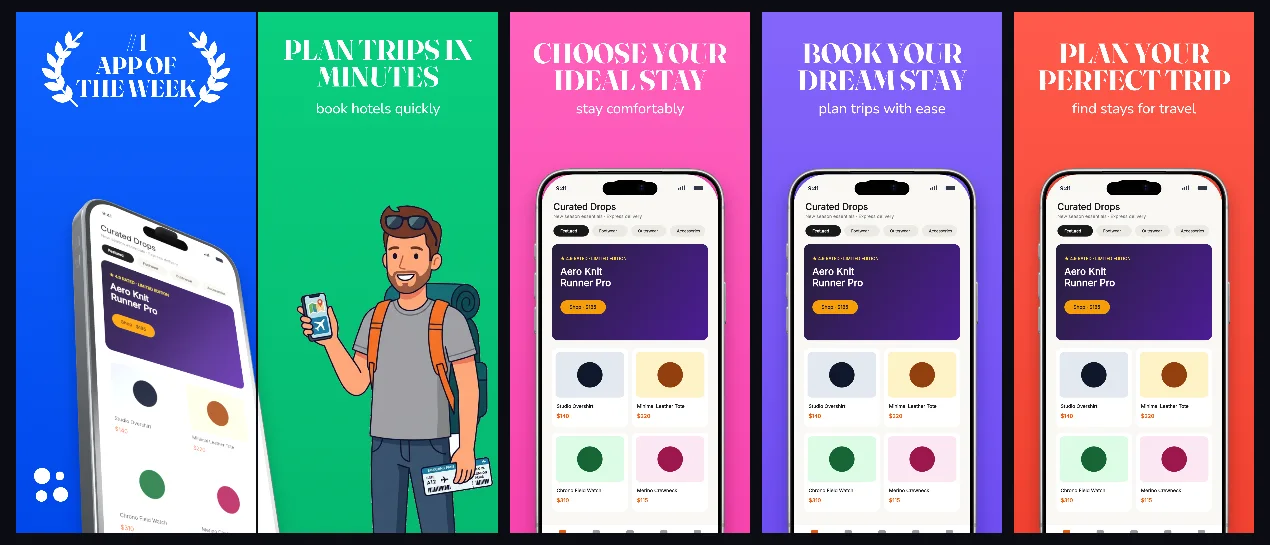
Chapter-by-chapter color blocking in cobalt, emerald and magenta with crisp 3D iPhone poses for flights, stays and itineraries.
Explore templateUse-case templates
A travel listing sells a stay the viewer has not seen yet. Every set here walks search, choice, price and confirmation in five panels — the order a booking actually happens in.
Free plan ($0 forever) · Pro $69/yr · No credit card required
Matching editable compositions
Chapter-by-chapter color blocking in cobalt, emerald and magenta with crisp 3D iPhone poses for flights, stays and itineraries.
Explore template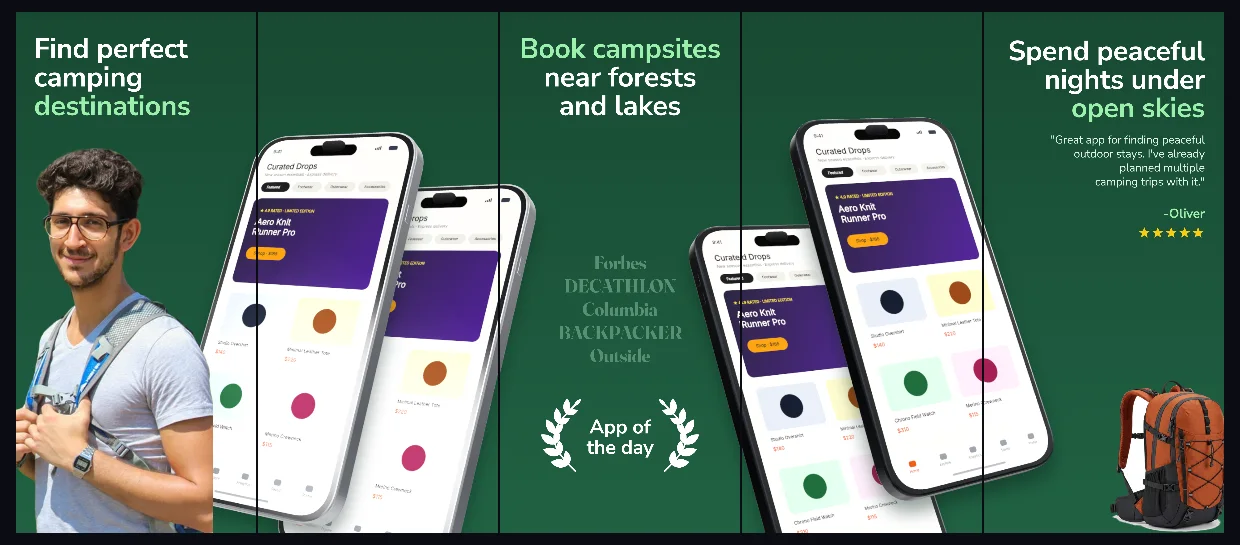
Deep pine-forest greens and crisp white headlines framing 3D iPhone map, trail elevation and outdoor booking screens.
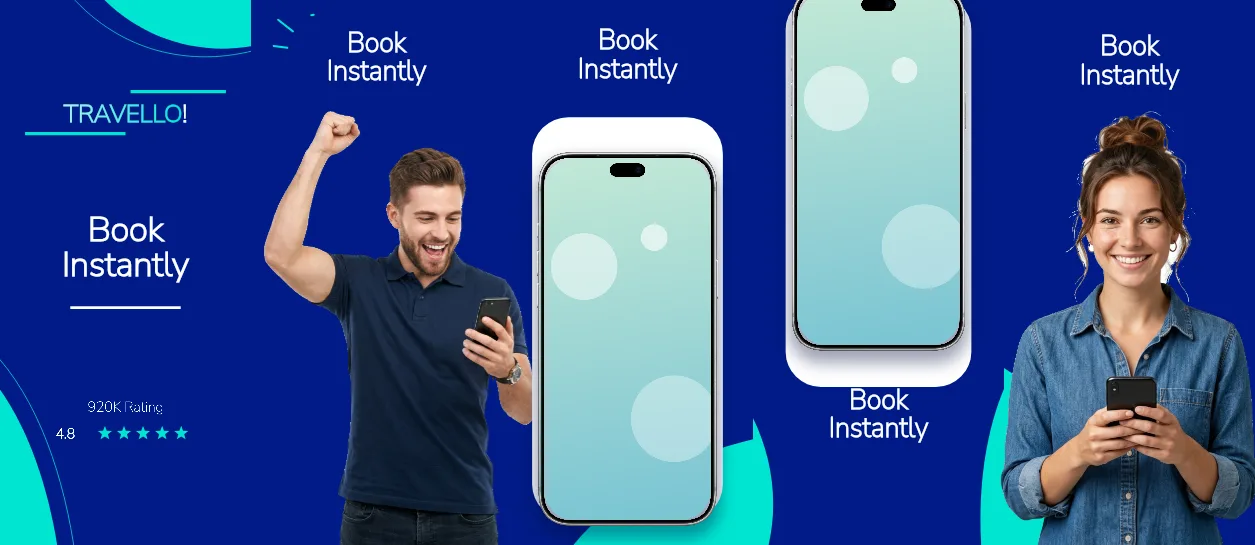
Explore templateOne flat #001B87 navy across all five panels, white Nunito Sans headlines at 143–184 px, an uppercase brand line at 129 px, a pill-shaped rating row and upright silver iPhones from panel 3 onward.
Explore template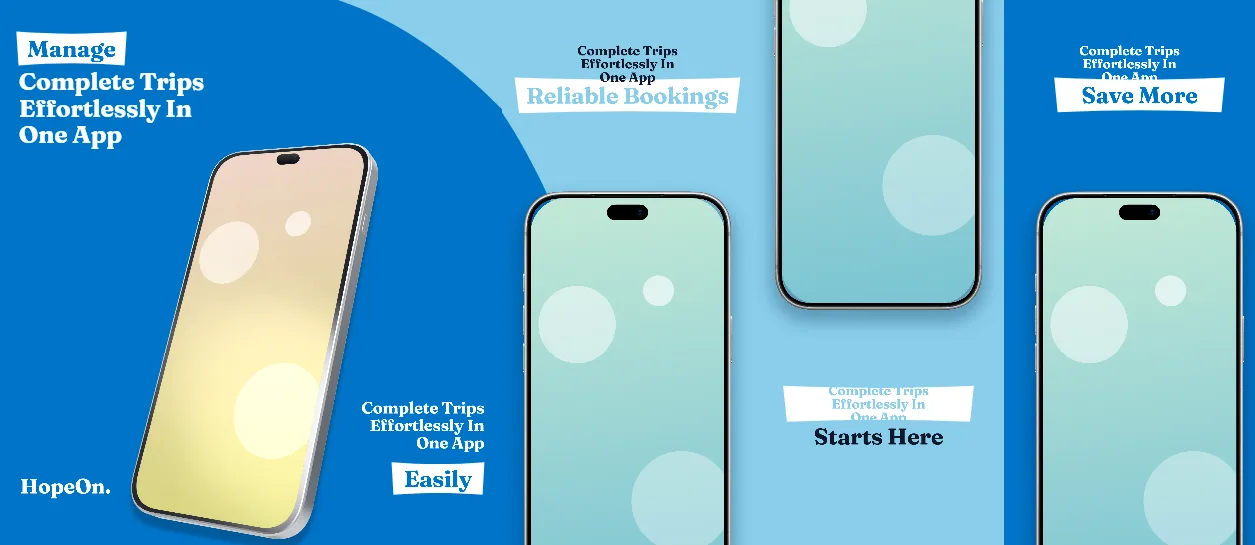
Deep #0074C8 navy-blue panels 1–2 with a 155 px Fraunces headline and a phone tilted 14° across the seam, then a lighter #89CEEB second half with upright phones and centred serif headlines.
Explore template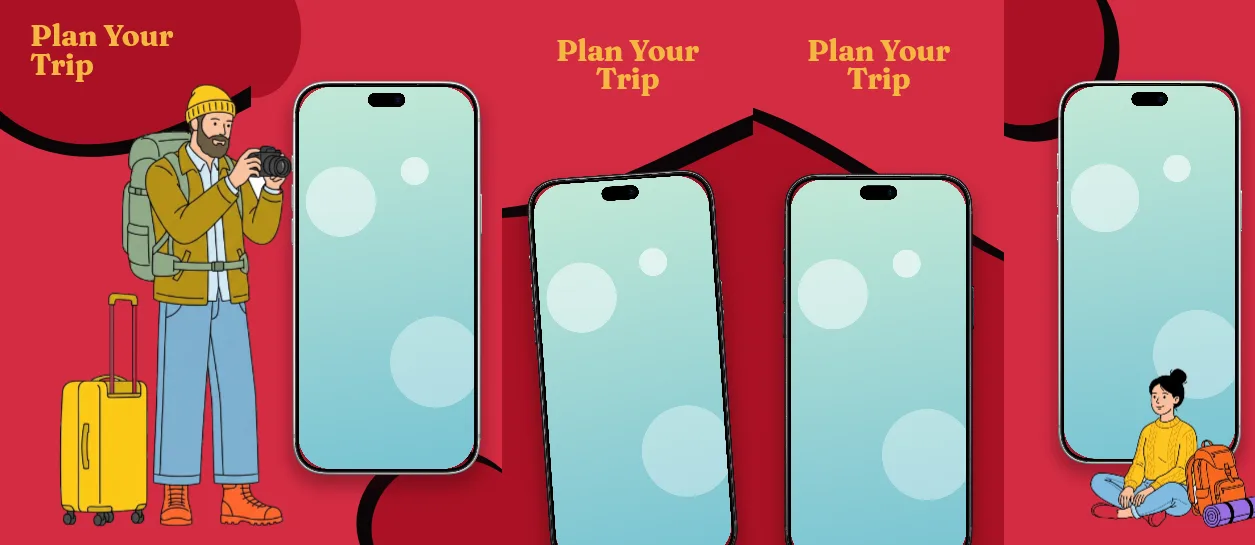
Deep red cover #A91124 leading into #D42C42 body panels, 155 px Fraunces headlines in #F5B841 gold, and upright silver or black iPhones at 76–78% scale on every body panel.
Explore template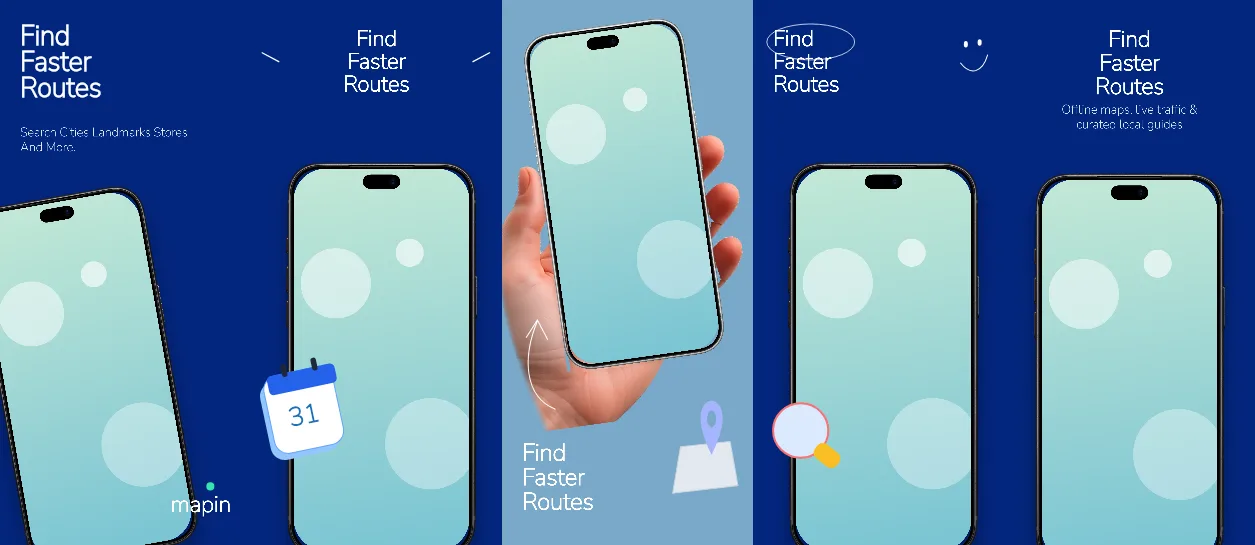
Deep #03267E navy on four panels with one #7AA9C8 sky-blue break on panel 3, 143-155 px white Nunito Sans headlines, a 138 px #1D70B8 day counter and a -10 degree handheld iPhone.
Explore templatePractical walkthrough
Travel screenshots are usually judged against a destination photograph the app did not create. Compete on the flow instead: availability, price, confirmation, and the one detail a traveller checks before paying.
A listing with a price, a rating or a date range tells a viewer more than a full-screen map on panel 1. Keep the map for the panel where location is the point.
A booking flow is already sequential. Each panel should show the next state — results, detail, checkout, confirmation — rather than three crops of the same list.
The final panel is where a travel app proves the promise. If the confirmation screen is thin, substitute a saved-trip or itinerary view before exporting at 1320 × 2868.
Each sequence is built around a booking decision: what is available, what it costs, what the confirmation screen looks like.
Search, listing, map, checkout and confirmation share one iPhone 6.9-inch canvas, so a single capture set exports every panel.
A flat navy, a cerulean-to-aqua switch and a two-red deal palette cover hotel, planner and rental listings without new artwork.
A rating-led cover works when trust is the blocker: the navy aqua stay finder opens with a 129 px uppercase wordmark, a 184 px headline and a 4.8 rating pill on a flat #001B87 field, with no phone at all on panels 1 and 2. A planner that wants to show the itinerary should start from the Cerulean ocean stay planner, which shares one tilted device across panels 1–2 and then switches from #0074C8 to #89CEEB at panel 3. Rental and deal apps that lead with price do better on the Crimson ribbon stay deals set: a #A91124 cover with 155 px gold Fraunces headlines, then #D42C42 body panels with upright phones. A map-first product can keep the same family and swap the story: the Sky pin route navigator runs #03267E navy panels with a single #7AA9C8 sky frame and a 138 px day counter.
Booking apps live or die on the listing photo. Panels 2–4 are where a room, a view or a map should sit inside the phone, and where a located hero beats a second headline. Compare the strip against the iPhone 6.9-inch screenshot sizes reference before export, and check the first three panels as a search row rather than one at a time.
Questions
Yes. Free ($0 forever) includes the full 3D browser studio, ready-made template library, Remote MCP access to test AI agents, and unlimited draft projects with watermarked preview exports.
Never. Every scene stays an editable multi-layer SceneDoc with live text, 3D hardware poses, backgrounds, vector badges and per-locale overrides.
No ($0 AI markup). Connect Claude, ChatGPT, Cursor or Codex via https://appscreendesign.com/mcp using the AI subscription you already have.
The sequences are built around a stay: search, listing, booking, confirmation. A flight-only app can keep panels 2–5 and swap the cover headline, but the listing-photo panel assumes accommodation, so plan that slot before you start.
Start with a composition. Keep every detail editable.