Native 3840 × 2160 UHD rendering
Export crisp 4K typography and spatial UI windows without upscaling blurry HD captures.
Size specification
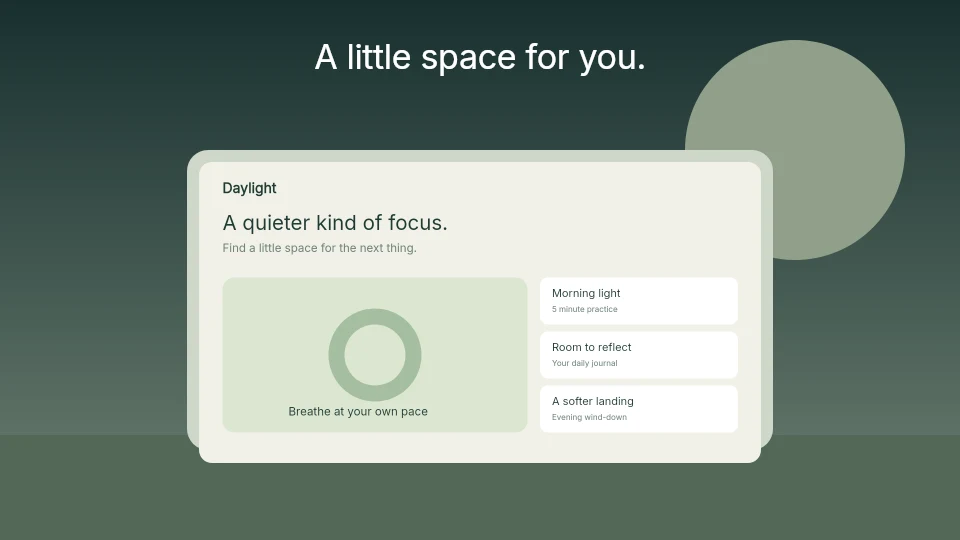
visionOS App Store listings showcase spatial windows and environments on a wide 16:9 4K canvas (3840 × 2160 px). Give viewers an immediate focal point and legible contrast.
3840 × 2160 px1–10 screenshotsFree plan ($0 forever) · Pro $69/yr · No credit card required
Exact pixel specifications
| Store slot | Portrait | Landscape / Canvas | Notes |
|---|---|---|---|
| Apple Vision Pro (visionOS 4K) | — | 3840 × 2160 px | AppScreenDesign family: visionos · 16:9 UHD opaque PNG |
| Panel Count & Format | — | 1–10 screenshots | 24-bit RGB PNG or JPEG without alpha transparency |
Practical walkthrough
Guide the viewer’s eye clearly across the wide 16:9 4K visionOS frame.
Keep key UI controls large enough to read when viewed on iPhone or Mac App Store pages.
Pair bright environments with dark editorial type or subtle contrast backdrops.
Download alpha-free 4K PNGs directly from the visionos project tab.
Export crisp 4K typography and spatial UI windows without upscaling blurry HD captures.
Glassmorphic visionOS windows can wash out captions; add subtle backdrop scrims or studio environments behind headlines.
Manage visionOS and iPad Pro 13" assets together in one project.
In spatial computing, empty room environment around a tiny window wastes store real estate. Crop close enough that window controls and spatial depth cues read clearly on mobile and headset browsing alike.
Check exported 3840 × 2160 files in our local Size Checker to verify exact pixel dimensions before uploading to App Store Connect.
Questions
Yes. Free ($0 forever) includes the full 3D browser studio, ready-made template library, Remote MCP access to test AI agents, and unlimited draft projects with watermarked preview exports.
Never. Every scene stays an editable multi-layer SceneDoc with live text, 3D hardware poses, backgrounds, vector badges and per-locale overrides.
No ($0 AI markup). Connect Claude, ChatGPT, Cursor or Codex via https://appscreendesign.com/mcp using the AI subscription you already have.
Start with a composition. Keep every detail editable.