Portrait-ready canvas
Start with the large iPhone screenshot family and keep your captures aligned to the export canvas.

Device workflow
Upload portrait iPhone screenshots, compare compositions with your own content and keep the final design easy to change when your app updates.
Free during early access · No card required
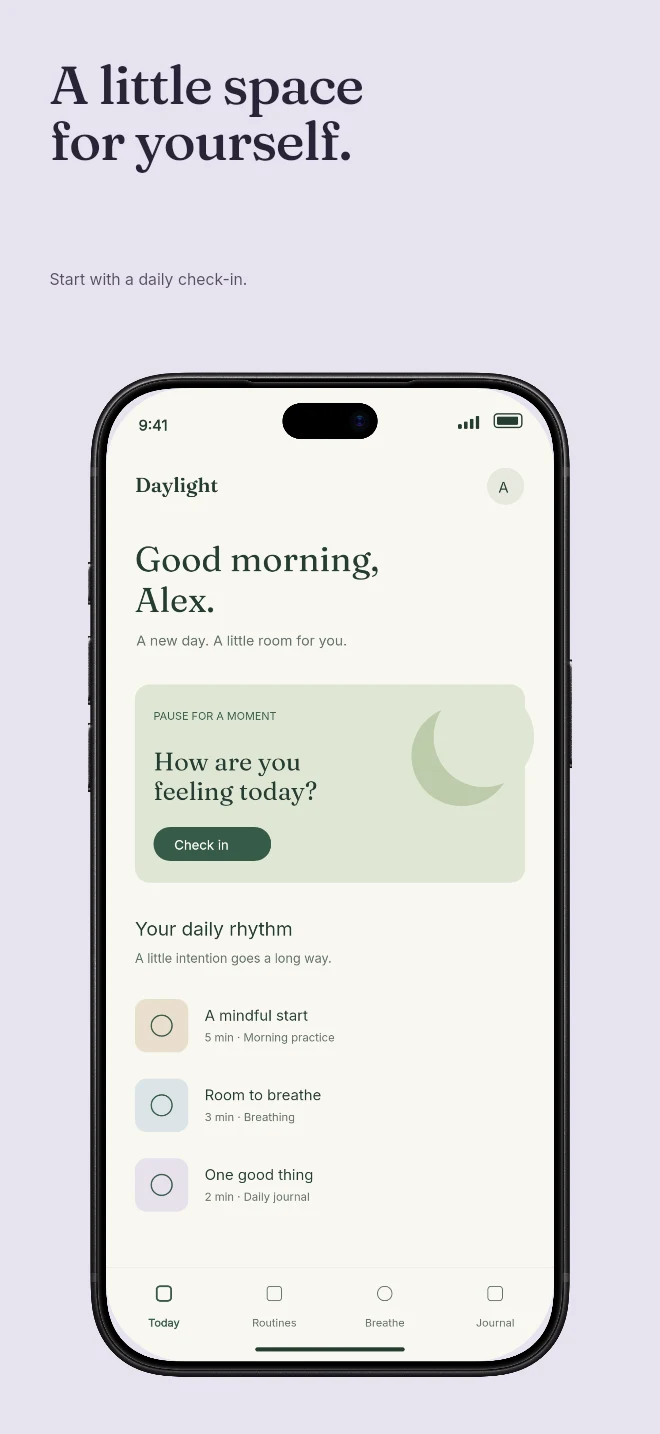
Practical walkthrough
Use original phone captures without an old marketing frame or caption already baked into them. The template supplies those layers separately.
Use a capture with the same aspect ratio as the device screen. If it is cropped, inspect the top navigation and bottom controls before accepting the result.
Keep copy away from screen edges and let the device remain identifiable. A long headline can make the app itself too small.
The large portrait iPhone preset is a final artwork size, not a requirement that every uploaded raw capture has those same pixels. Check the size guide and your App Store Connect slot.
Start with the large iPhone screenshot family and keep your captures aligned to the export canvas.
Use a clean editorial layout or a rendered device scene with real frame geometry and lighting.
Edit captions directly on the canvas, format individual words and keep copy scoped to each screen.
Your iPhone screenshots remain the source of truth. Templates add hierarchy around them so the feature and benefit are easy to scan in App Store Connect.
Each screen keeps its own design and capture bindings. Connected hero viewports can share a device while remaining selectable and editable as separate screens.
Questions
No. Start with your real app screenshots, choose a composition, then change copy, colors, device frames and artwork in the browser editor.
Yes. Upload the original PNG or JPEG captures. Your screenshots replace the illustrative content in a template while the layout stays editable.
Yes. Connect a compatible MCP client after sign in. Your agent can create projects, edit scenes, preview results and export them. Attachment uploads require a client that can provide a supported file reference.
Start with a composition. Keep every detail editable.