Why 1320 × 2868 is today’s best default
Designing once at 1320 × 2868 px gives flagship Pro Max displays crisp native pixels while satisfying Apple’s automatic cascade to 6.5-inch and 6.1-inch devices.
Size specification
App Store Connect accepts 6.5-inch screenshots when 6.9-inch assets are omitted, or automatically derives 6.5-inch slots when you upload a 6.9-inch (1320 × 2868) master set.
1320 × 2868 px · 2868 × 1320 px1284 × 2778 px · 2778 × 1284 px1242 × 2688 px · 2688 × 1242 pxFree plan ($0 forever) · Pro $69/yr · No credit card required
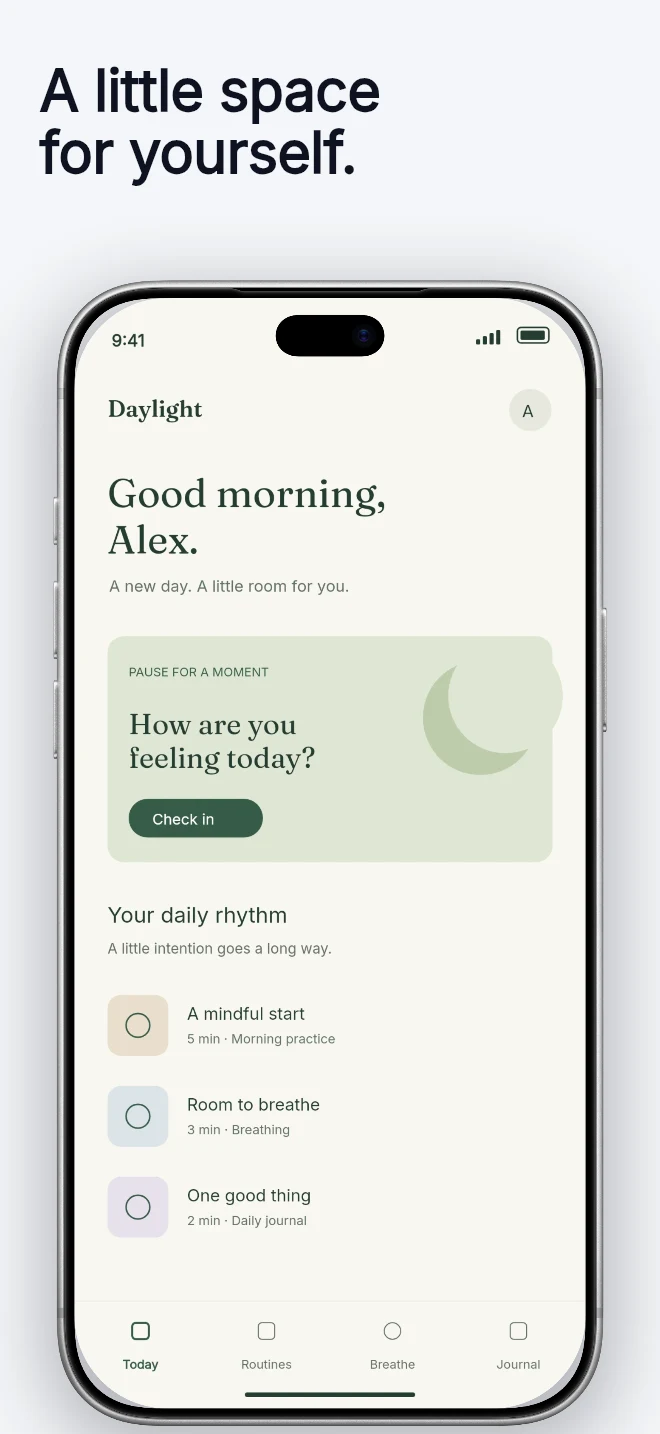
Exact pixel specifications
| Store slot | Portrait | Landscape / Canvas | Notes |
|---|---|---|---|
| iPhone 6.9" Master (Recommended) | 1320 × 2868 px | 2868 × 1320 px | AppScreenDesign native iPhone preset · Auto-fills 6.5" in App Store Connect |
| iPhone 6.5" Slot (1284w) | 1284 × 2778 px | 2778 × 1284 px | Accepted by App Store Connect when submitting dedicated 6.5" assets |
| iPhone 6.5" Slot (1242w) | 1242 × 2688 px | 2688 × 1242 px | Legacy 6.5" resolution still accepted by App Store Connect |
Practical walkthrough
Save hours of duplicate work by letting App Store Connect cascade from 1320 × 2868 unless a custom 6.5" override is needed.
Drop existing 1242 × 2688 or 1284 × 2778 PNGs into our local Size Checker to inspect dimensions and alpha channels.
Build your new release on the 1320 × 2868 preset in AppScreenDesign.
Upload to the 6.9-inch display slot so Apple automatically serves 6.5-inch and 6.1-inch iPhones.
Designing once at 1320 × 2868 px gives flagship Pro Max displays crisp native pixels while satisfying Apple’s automatic cascade to 6.5-inch and 6.1-inch devices.
1320 × 2868 (0.4602) and 1284 × 2778 (0.4622) share virtually identical proportions, preventing crop surprises.
If an older Fastlane pipeline outputs 1242 × 2208 (5.5-inch), migrate to the 6.9-inch 1320 × 2868 family for modern Dynamic Island devices.
Unless your UI fundamentally changes layout on smaller screens, Apple recommends uploading the highest-resolution 6.9-inch iPhone set and letting Media Manager cascade down cleanly.
Drop your current export folder into our local browser Size & Alpha Checker to spot mixed dimensions or accidental transparency channels in seconds.
Questions
Yes. Free ($0 forever) includes the full 3D browser studio, ready-made template library, Remote MCP access to test AI agents, and unlimited draft projects with watermarked preview exports.
Never. Every scene stays an editable multi-layer SceneDoc with live text, 3D hardware poses, backgrounds, vector badges and per-locale overrides.
No ($0 AI markup). Connect Claude, ChatGPT, Cursor or Codex via https://appscreendesign.com/mcp using the AI subscription you already have.
Start with a composition. Keep every detail editable.