Purpose-built for store submission
Every project validates panel counts, pixel dimensions and 24-bit opaque PNG rules for App Store Connect and Google Play.
Comparison
Previewed offers clean 3D device mockups. AppScreenDesign goes further with purpose-built App Store Connect multi-family workflows, 50 structured localizations, iPhone Duo & Vision Pro slots, and Remote MCP agent automation.
18 Apple & Google Play export presets in one projectBuilt-in locale documents, per-locale captures & overridesIncluded on Free, Pro ($69/yr) & Scale ($179/yr)Free plan ($0 forever) · Pro $69/yr · No credit card required
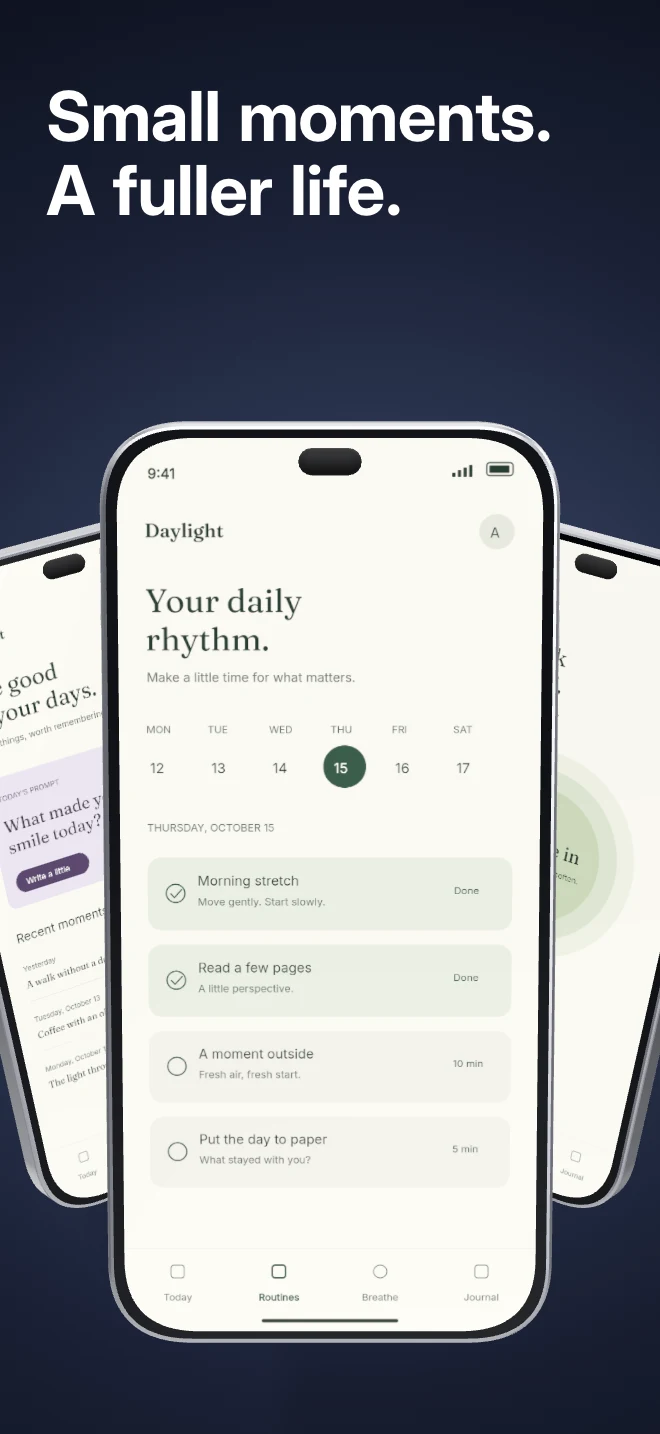
Side-by-side comparison
| Capability | AppScreenDesign | Previewed |
|---|---|---|
| Store-native family workflow | 18 Apple & Google Play export presets in one project | General-purpose mockup templates |
| 50-language localization | Built-in locale documents, per-locale captures & overrides | Manual duplication per language |
| AI Agent MCP & REST API | Included on Free, Pro ($69/yr) & Scale ($179/yr) | No MCP server for AI agents |
| Connected 5-panel strips | Cross-panel panoramic 3D & handheld storytelling | Primarily standalone or basic multi-frame scenes |
| Live store listing simulator | Interactive Search + Product Page share links (/s/) | Static image download |
Comparison reflects publicly documented capabilities and standard subscription models as of 2026. All third-party product names belong to their respective owners.
Practical walkthrough
Build coordinated 5–10 panel narratives across every Apple and Google Play slot.
Select iPhone 6.9", iPad Pro 13", Google Play Phone and Feature Graphic inside one project.
Rotate devices, adjust shadows and crop floating UI callouts directly in the browser.
Expand to 50 store locales and share a realistic /s/ App Store preview link before submission.
Every project validates panel counts, pixel dimensions and 24-bit opaque PNG rules for App Store Connect and Google Play.
Start from single-screen 3D heroes or complete 5-panel connected sequences across fintech, AI, health, commerce and media.
Let Claude or Cursor populate copy and screenshots via MCP, then fine-tune camera angles visually.
Standalone mockup generators are great for a landing page hero, but shipping an app requires coordinated 5–10 panel narratives across iPhone, iPad, Google Play and dozens of languages.
Start free forever to test every 3D control and template, then upgrade to Pro for $69/year when ready to export watermark-free store bundles.
Questions
Yes. Free ($0 forever) includes the full 3D browser studio, ready-made template library, Remote MCP access to test AI agents, and unlimited draft projects with watermarked preview exports.
Never. Every scene stays an editable multi-layer SceneDoc with live text, 3D hardware poses, backgrounds, vector badges and per-locale overrides.
No ($0 AI markup). Connect Claude, ChatGPT, Cursor or Codex via https://appscreendesign.com/mcp using the AI subscription you already have.
Start with a composition. Keep every detail editable.