One project, 50 languages
Stop duplicating separate project files for every language. Manage English, Japanese, German, Arabic and 46 more locales inside one structured project.
Comparison
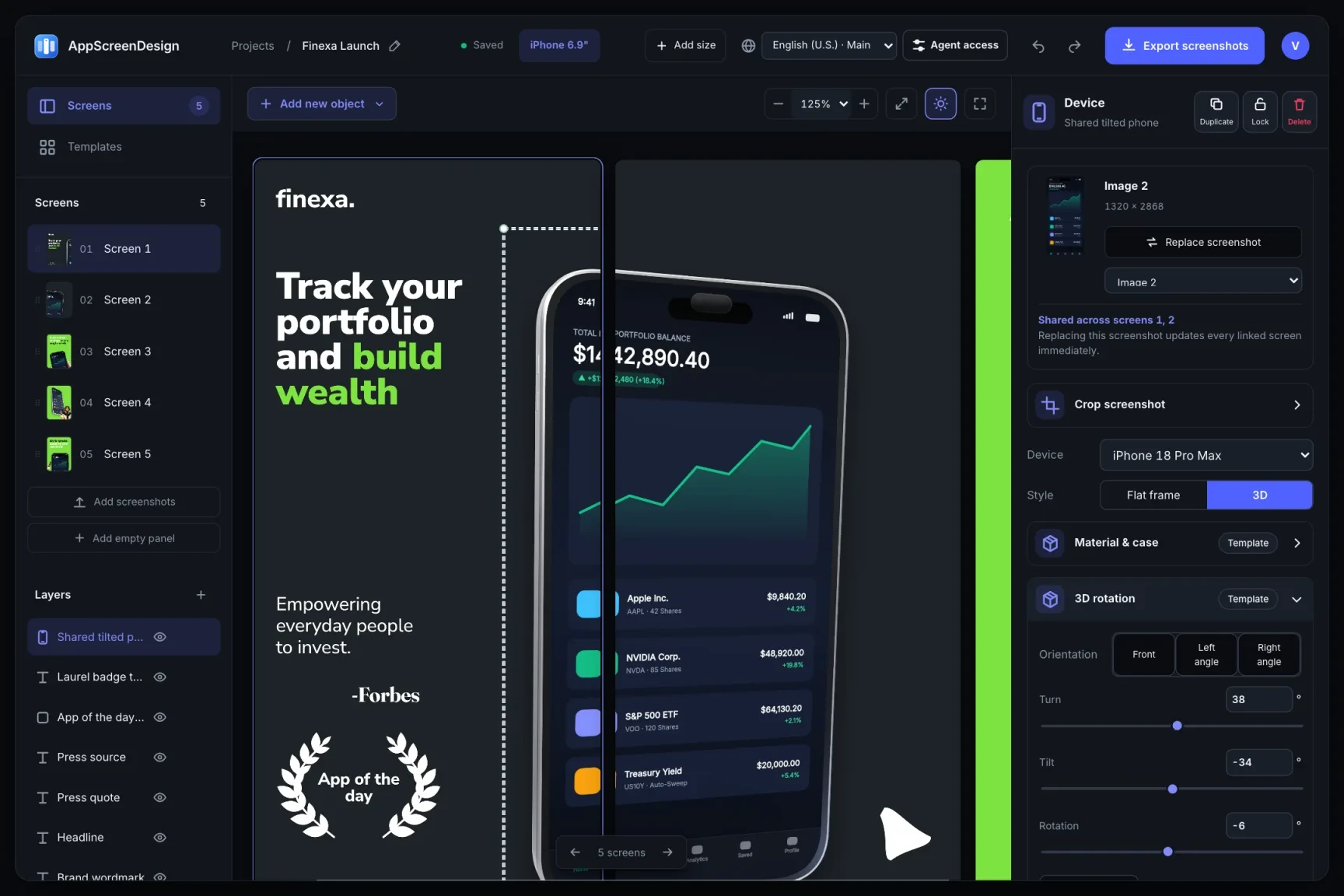
AppLaunchpad offers a straightforward browser mockup editor. AppScreenDesign gives you real 3D camera and lighting controls, true cross-panel panoramic scenes, 50 App Store localizations, and an OAuth MCP endpoint for your AI coding agent.
$69 / year ($5.75/mo) · Unlimited projectsLive interactive 3D pitch/yaw/roll, studio lighting & shadowsRemote Streamable HTTP MCP + Scoped REST Editor APIFree plan ($0 forever) · Pro $69/yr · No credit card required
Side-by-side comparison
| Capability | AppScreenDesign | AppLaunchpad |
|---|---|---|
| Pro annual pricing | $69 / year ($5.75/mo) · Unlimited projects | Higher annual cost for full pro template & clone access |
| 3D device rendering | Live interactive 3D pitch/yaw/roll, studio lighting & shadows | Pre-rendered 3D angles and 2D device frames |
| AI agent / CLI automation | Remote Streamable HTTP MCP + Scoped REST Editor API | Manual browser-only editing |
| Localization architecture | 50 locales inside one project with per-locale captures & layout | Manual project cloning per language |
| Apple platform coverage | iPhone 6.9", iPhone Duo, iPad 13", Watch, Mac & Vision Pro | iPhone, iPad, Android & Watch templates |
| Opaque 24-bit store validation | Server-verified 24-bit RGB PNGs (zero alpha channel) | Standard browser export |
Comparison reflects publicly documented capabilities and standard subscription models as of 2026. All third-party product names belong to their respective owners.
Practical walkthrough
Replace per-language project cloning with one structured multi-locale workspace.
Start from ready-made editable templates where every 3D device angle, shadow and text span remains live.
Enable de-DE, ja, es-MX or ar-SA inside the same project instead of maintaining disconnected copies.
Export exact 1320 × 2868, 2064 × 2752 and 1080 × 1920 sets with zero alpha-channel rejections.
Stop duplicating separate project files for every language. Manage English, Japanese, German, Arabic and 46 more locales inside one structured project.
Rotate any 3D iPhone, iPad, Watch or MacBook to the exact degree your layout needs instead of picking from fixed PNG angles.
Every Pro and Free workspace connects to https://appscreendesign.com/mcp so AI agents can draft and localize sets for you.
Cloning a 10-screen design across 12 languages manually creates 120 disconnected boards to maintain on every UI update. AppScreenDesign keeps one main layout and clean per-locale overrides.
Preview and final ZIP exports share the exact same rendering engine, producing alpha-free truecolor PNGs with exact store pixel dimensions every time.
Questions
Yes. Free ($0 forever) includes the full 3D browser studio, ready-made template library, Remote MCP access to test AI agents, and unlimited draft projects with watermarked preview exports.
Never. Every scene stays an editable multi-layer SceneDoc with live text, 3D hardware poses, backgrounds, vector badges and per-locale overrides.
No ($0 AI markup). Connect Claude, ChatGPT, Cursor or Codex via https://appscreendesign.com/mcp using the AI subscription you already have.
Start with a composition. Keep every detail editable.