Break lines by Hangul word units
Splitting a Korean word mid-syllable looks broken. Tune headline breaks in Studio so every line ends cleanly at a natural space boundary.
Localization guide
South Korea combines massive iOS and Google Play spend with high visual design standards. Keep Hangul word units intact and pair iOS + Android families in one project.
ko (Korean)Left-to-Right · Space-delimited Hangul word blocks (eojeol)−10% to +5% width vs English · Taller syllable block geometryFree plan ($0 forever) · Pro $69/yr · No credit card required
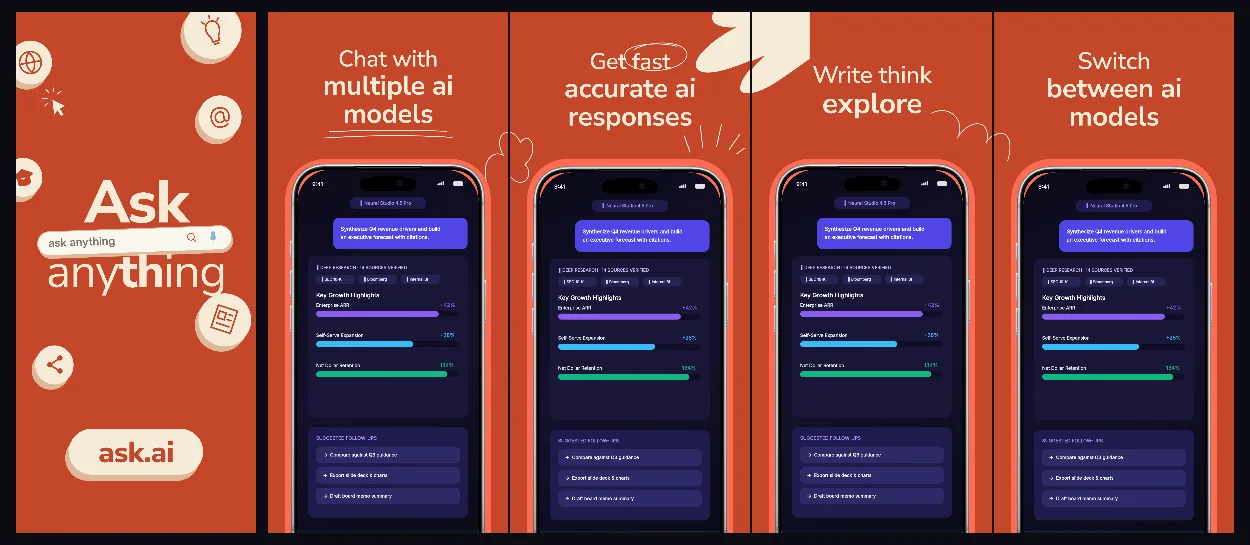
All 50 App Store Connect locales are built into every AppScreenDesign project with independent copy, raw captures and layout overrides.
Practical walkthrough
Keep word blocks intact and cover both App Store and Google Play slots for Korea.
Populate natural Korean headlines with consistent politeness/register across all panels.
Adjust line breaks so multi-syllable Korean words never split awkwardly across lines.
Render 1320 × 2868 App Store and 1080 × 1920 + 1024 × 500 Google Play bundles from the same project.
Splitting a Korean word mid-syllable looks broken. Tune headline breaks in Studio so every line ends cleanly at a natural space boundary.
Korea is a major Google Play market alongside iOS—export 1320 × 2868 iPhone sets, 1080 × 1920 Android sets and 1024 × 500 Feature Graphics from one project.
Clean high-contrast layouts (like Minimal Light, Prism Wealth and Inquira) align strongly with top Korean utility and finance aesthetics.
Choose one consistent Korean register—concise noun-ending headlines or polite conversational endings—across all 5–10 panels rather than mixing styles.
Check bold vs regular word highlights in the browser editor so emphasized Korean keywords pop clearly against dark and light backgrounds.
Questions
Yes. Free ($0 forever) includes the full 3D browser studio, ready-made template library, Remote MCP access to test AI agents, and unlimited draft projects with watermarked preview exports.
Never. Every scene stays an editable multi-layer SceneDoc with live text, 3D hardware poses, backgrounds, vector badges and per-locale overrides.
No ($0 AI markup). Connect Claude, ChatGPT, Cursor or Codex via https://appscreendesign.com/mcp using the AI subscription you already have.
Start with a composition. Keep every detail editable.