Own your AI workflow
Use your frontier AI coding assistant to write, critique and localize store copy with full context of your actual codebase.
Comparison
Looking for a Screenshots.pro alternative? AppScreenDesign combines real interactive 3D studio hardware, editable 3D & panoramic templates, 50 store locales, and a first-party Remote MCP Server for $69/year.
$69 / year ($5.75/mo)Real-time 3D rotation, depth, camera & lightingConnect your own Claude/ChatGPT/Cursor via Remote MCP ($0 markup)Free plan ($0 forever) · Pro $69/yr · No credit card required
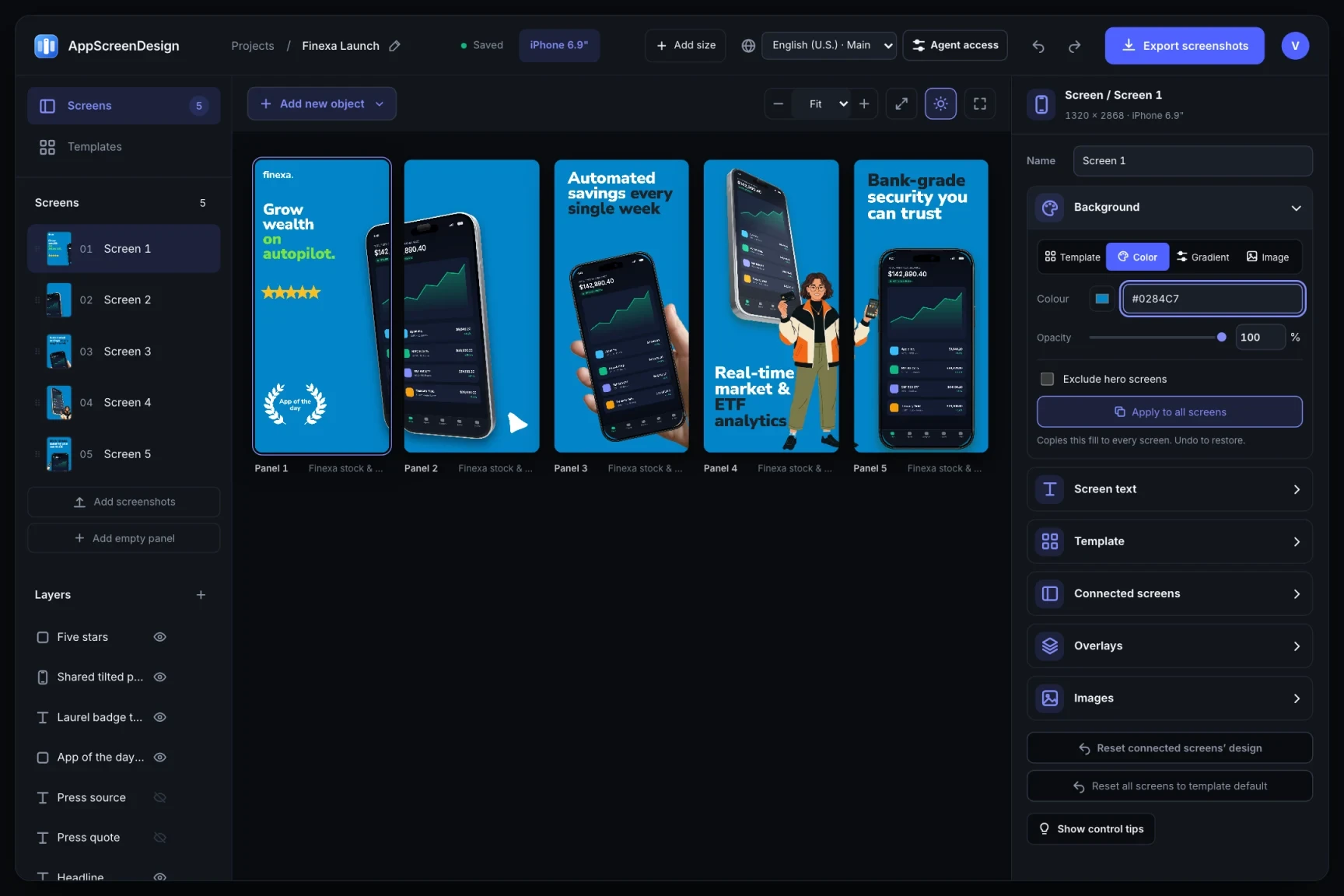
Side-by-side comparison
| Capability | AppScreenDesign | Screenshots.pro |
|---|---|---|
| Annual Pro pricing | $69 / year ($5.75/mo) | Higher annual/monthly subscription tiers |
| 3D hardware engine | Real-time 3D rotation, depth, camera & lighting | Primarily 2D & preset-angle device frames |
| AI workflow | Connect your own Claude/ChatGPT/Cursor via Remote MCP ($0 markup) | Platform-bound AI translation credits |
| Emerging store formats | iPhone Duo (outer & inner), Vision Pro, Watch S11, Play Feature Graphic | Standard phone & tablet presets |
| Local free tools | Size/Alpha Checker, Play Banner Maker, Store Simulator, Splitter | Limited public utilities |
Comparison reflects publicly documented capabilities and standard subscription models as of 2026. All third-party product names belong to their respective owners.
Practical walkthrough
Compare output quality with your own app captures before spending a dollar.
Test 3D rotation, panoramic seams and palette restyling on the $0 Free plan.
Let your existing AI coding assistant draft localized headlines across target markets at $0 token markup.
Upgrade only when you are ready to download production App Store and Google Play ZIP bundles.
Use your frontier AI coding assistant to write, critique and localize store copy with full context of your actual codebase.
Combine floating exploded UI crops, physical shadows and rotated titanium bezels without leaving your browser.
Unlimited projects, unlimited screens, 50 locales and full API/MCP access in one straightforward plan.
Whether you prefer dragging layers directly on canvas or prompting an agent to build a 10-locale release matrix, both paths edit the exact same project state.
Open any template in the full 3D browser studio on the Free plan—no credit card wall before you see your own screenshots rendered.
Questions
Yes. Free ($0 forever) includes the full 3D browser studio, ready-made template library, Remote MCP access to test AI agents, and unlimited draft projects with watermarked preview exports.
Never. Every scene stays an editable multi-layer SceneDoc with live text, 3D hardware poses, backgrounds, vector badges and per-locale overrides.
No ($0 AI markup). Connect Claude, ChatGPT, Cursor or Codex via https://appscreendesign.com/mcp using the AI subscription you already have.
Start with a composition. Keep every detail editable.