Zero App Store dimension rejections
Select iPhone 6.9", iPad Pro 13" or Google Play Feature Graphic and export validated, alpha-free 24-bit PNGs automatically.
Comparison
Canva is great for social posts, but App Store Connect rejects wrong pixel ratios, outdated phone frames and RGBA alpha channels. AppScreenDesign gives you exact store presets, real 3D Apple & Android bezels, and 50-locale management.
18 exact App Store Connect & Google Play output familiesCurrent iPhone 18 Pro Max, iPhone Duo, iPad Pro M5, Watch S11 & MacLive 3D rotation, camera FOV & physical surface shadowsFree plan ($0 forever) · Pro $69/yr · No credit card required
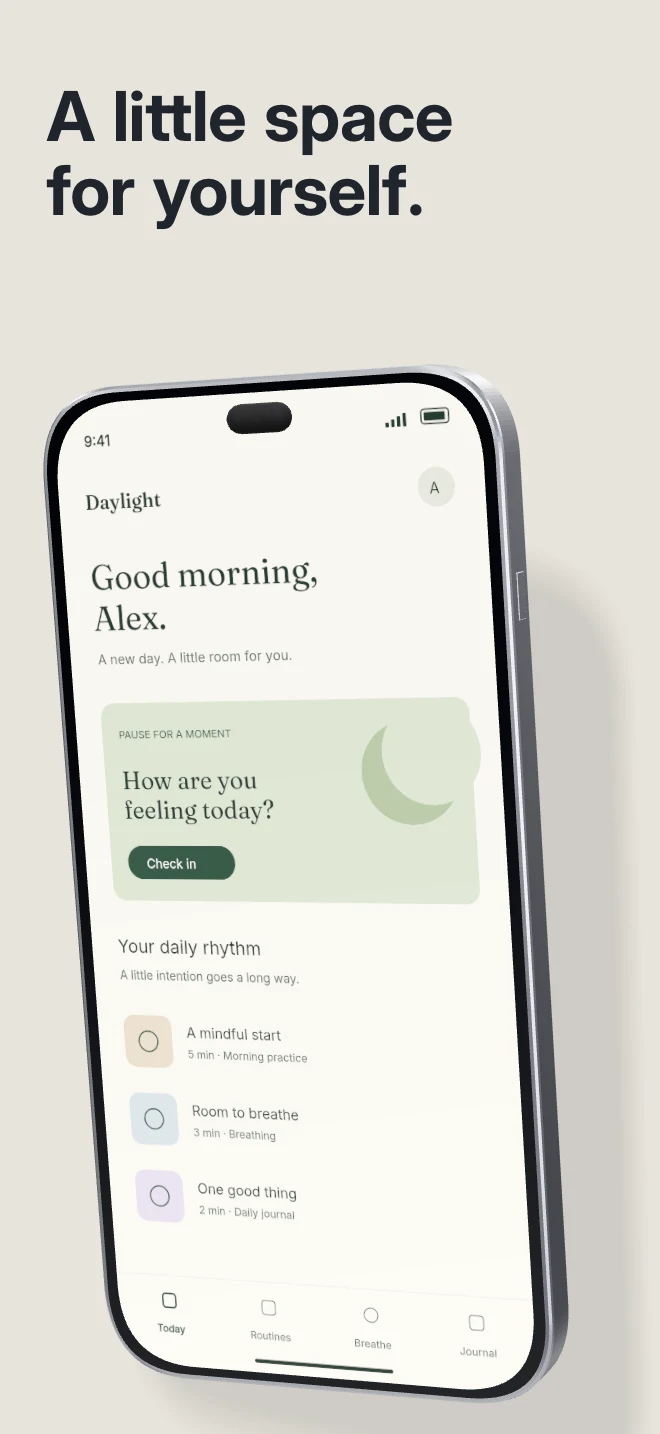
Side-by-side comparison
| Capability | AppScreenDesign | Canva |
|---|---|---|
| Store pixel presets | 18 exact App Store Connect & Google Play output families | Generic social canvases; manual custom dimensions |
| Device bezels | Current iPhone 18 Pro Max, iPhone Duo, iPad Pro M5, Watch S11 & Mac | Often outdated notched phone clip-art frames |
| 3D device angles | Live 3D rotation, camera FOV & physical surface shadows | Static 2D elements |
| Connected panoramas | Cross-panel 3D devices exported cleanly into individual panels | Requires manual cropping and external image splitters |
| 50-locale release workflow | Structured per-locale copy & raw capture slots | Manual page copying per language |
Comparison reflects publicly documented capabilities and standard subscription models as of 2026. All third-party product names belong to their respective owners.
Practical walkthrough
Eliminate custom-canvas guesswork and outdated clip-art phone frames.
Start on a locked 1320 × 2868 iPhone, 2064 × 2752 iPad or 1024 × 500 Google Play canvas.
Frame your UI inside current titanium iPhone 18 Pro Max, iPhone Duo, iPad Pro M5 or Android bezels.
Download a clean ZIP guaranteed to pass App Store Connect dimension and opacity checks.
Select iPhone 6.9", iPad Pro 13" or Google Play Feature Graphic and export validated, alpha-free 24-bit PNGs automatically.
Replace dated home-button or wide-notch stock frames with crisp titanium bezels and authentic handheld photography.
Swap a single screen capture slot without ungrouping or breaking masks across five slides.
Generic graphic tools treat every slide as an isolated poster. AppScreenDesign understands capture slots, device families, connected hero groups and App Store Connect locale codes.
Need a quick 1024 × 500 Google Play feature banner or PNG alpha-channel check? Use our free local browser tools anytime without even signing in.
Questions
Yes. Free ($0 forever) includes the full 3D browser studio, ready-made template library, Remote MCP access to test AI agents, and unlimited draft projects with watermarked preview exports.
Never. Every scene stays an editable multi-layer SceneDoc with live text, 3D hardware poses, backgrounds, vector badges and per-locale overrides.
No ($0 AI markup). Connect Claude, ChatGPT, Cursor or Codex via https://appscreendesign.com/mcp using the AI subscription you already have.
Start with a composition. Keep every detail editable.