A clear starting point
A focused launch hero

Editable template
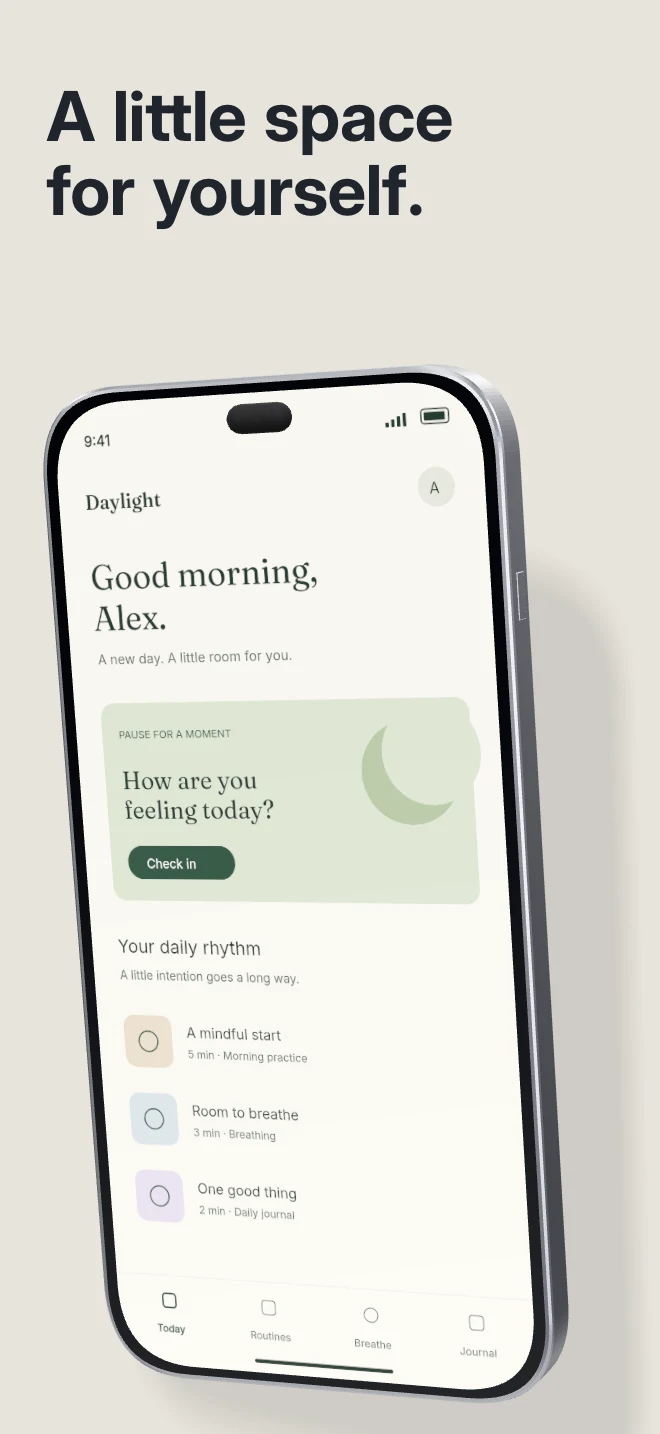
A quiet first frame for a product with a strong interface. A single phone, pale surface and physical cast shadow keep attention on the screen.
Free during early access · No card required
Counts come from the template recipe. Text layer count is per unique layer ID; capture inputs count distinct slots across the authored layouts. You can add screens and layers in the editor.
Practical walkthrough
Upload the capture you want to lead with.
Keep the opening headline short enough to read at store scale.
Adjust the phone angle and shadow before exporting the sequence.
A focused launch hero
Wellness, journals and daily utilities
One clear promise above one screen
Studio shadow creates depth through one device and its contact with the surface. Use restrained background colors, then check that the dark edge of the phone still reads against them. The device pose, lighting and case remain editable.
Questions
The public preview uses an illustrative app called Daylight. Upload your own real app capture when creating the project.
Yes. The template opens as editable text, image, device and shape layers. It is not a flattened screenshot.
Project history supports undo. Previously used templates also retain the saved edits for that project, family and localization.
Start with a composition. Keep every detail editable.