One benefit per screen
Name one useful action such as tracking, planning, saving or understanding spending.

Use-case templates
Money products need clarity and trust. Use an ordered screenshot set to show the action, the feedback and the result without visual clutter.
Free during early access · No card required
Practical walkthrough
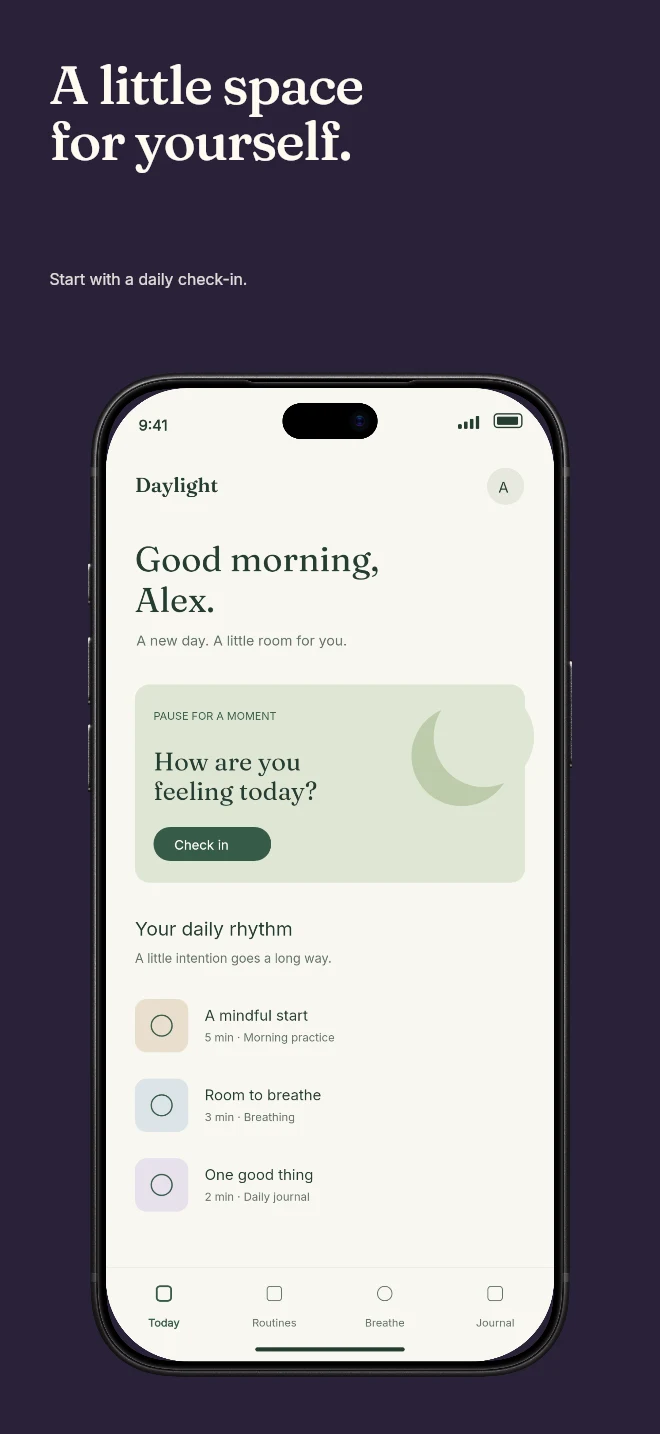
The preview demonstrates a visual composition with the illustrative Daylight app, not a finance product. Replace it with your budgeting app captures and review every claim against the actual feature.
Use the overview screen and a concrete caption such as “See where your money goes.” Minimal light can keep balances and categories readable.
Show creating a budget or categorizing a transaction. Two devices can explain input and result when both captures remain legible.
Use a real planning view. Show demo data safely and avoid implying guaranteed savings, investment returns or a relationship with a bank that does not exist.
Name one useful action such as tracking, planning, saving or understanding spending.
Choose framing and contrast that let the actual interface remain legible at store scale.
Update copy and supporting badges as the product, pricing or policy changes.
Finance screenshots should make the product feel understandable. A strong composition highlights the interface and gives claims enough room to be checked.
Use the first screens to establish the product, then show the workflow and the recurring value. Keep language specific to what the app really does.
Questions
No. Start with your real app screenshots, choose a composition, then change copy, colors, device frames and artwork in the browser editor.
Yes. Upload the original PNG or JPEG captures. Your screenshots replace the illustrative content in a template while the layout stays editable.
Yes. Connect a compatible MCP client after sign in. Your agent can create projects, edit scenes, preview results and export them. Attachment uploads require a client that can provide a supported file reference.
Start with a composition. Keep every detail editable.