A clear starting point
Showing a before-and-after workflow

Editable template
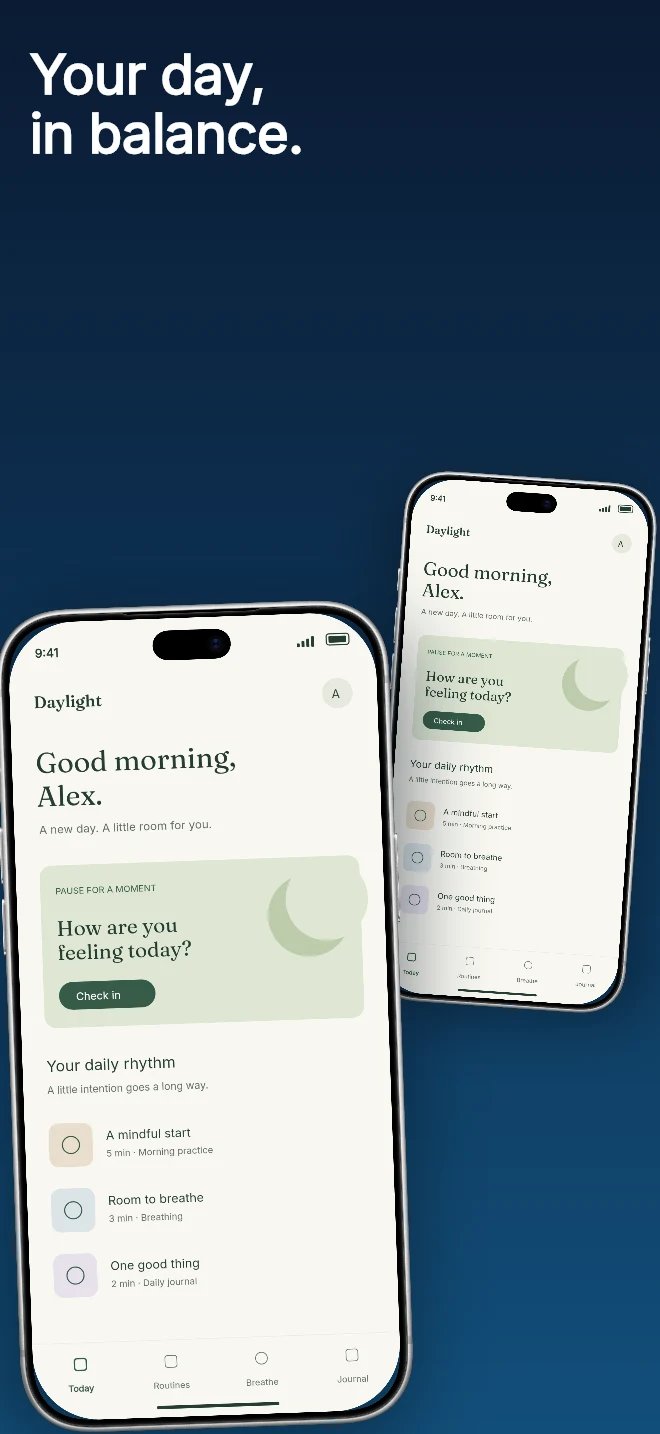
A smaller rear device and a larger foreground device suggest a product flow. The overlapping frames remain separate editable objects.
Free during early access · No card required
Counts come from the template recipe. Text layer count is per unique layer ID; capture inputs count distinct slots across the authored layouts. You can add screens and layers in the editor.
Practical walkthrough
Choose the primary capture for the foreground device.
Check which capture slot each device uses before replacing an image.
Adjust the overlap so both devices still look deliberate at small size.
Showing a before-and-after workflow
A product with a clear secondary view
Adding depth while retaining flat device frames
Two devices is a layered 2D composition. It adds depth through size, rotation and shadow, without requiring a shared 3D studio. Use the front device for the most important action and make sure the rear screen still adds context.
Questions
The public preview uses an illustrative app called Daylight. Upload your own real app capture when creating the project.
Yes. The template opens as editable text, image, device and shape layers. It is not a flattened screenshot.
Project history supports undo. Previously used templates also retain the saved edits for that project, family and localization.
Start with a composition. Keep every detail editable.